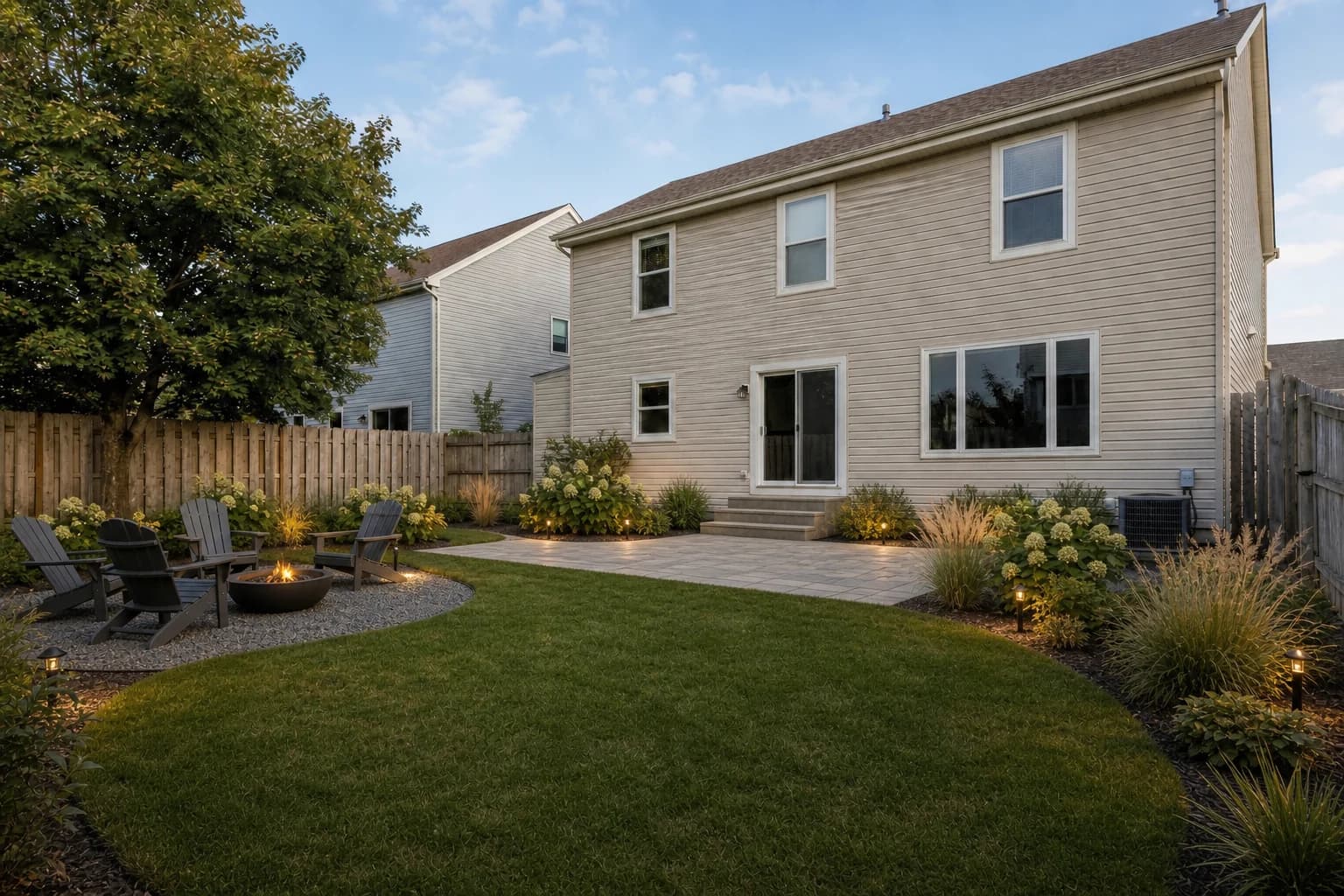
AI Backyard Design
Explore layouts for lawns, patios, outdoor seating, gardens, and entertaining spaces.
Try AI Backyard DesignFree to start · No design experience needed
Upload a photo of your outdoor space and explore photorealistic garden ideas before you start digging. GardenGPT adapts each concept to your sunlight, soil, and style—helping you choose plants and layouts with confidence.
See how different styles, layouts, and planting ideas can change the same outdoor space. Compare options before you commit to a real-world project.
More space types and styles are waiting in the workspace.
Upload & DesignGardenGPT is a free AI garden design tool that helps you visualize new possibilities for your existing outdoor space. Upload a photo of your garden, yard, patio, or other outdoor area and explore realistic design ideas without professional design skills. Instead of starting with a blank canvas, GardenGPT works from the space you already have. Your home, existing structures, pathways, mature plants, and other important features can remain part of the design while you explore different possibilities.
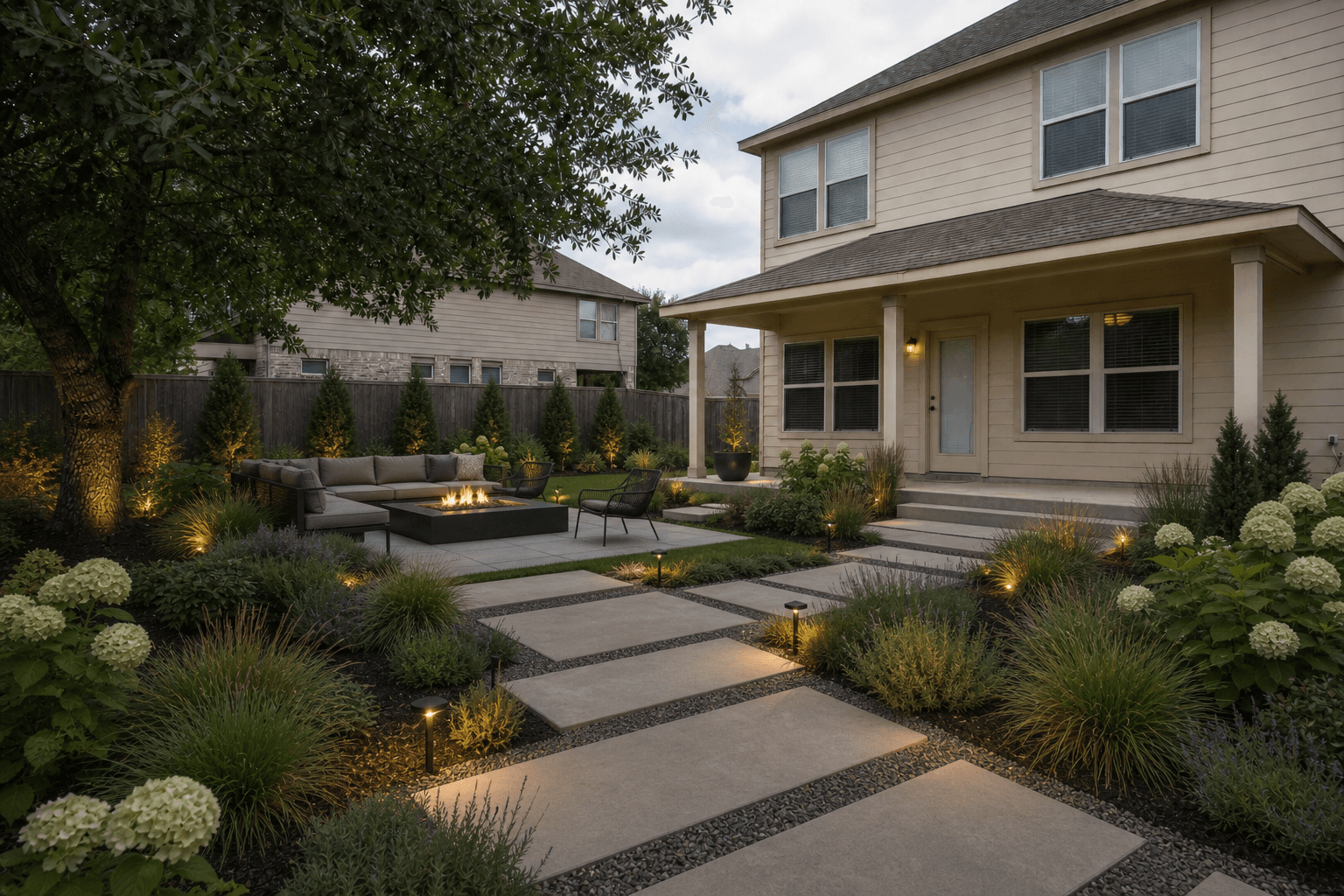 Modern retreat
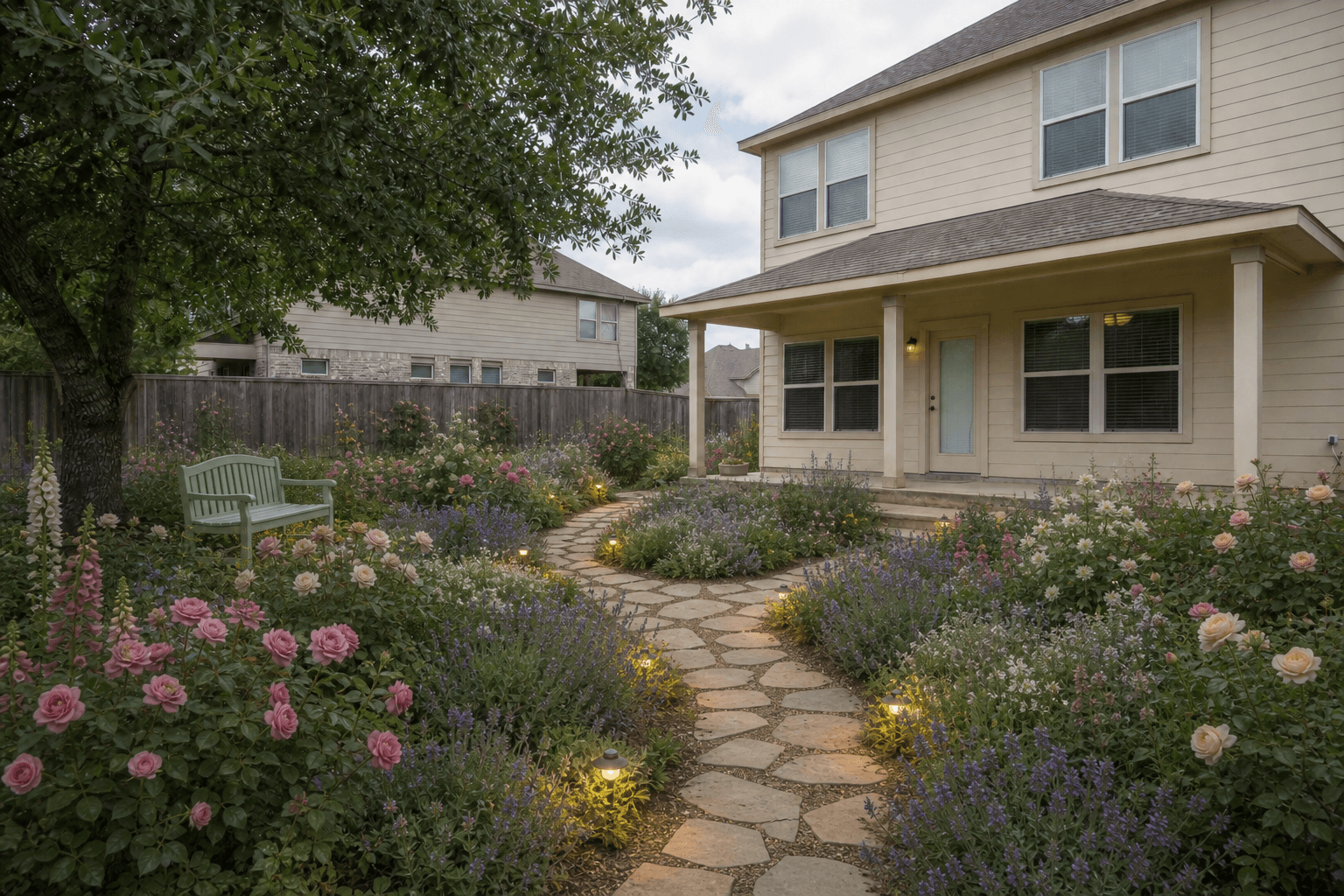 Cottage garden
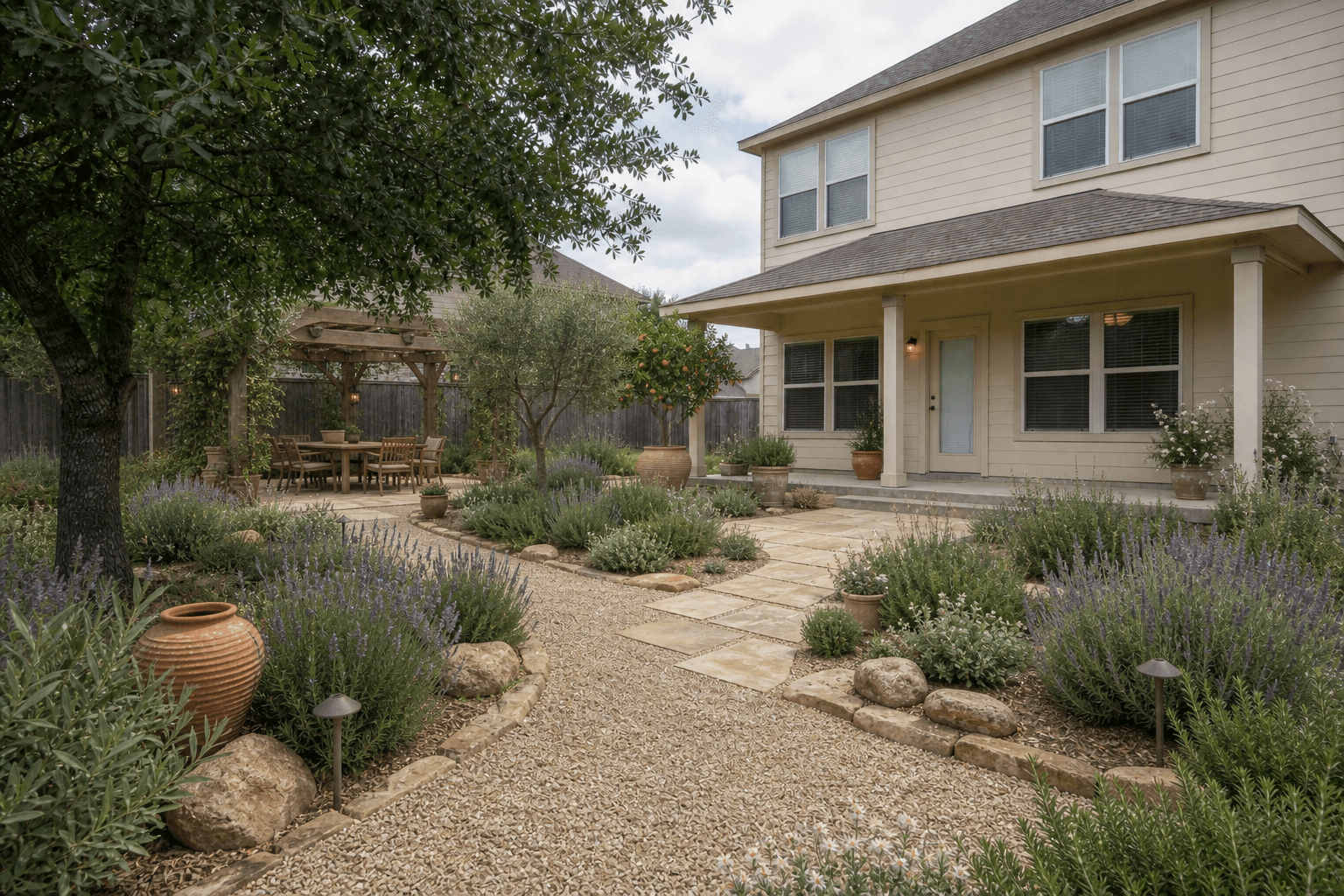 Mediterranean escape
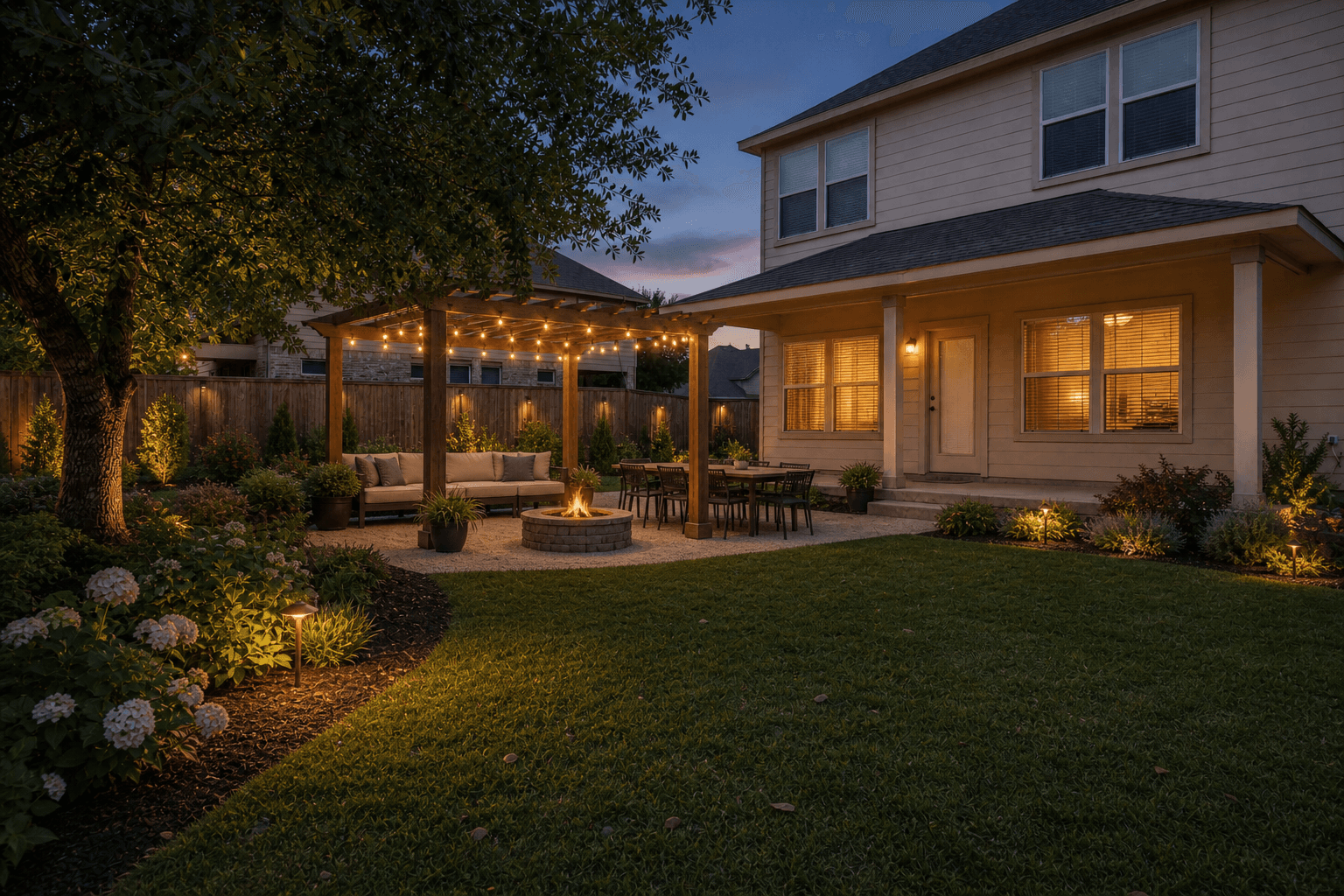 Entertaining garden
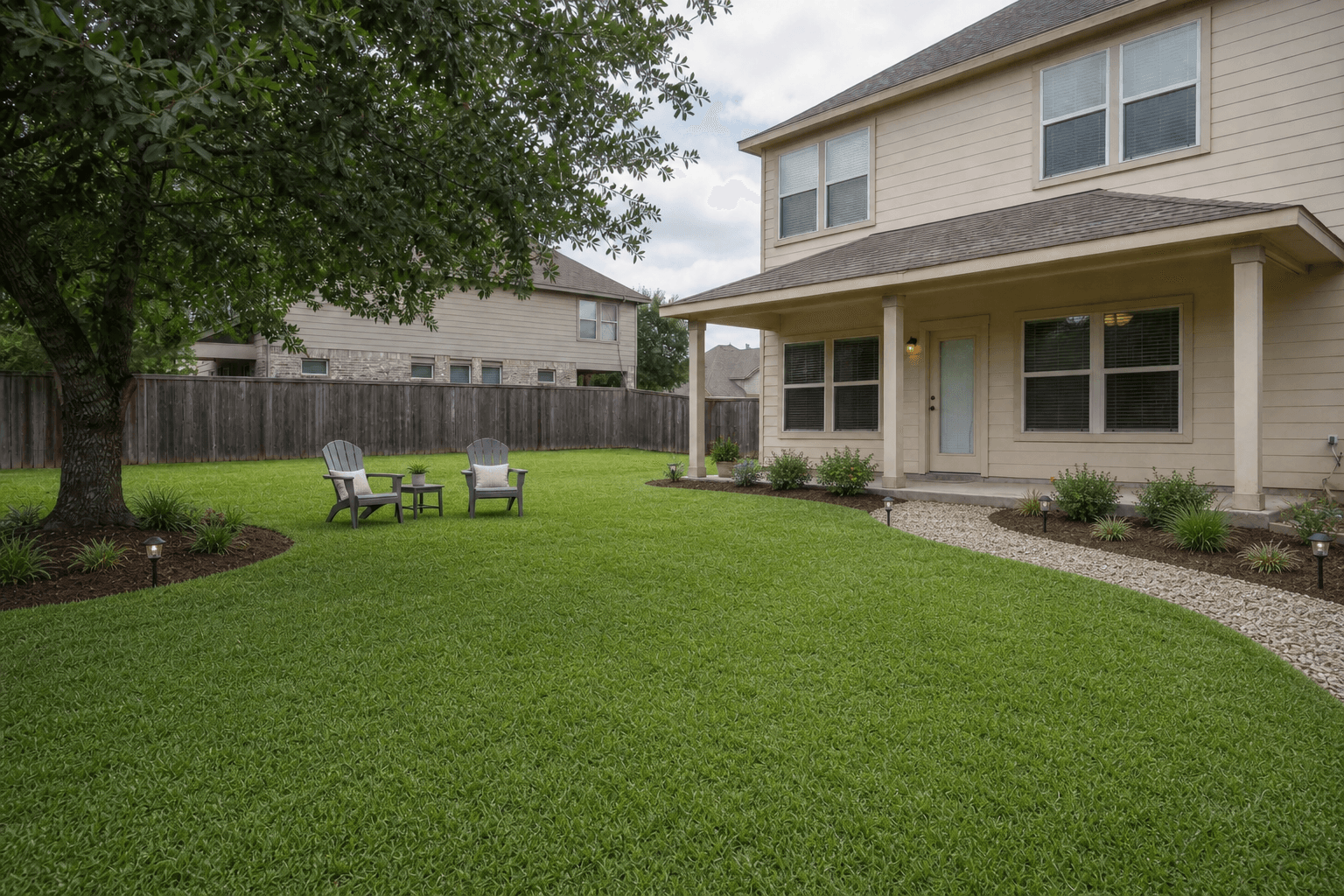 Low-effort refresh
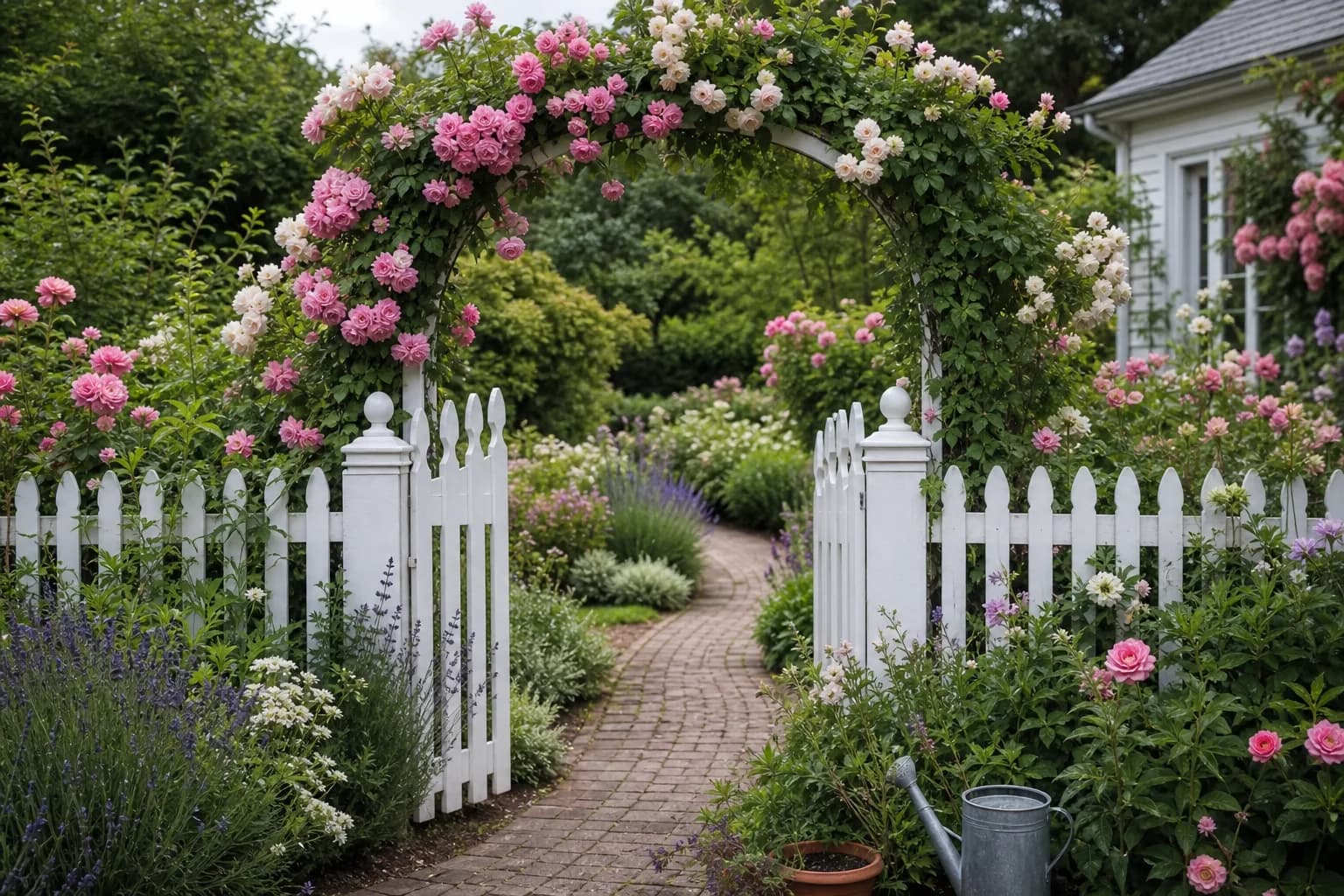 Lush natural garden
From backyard makeovers to front yard landscaping, GardenGPT helps you explore design ideas for the outdoor spaces around your home.
Explore layouts for lawns, patios, outdoor seating, gardens, and entertaining spaces.
Try AI Backyard Design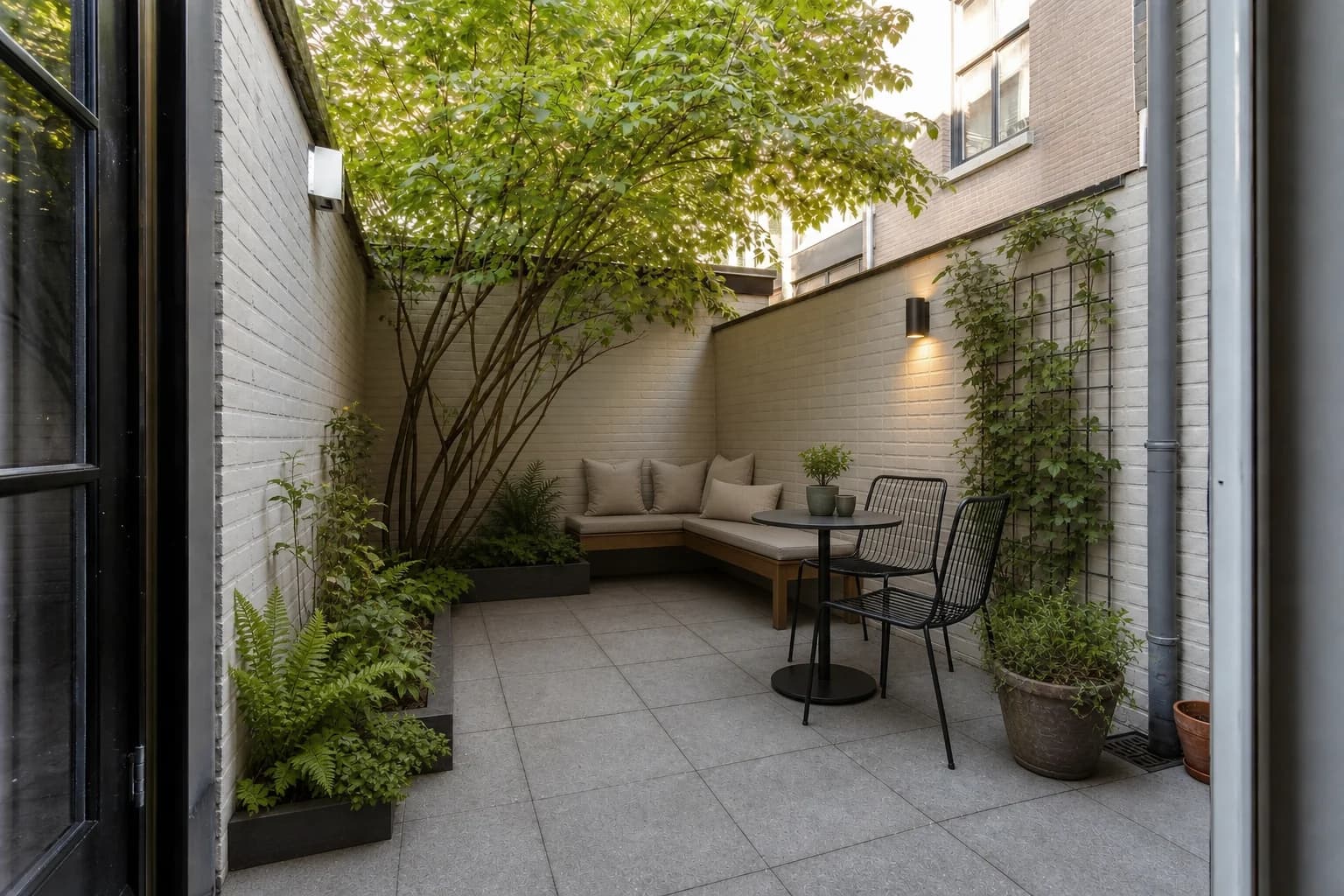
Visualize planting layouts, pathways, hardscaping, garden beds, and complete landscape ideas.
Explore AI Landscape Design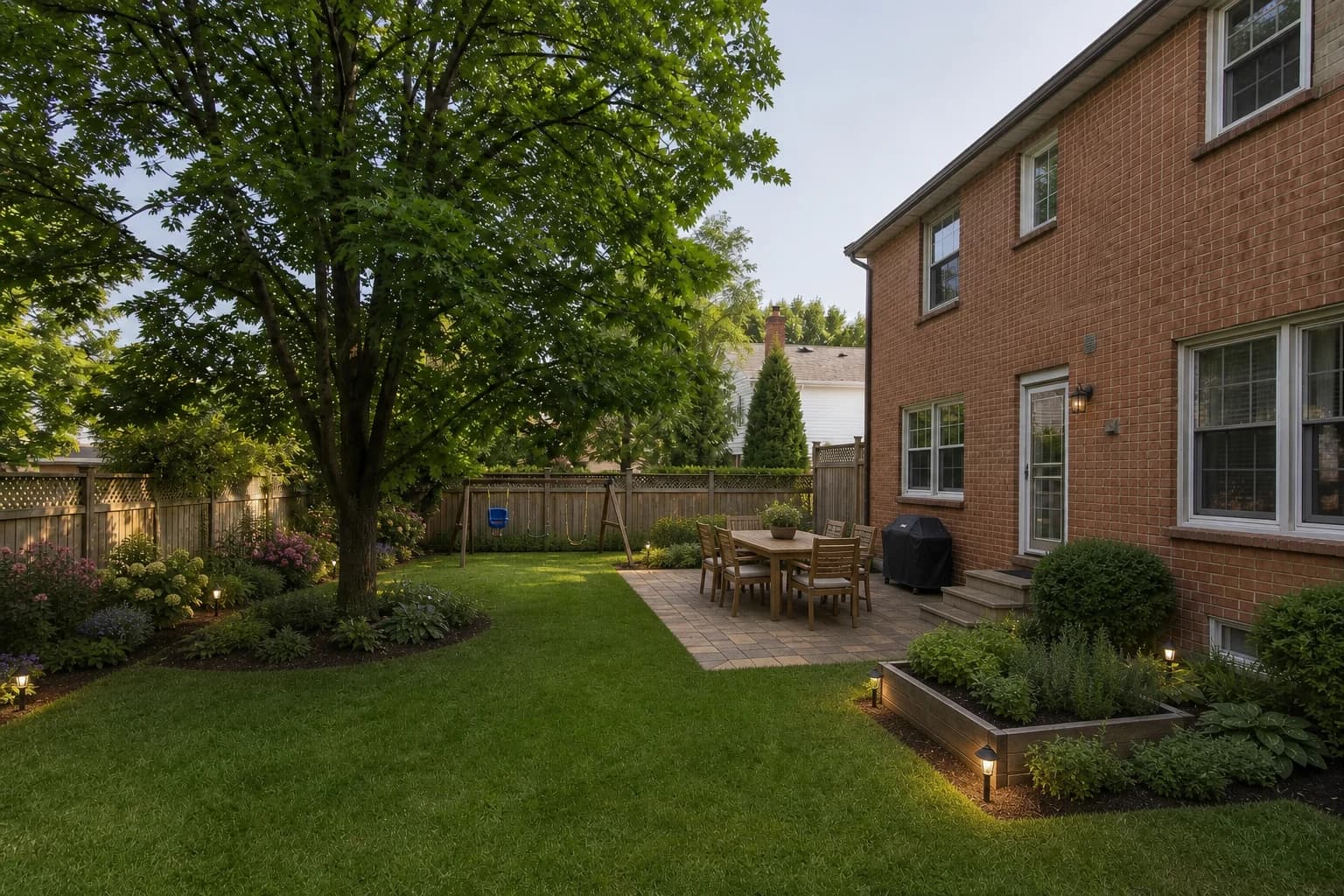
Turn your existing yard into a more functional, beautiful, and personalized outdoor space.
Try AI Yard Design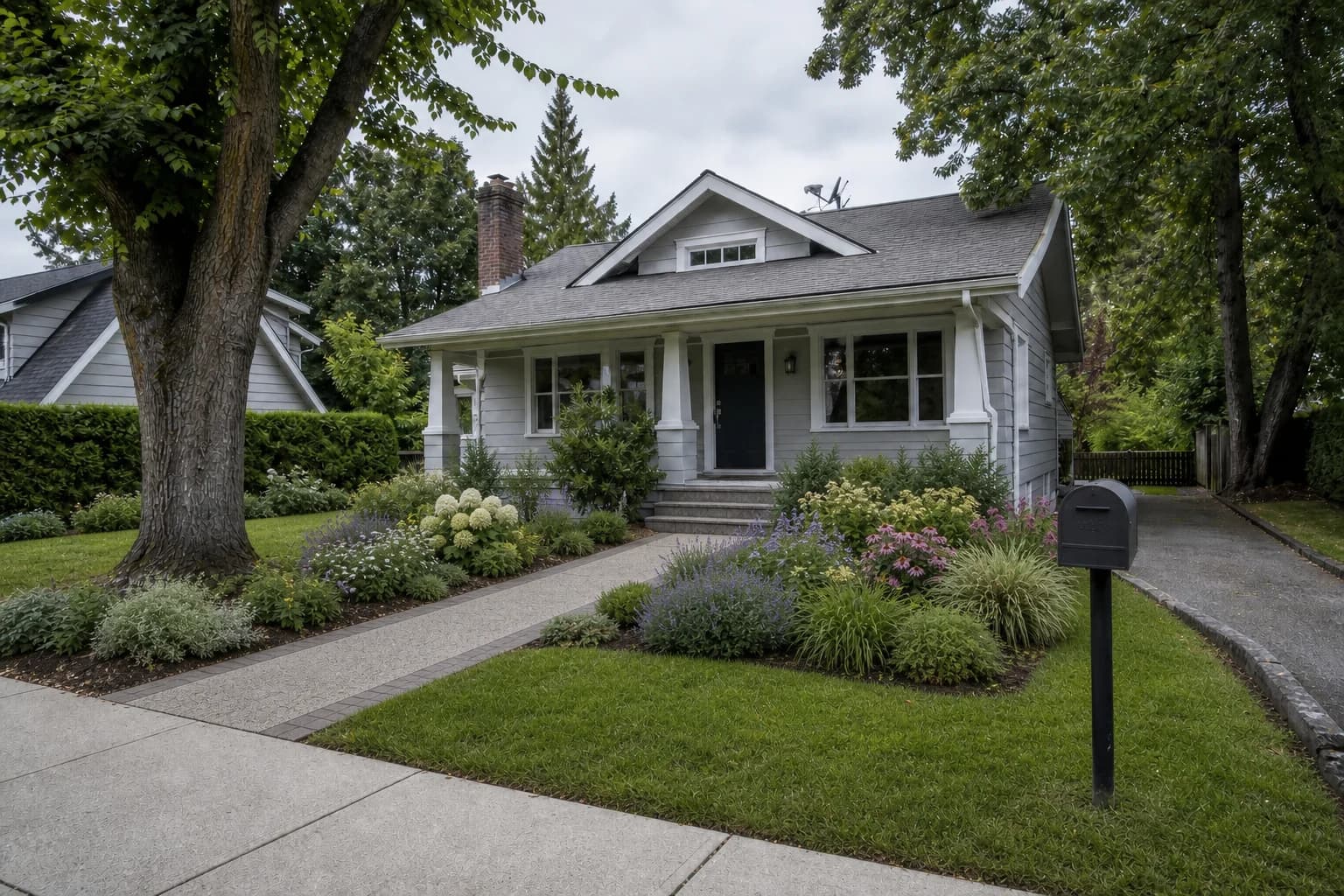
Explore planting, pathways, curb appeal, entrances, and front yard landscaping ideas.
Explore Front Yard Design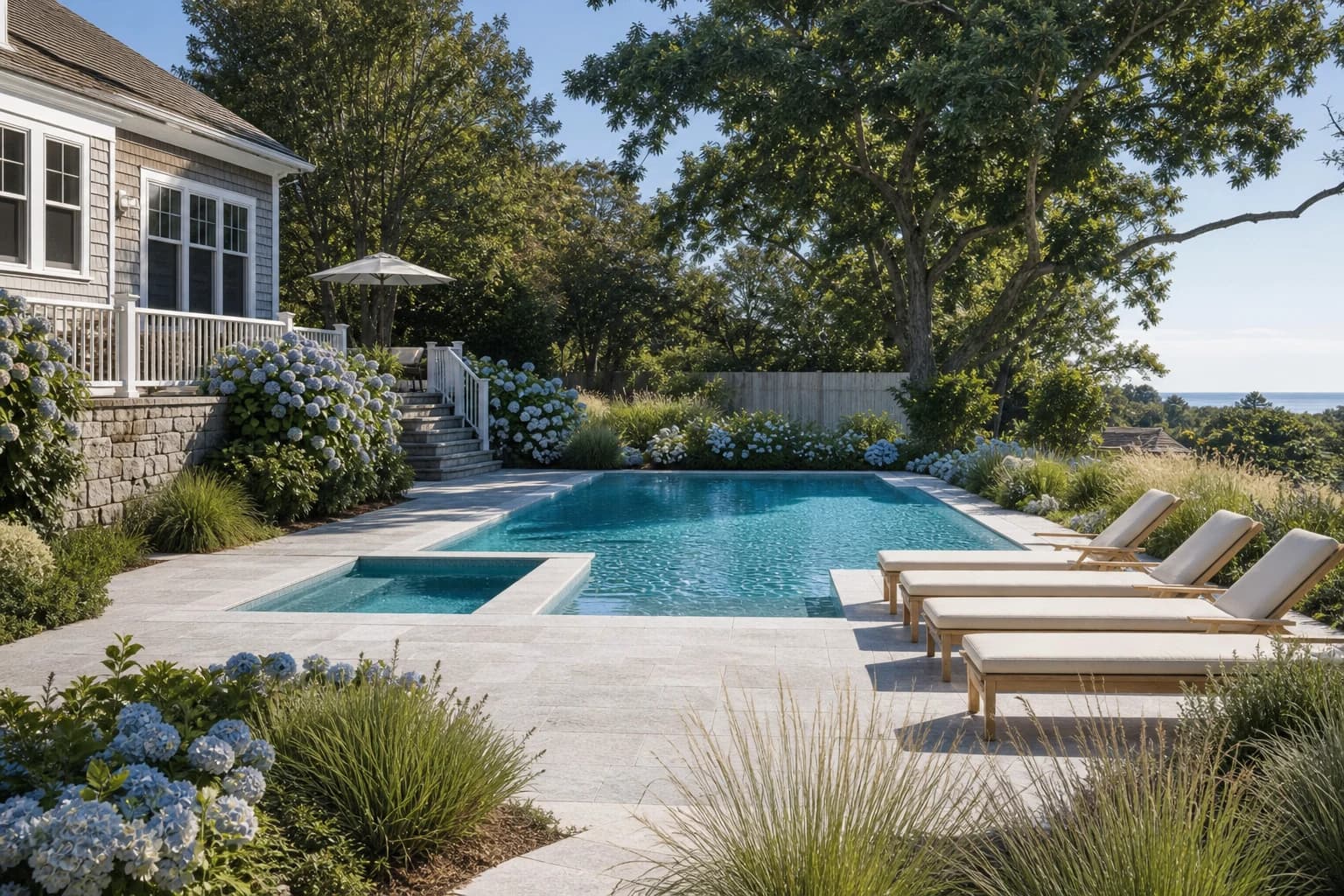
Visualize planting, seating, poolside layouts, privacy, and landscaping around your pool.
Try Pool Landscape Design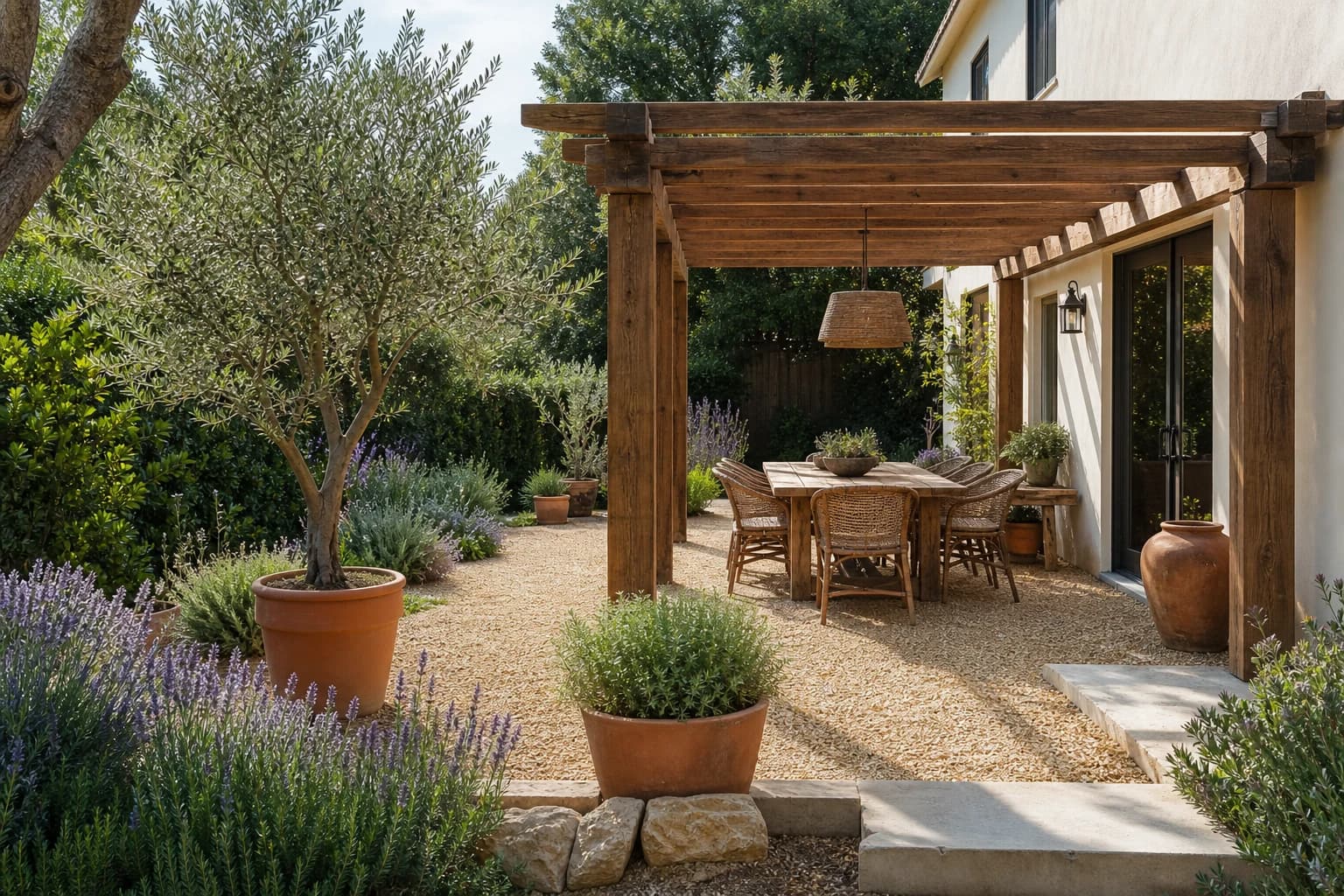
Plan paving, dining areas, shade, planters, and privacy for a patio or courtyard.
Try Patio DesignStart with your existing outdoor space and turn your ideas into realistic visual concepts.
Start with one photo or add up to four views of the same space.
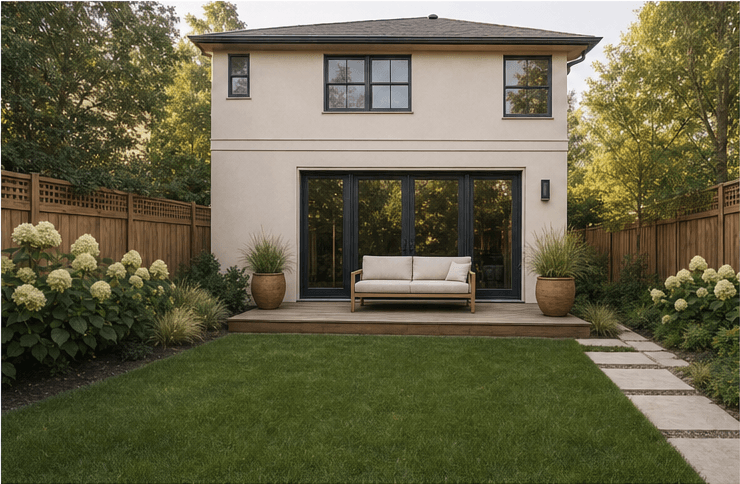 Front view
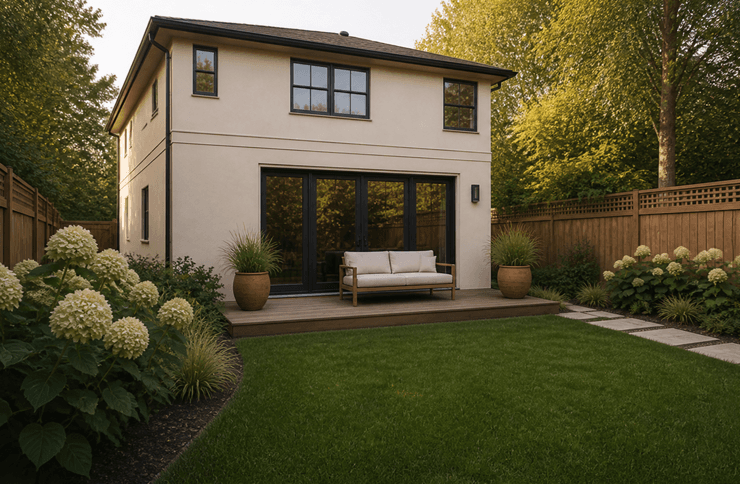 Left view
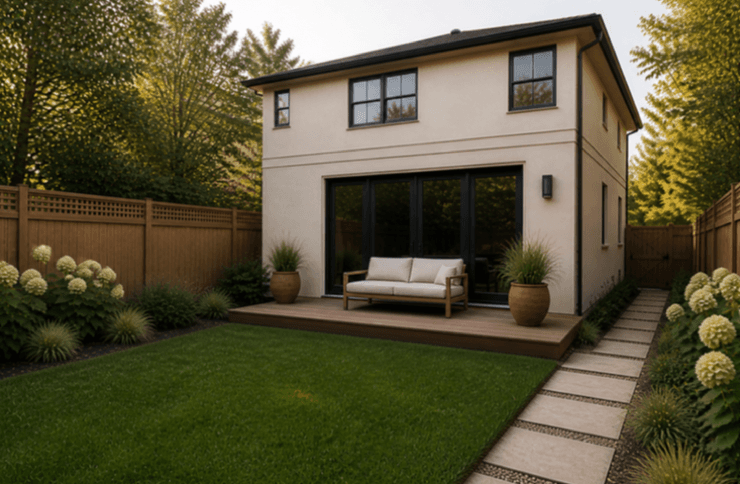 Right view
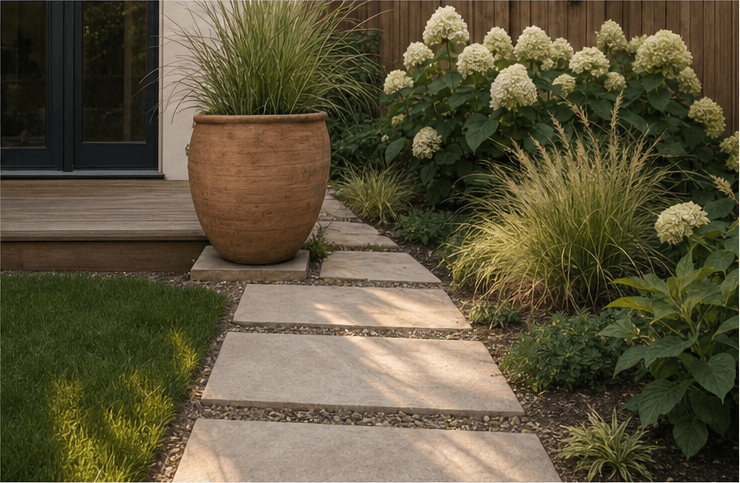 Detail view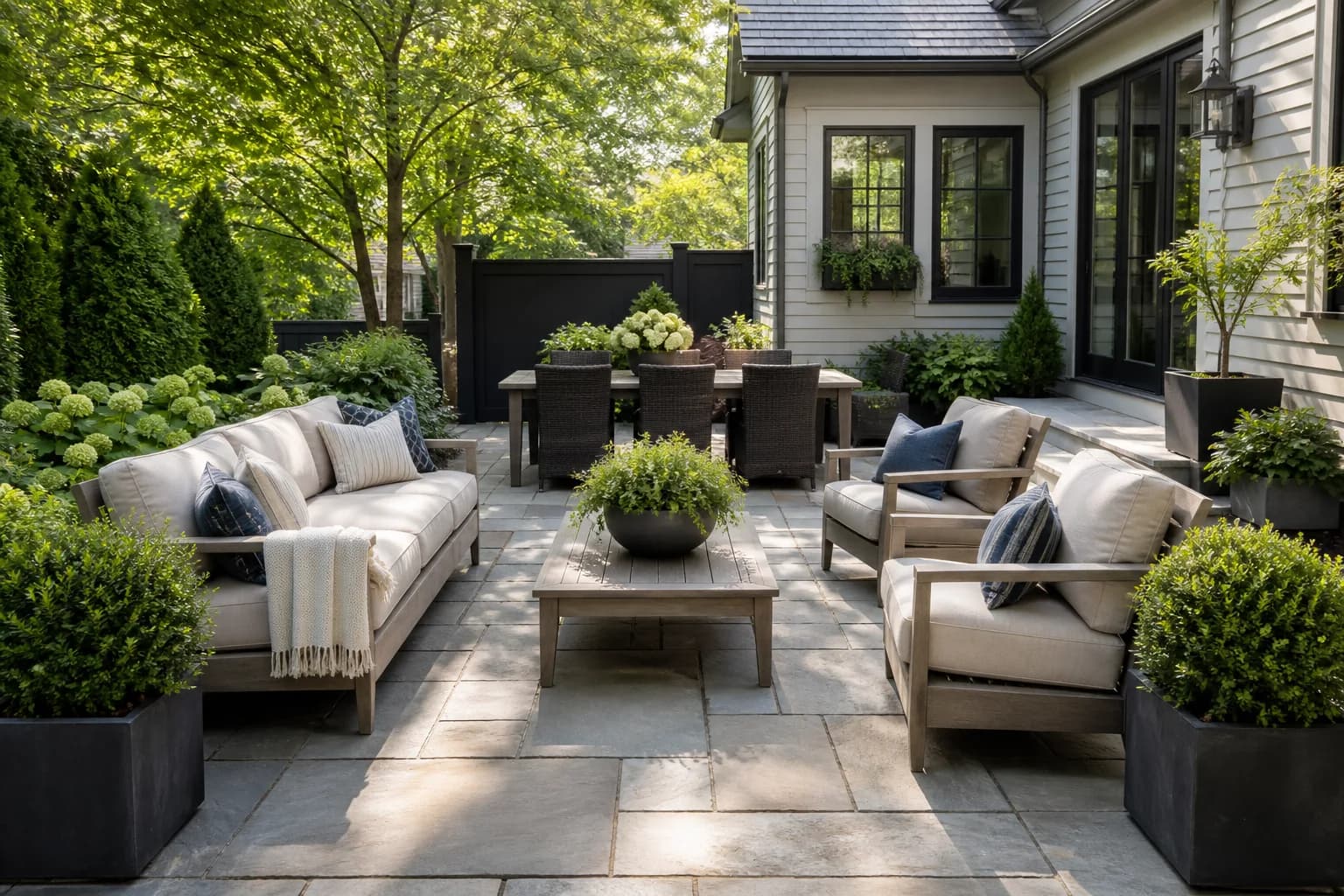
Tell us the space type, style, priorities, and what should stay.
Review several realistic directions before choosing a favorite.
Enhance the result, explore HD or video, and keep what inspires you.
GardenGPT helps you explore realistic directions before buying materials, moving plants, or starting a landscaping project. Stay in control and use AI to turn possibilities into practical ideas for your space.
Keep the home, deck, mature plants, or other features you do not want to replace.
Compare low-effort refreshes with more ambitious landscaping ideas and decide what fits your project.
Use every concept as inspiration, not a rigid blueprint. Refine the ideas until they feel right for your space.
Learn how GardenGPT turns photos of your existing outdoor space into realistic AI garden design concepts.
GardenGPT is an AI garden design tool that helps you visualize new ideas for your existing outdoor space. Upload photos of your garden, yard, backyard, patio, or other outdoor areas and explore realistic design concepts with AI.
New users can try GardenGPT for free with rewarded credits and start exploring AI garden design ideas without paying upfront.
AI garden design uses artificial intelligence to generate and visualize ideas for an outdoor space based on photos, preferences, or descriptions. GardenGPT uses your existing space as the starting point so you can explore different design directions before making real changes.
You can explore ideas for gardens, backyards, yards, front yards, patios, balconies, and other outdoor spaces. GardenGPT can also help you visualize landscaping and poolside design concepts.
Photos are the best way to help GardenGPT understand your existing space. You can start with one photo and add up to four views of the same space for more context.
No. GardenGPT is designed for homeowners and anyone who wants to explore outdoor design ideas. You don't need professional landscaping or design experience to get started.
Yes. You can tell GardenGPT what you want to keep, change, or improve. Existing structures, plants, paths, and other features can remain part of the design direction.
Yes. GardenGPT can help you explore backyard layouts, landscaping, patios, planting, outdoor seating, and other backyard design ideas.
Yes. You can use GardenGPT to explore front yard landscaping ideas, planting, pathways, entrances, and curb appeal.
Start with one photo today. Add more angles whenever you want a fuller view.
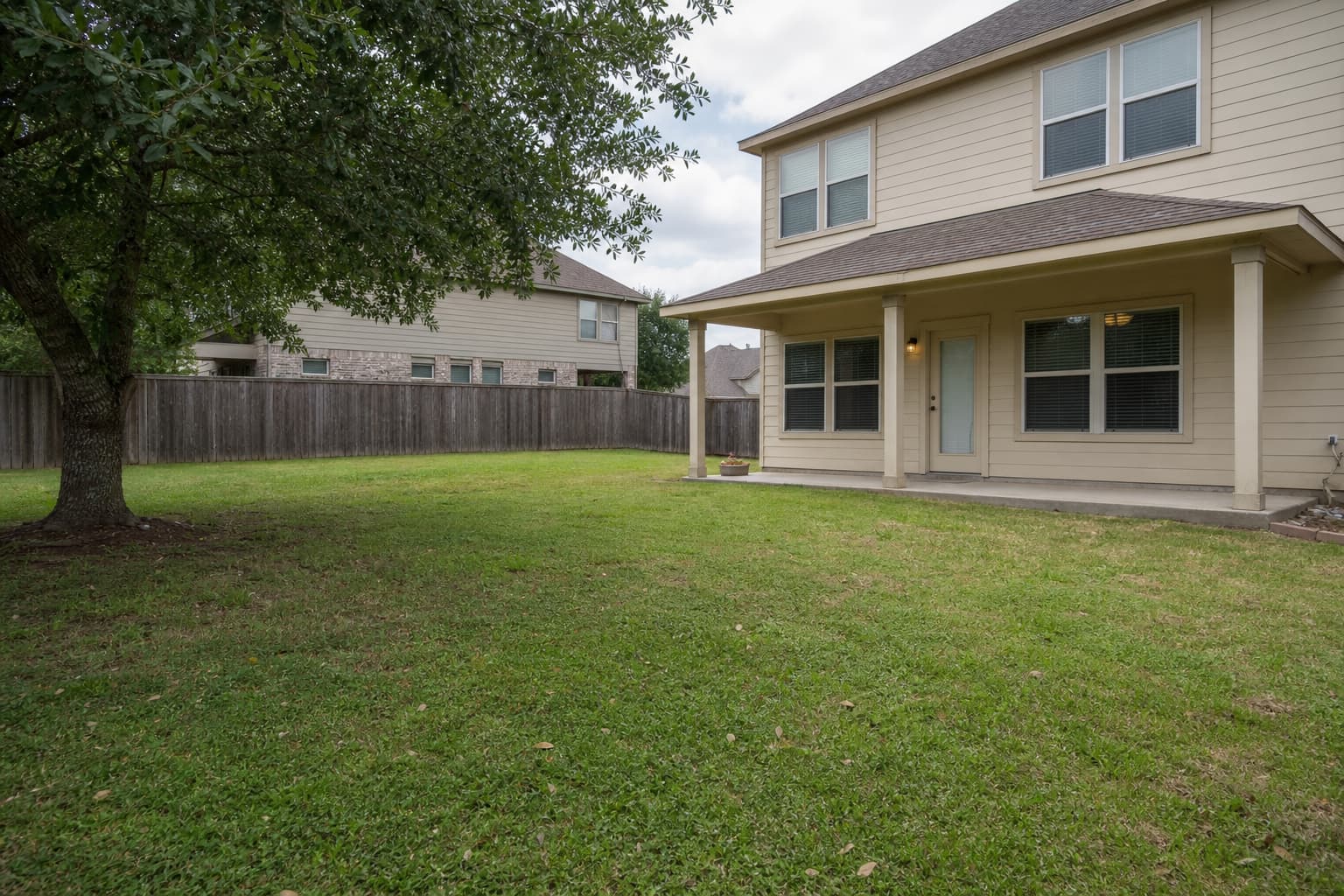
Upload a photo · Generated in about 30 seconds
Upload & Design