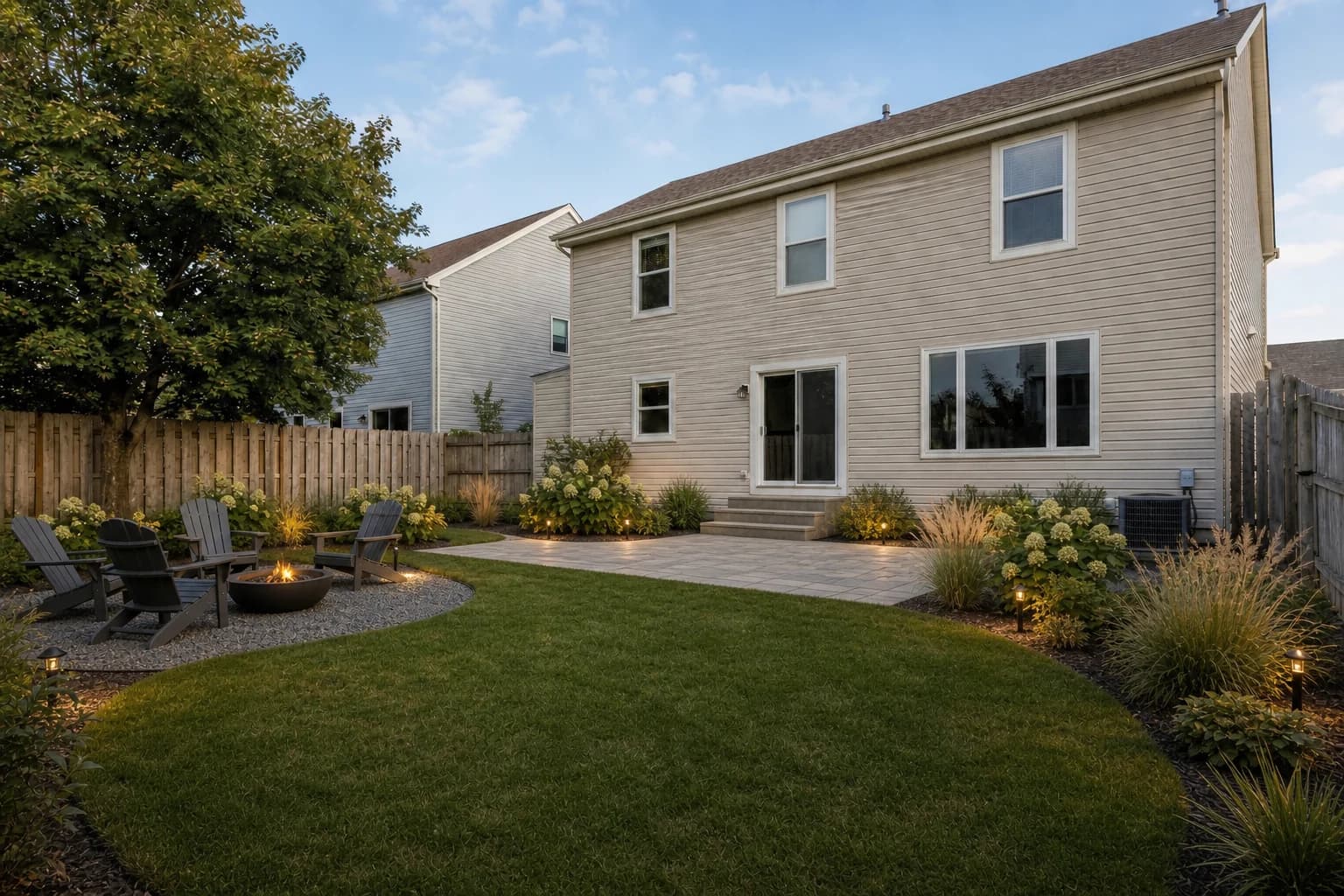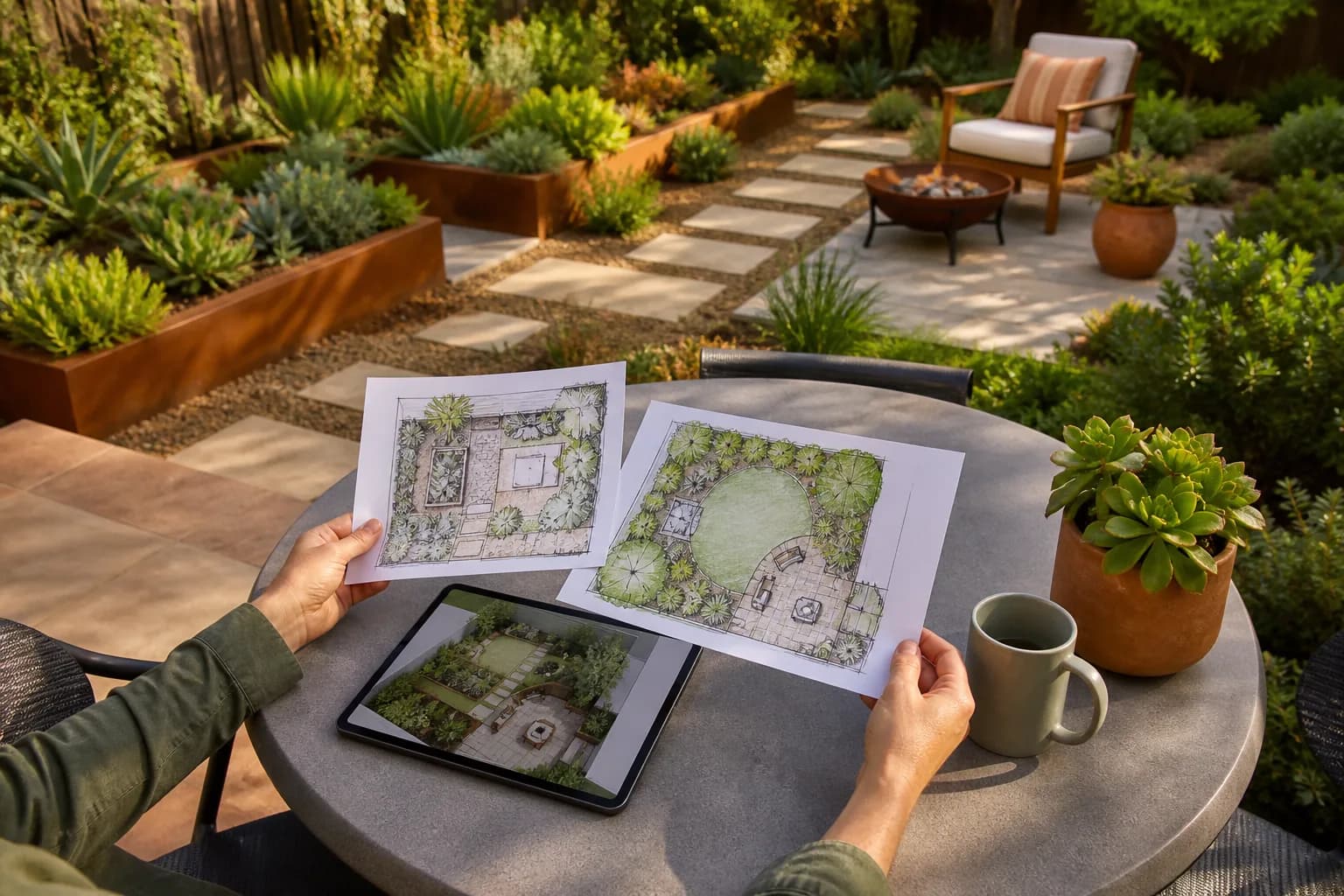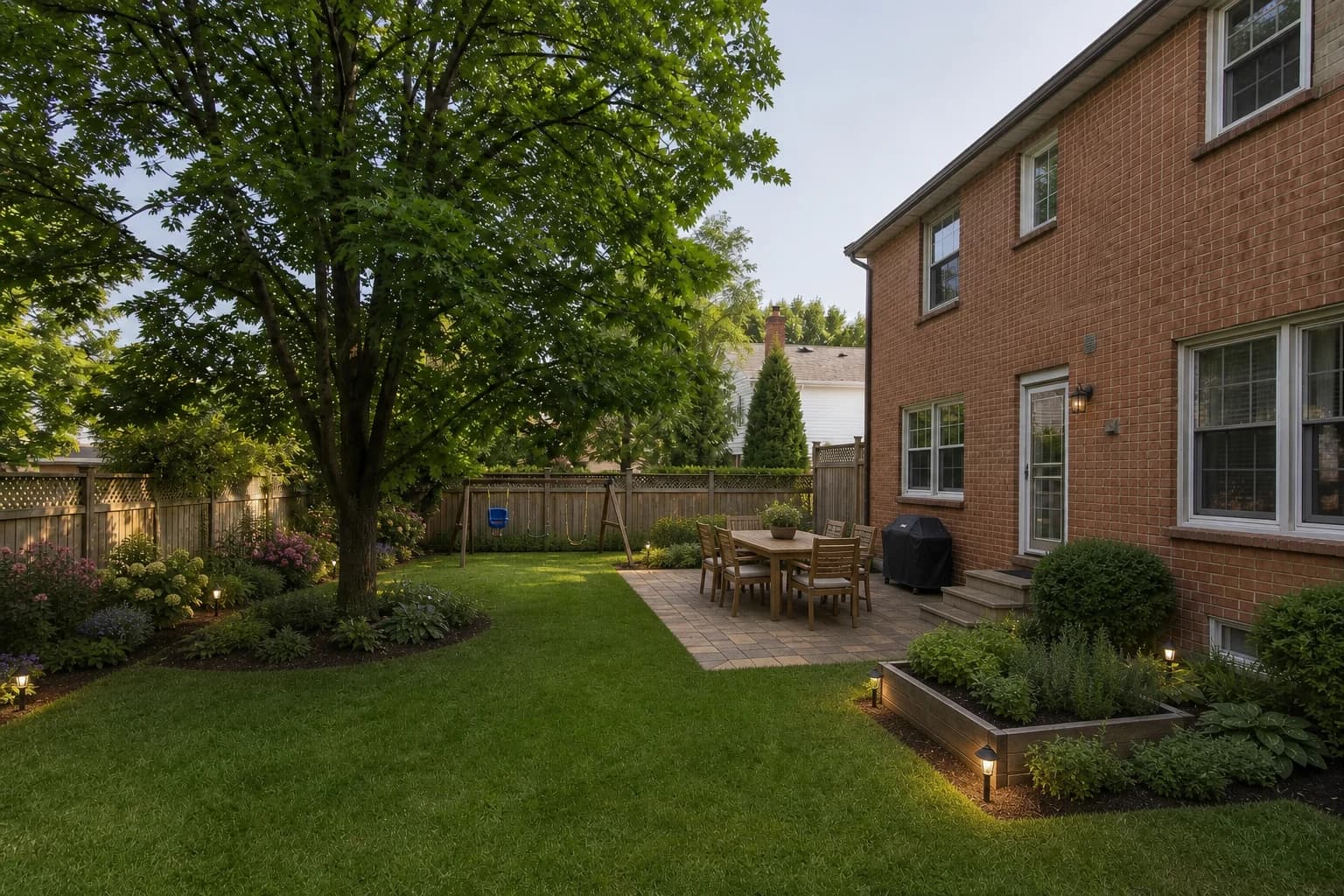
Before choosing an AI landscape design app, compare whether it accepts your yard photo, what free access includes, the current cost, whether the layout is editable, and whether the result can support an HOA, contractor, or client conversation.
We reviewed ranking pages and checked official public product and pricing pages on August 12, 2026. Features and prices are sourced; where same-time, same-account, same-input raw outputs were unavailable, we did not invent an image-quality score.
Choose by homeowner pain point, not list position
| Your pain point | Shortlist | Why |
|---|---|---|
| Preserve a real site and compare several directions | GardenGPT | Uses 1–4 views of one space and returns three directions |
| Redesign one photo as quickly as possible | Remodel AI / GenRoom | Clear free entry and a fast photo workflow |
| Need plant libraries and follow-up editing | DreamzAR / Neighborbrite | Stronger plant, edit, or professional list workflows |
| Need dimensions and manual placement | Planner 5D | Editable 2D/3D is the core workflow |
| Need estimates and commercial client output | Neighborbrite | Paid tiers cover estimates, presentation, and commercial use |
How we reviewed the U.S. results and product evidence
Top-ranking pages usually include a comparison table, but many combine photo generators, editable 2D/3D planners, and professional landscape software in one vague list. We classified each tool by the job a homeowner is trying to complete and recorded the evidence date.
- Search intent: photo upload, free limit, price, usability, and site retention.
- Product evidence: official feature, pricing, and platform pages first.
- Decision value: quick inspiration, accurate layout, plant support, or commercial proposal.
- Evidence boundary: vendor-stated speed, style counts, and preservation are labeled rather than treated as independent test results.
Choose the tool type before the brand
| Your job | Better tool type | Confirm first |
|---|---|---|
| Visualize your existing yard quickly | Photo-to-concept generator | Structure retention, styles, free limit, watermark |
| Place elements to scale | Editable 2D/3D planner | Dimensions, object library, export formats |
| Present and price client work | Professional visualization/proposal workflow | Commercial rights, privacy, team access, HD export |
| Select plants or estimate materials | Plant-list/calculator workflow | Data source, location fit, and disclaimers |
Eleven AI landscape design apps compared with public evidence
| App | Platform and input | Best fit | Free access / starting price | Editing and plants | Important limit |
|---|---|---|---|---|---|
| GardenGPT | Web · 1–4 photos | Comparing concepts from 1–4 views of one yard | New accounts receive time-limited welcome credits; current output count and cost are shown in the workspace | AI concepts · 4 directions | Not an editable 2D/3D plan or construction drawing |
| Hadaa | Web · photo/sketch | Photo or sketch to several visual directions and support documents | Pay per result; public pricing starts around $9/render | AI renders · support documents | Planting guide, blueprint, and quantity claims are vendor-stated; not independent engineering review |
| iScape | iOS · photo/AR | Photo, AR, plants, and client proposals on iPhone/iPad | Limited free access; Pro $29.99/mo or $299.99/yr | 2D/3D · AR · plants · proposals | iOS only; professional libraries, exports, and commercial tools depend on plan |
| Remodel AI | Web/iOS/Android · photo | Fast single-photo redesign and high generation allowance | 3 free; Pro $29/mo billed $349/year | AI concepts · masking | Garden design is in Pro; not a scaled landscape plan |
| GenRoom | Web · photo | Photo redesign, style choice, and text editing | 6 free credits; paid packs from $9.99 | AI concepts · text editing | Landscape is part of a broader home suite; verify credit use |
| Neighborbrite | Web · photo | Homeowner concepts; landscaper design-to-estimate | Limited free plan; Business $49/mo; Landscaper $149/mo | AI editing · plants · estimates | Plant, estimate, commercial, and presentation features depend on tier |
| DreamYard | Web · photo | Fast free concepts plus project calculators | Site currently advertises 15 free renders | AI concepts · calculators | Concepts do not verify grading, irrigation, or structure |
| Gendo | Web · photo/sketch | Professional visual exploration for design teams | Free £0; Studio £66/mo when billed annually | AI canvas · collaboration · exports | Professional privacy, commercial use, and export features center on Studio |
| Planner 5D | Web/iOS/Android · manual layout | Manually editable 2D/3D layouts | Free; Premium $4.99/mo equivalent when billed annually | Editable 2D/3D | More setup and modeling than a one-click photo concept |
| Ideal House | Web · photo | Landscaping inside a broader home-design suite | 20 starter credits plus daily preview credits; paid tiers | AI concepts · text editing | Current pricing and per-model credit use must be checked |
| DreamzAR | Web/iOS/Android · photo/AR | Plant library, photo transformation, and 2D/3D editing | $19.99/mo or $199/year | Plants · 2D/3D · AR | Higher subscription cost; feature availability can differ by platform |
How to choose the best free AI landscape design app
Judge a free tier by whether it completes one useful task, not by the word “free.” Compare GardenGPT, Neighborbrite, DreamYard, and Remodel AI for quick photo concepts; Planner 5D for manual layout; and iScape for iPhone AR and plant placement. Confirm generation count, card requirement, watermark, resolution, and export before starting.
Who each tool is for
GardenGPT: compare directions from the real site
GardenGPT starts with one to four photos of the same outdoor space. It suits homeowners comparing backyard, front-yard, patio, and style directions. Its strength is photo-first exploration and multiple concepts; its boundary is the absence of an editable, dimensioned 2D/3D plan.
Neighborbrite: homeowner exploration and a landscaper sales workflow
The free experience supports early exploration. Paid landscaper tiers add climate-filtered plant lists, live nursery inventory, estimates, commercial use, and client presentations, moving the product closer to design-to-sale operations.
DreamYard: free concepts with calculators nearby
DreamYard emphasizes fast photo renders and places landscape-cost, fence, lawn, mulch, paver, retaining-wall, and pool calculators in the same ecosystem. Calculator inputs and local prices still require verification.
Gendo: professional visual exploration
Gendo targets landscape architects, garden designers, and developers with a canvas, collaboration, and specialist image tools. Teams handling client work should review privacy, commercial use, watermark, and export terms by plan.
Planner 5D: editable layout instead of instant transformation
Planner 5D centers on building a 2D plan and viewing it in 3D. It is better suited to users who need dimensions, zones, and object placement, but it requires more setup than a photo generator.
Ideal House: one suite for landscaping and the rest of the home
Ideal House places landscaping alongside interior, exterior, staging, and plan tools. That breadth can help users with several home-visualization jobs, while credits and model-specific costs require attention.
DreamzAR: plant library plus editing
DreamzAR combines photo transformation, styles, a plant library, and 2D/3D editing across web and mobile. Confirm which features are available on the platform you plan to use before subscribing.
Hadaa: best fit for moving from a photo toward support documents
Hadaa's public pages emphasize photo or sketch input, multiple visual directions, planting guidance, blueprints, and bills of quantities. Treat those as vendor-produced support materials—not locally approved construction or engineering documents.
iScape: best fit for iPhone/iPad AR and plant placement
iScape centers on iOS photo design, AR, plant and material libraries, sharing, inventory, and proposal workflows. Android and browser-only users need another option; confirm free objects, export rights, and professional-library access before subscribing.
Remodel AI: best fit for single-photo speed and high volume
Its official pricing page lists three free designs. Pro is $29 per month when billed $349 yearly and adds exterior and garden design, HD downloads, and no watermark. It is a fast visual workflow, not a dimensioned landscape plan.
GenRoom: best fit for text-based result refinement
Its ranking and public pricing information emphasize six free credits, photo redesign, yard styles, and an AI editor. Confirm the current package, credits per generation, and privacy setting before paying.
Three buying questions most ranking pages miss
First, free access rarely completes the project: confirm generation count, resolution, watermark, download, and commercial rights. Second, photo generation and accurate planning are different jobs. Third, plant advice is actionable only after USDA zone, sun, soil, moisture, and mature size are known.
The honest “best” answer is therefore a task match, not one product winning every category. This guide separates verifiable facts from vendor claims and gives you a checkout recheck path.
A buying checklist for U.S. homeowners
- For a quick direction, start with a photo tool and save the original image, prompt, and every useful result.
- For an HOA or contractor conversation, confirm HD export, watermark, sharing, and commercial rights—and attach actual dimensions beside the concept.
- For accurate layout, use an editable 2D/3D tool or commission a dimensioned plan.
- For plant decisions, provide USDA hardiness zone, sun, soil, moisture, mature size, and maintenance tolerance before buying.
- For retaining walls, pools, gas, electrical, drainage, or grade changes, keep AI at the inspiration stage and consult qualified local professionals.
Frequently asked questions
What is the best AI tool for landscape design?
There is no universal winner. Photo generators are faster for concepts; 2D/3D planners are better for layout; professional tools add privacy, teams, presentations, and commercial use.
Can a free tool complete an entire landscape project?
Usually not. Free access can help with concepts, while measurement, drainage, structure, plant suitability, permits, and bids require other data or professional services.
Why is there no image-quality score?
Without same-time, same-input, same-tier, reproducible raw outputs, a numerical score would create false precision. This article compares verifiable workflows and public conditions.
When were the prices checked?
This snapshot was checked August 12, 2026. Always verify the current checkout before purchasing.
Choose by job: photo concept, accurate layout, professional proposal, or plant and cost support. For most U.S. homeowners, the efficient path is to use a photo tool to eliminate weak directions, then pay for precision only where measurements, permits, and build decisions demand it.