An AI landscape generator can turn a photo of your real yard into several visual directions for privacy, patios, planting, or lower maintenance. It cannot verify dimensions, drainage, plant suitability, structural safety, or permits.
Start with the before-and-after example, current free-access limits, and 12 copy-ready prompts below. Then use the evaluation and photo guidance to reject anything that does not fit the real site.
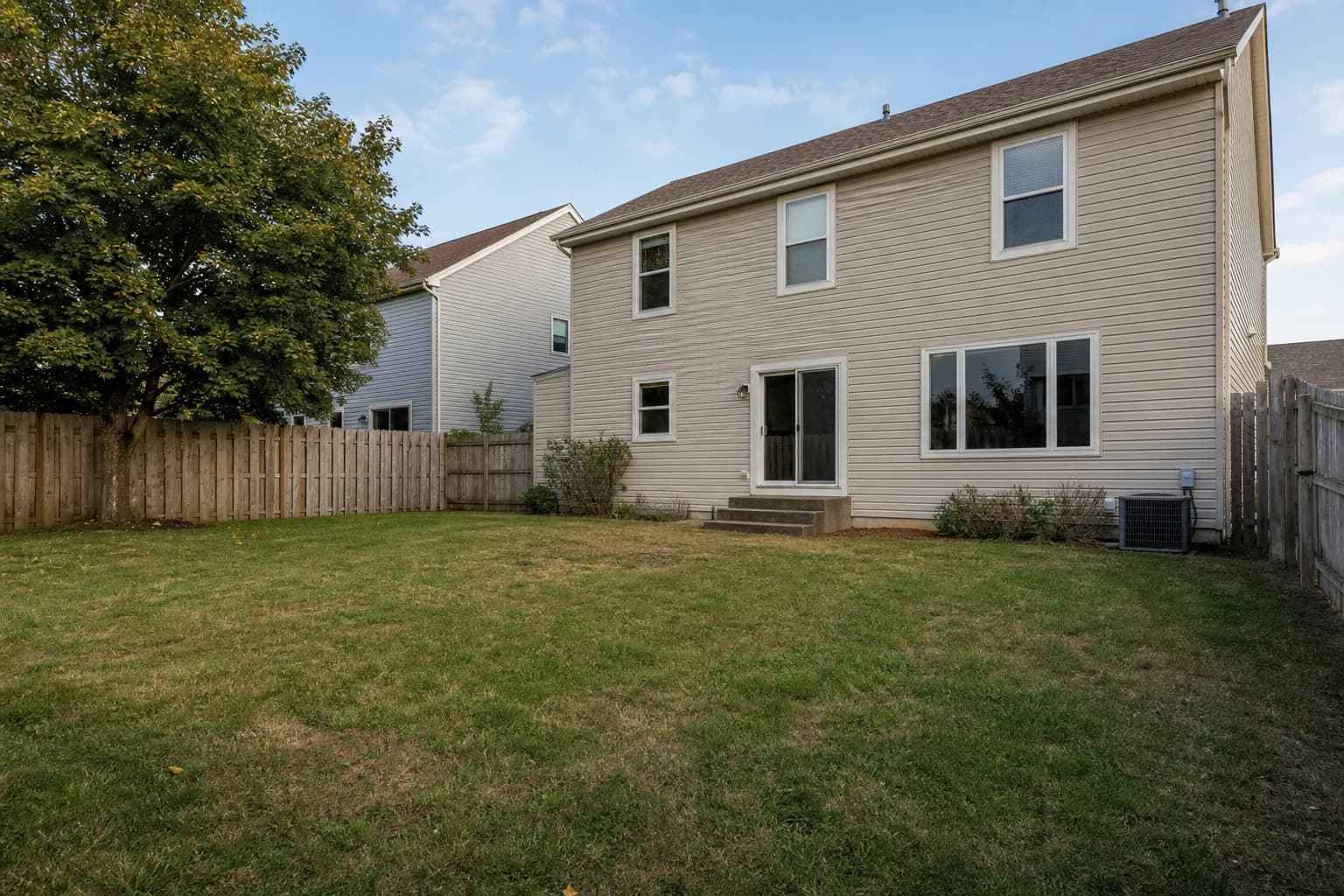
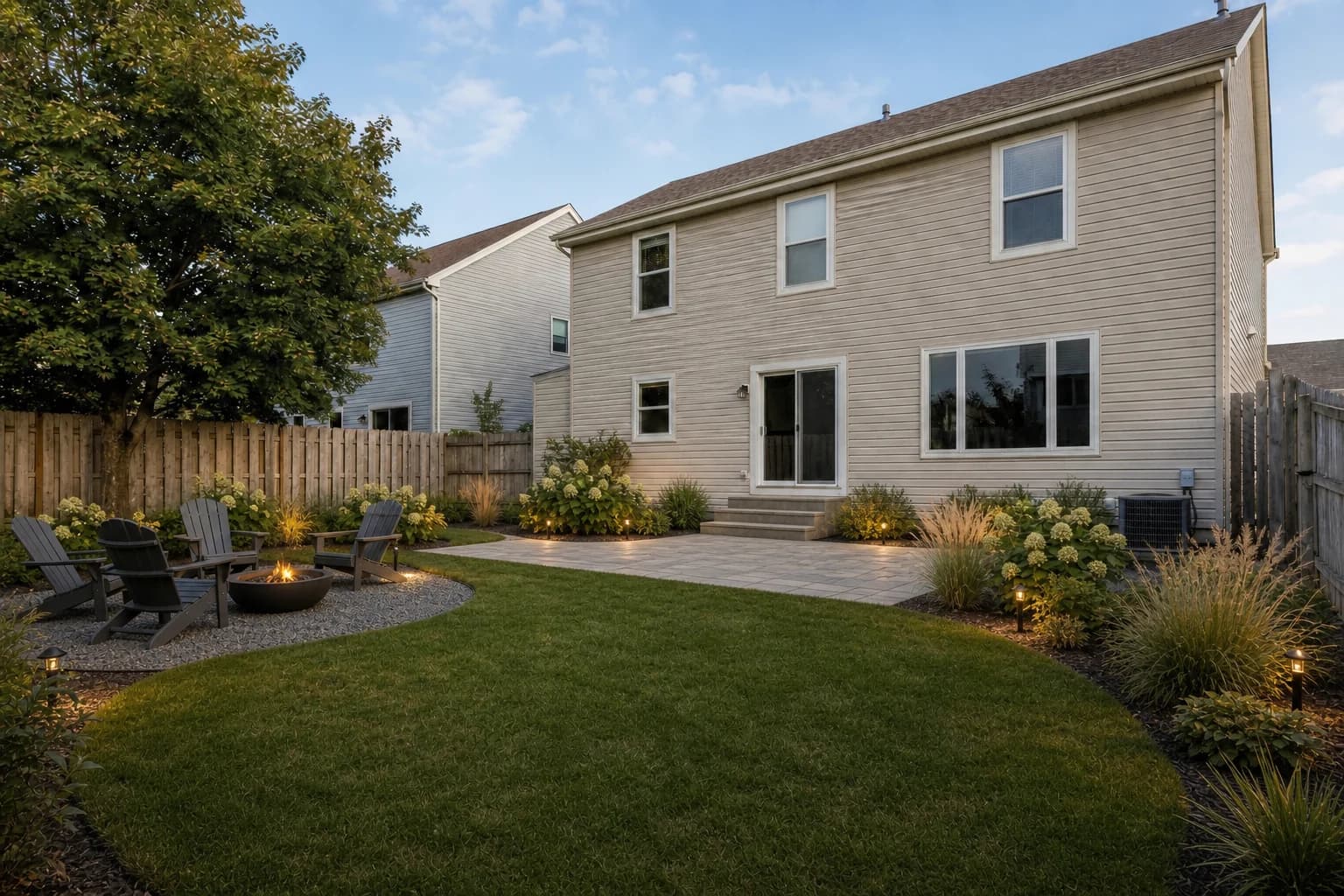
What free access currently includes
| Item | Current access |
|---|---|
| Welcome credits | 8 credits, valid for 7 days after registration |
| One generation | Current output count and credit cost are shown in the workspace |
| Photo input | 1–4 views of the same outdoor space |
| Downloads and watermark | Credit-user downloads retain a watermark; subscription and HD terms appear in the workspace |
Choose among the 12 ideas by the job you need done
Use this decision table before copying a prompt. Each result must preserve the real site and pass the listed checks before it becomes a build decision.
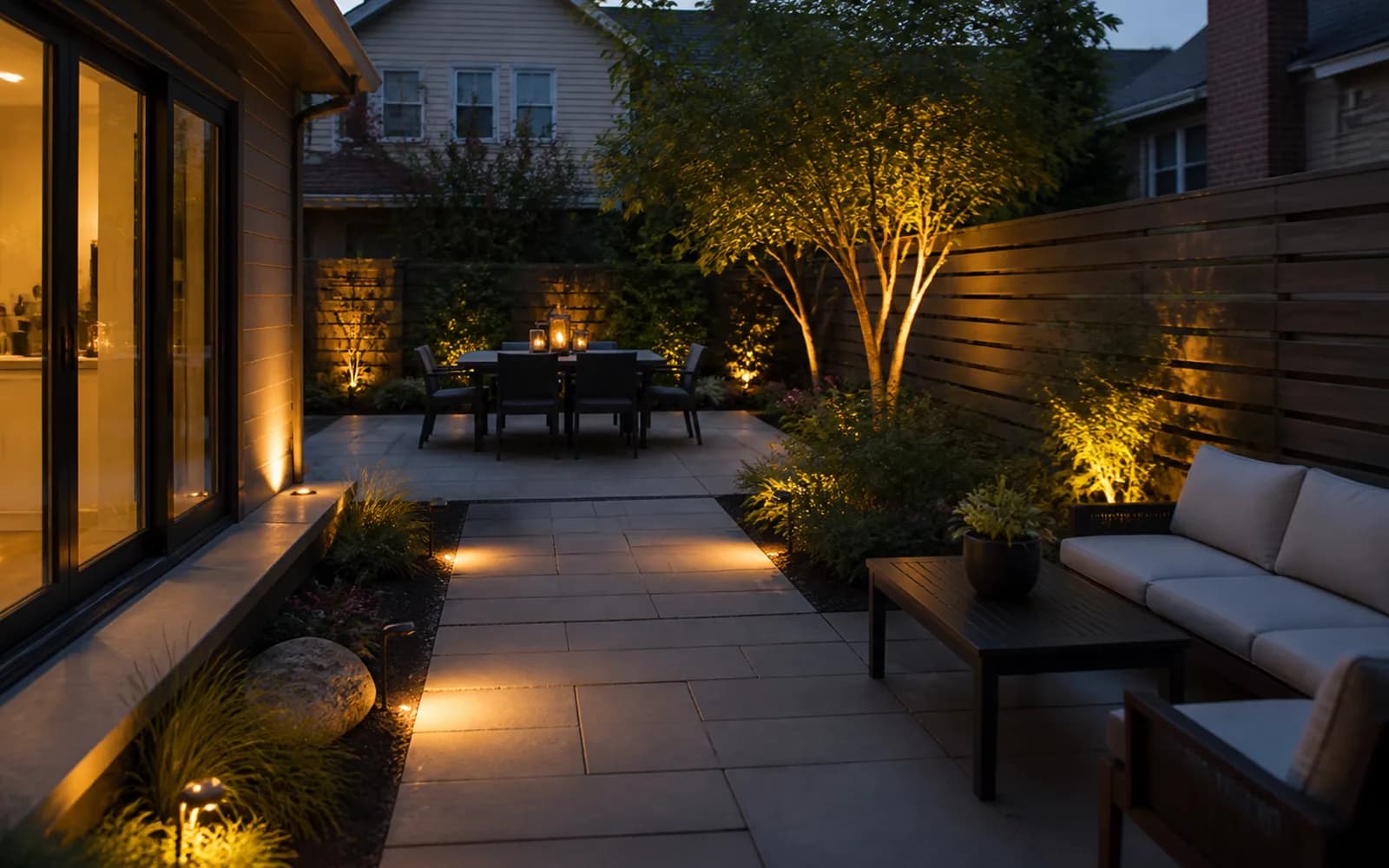
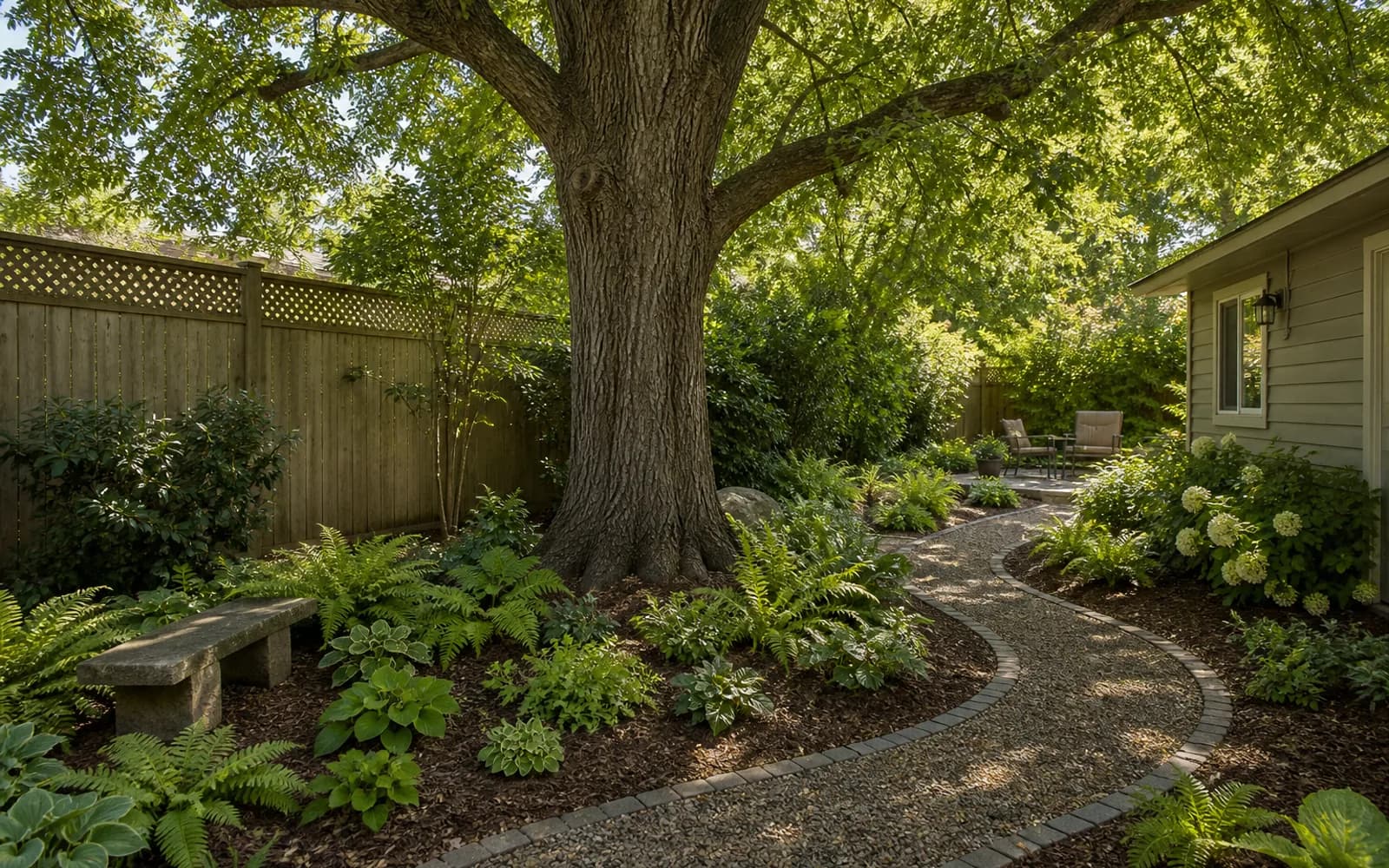
| Idea | Best for | Verify before building |
|---|---|---|
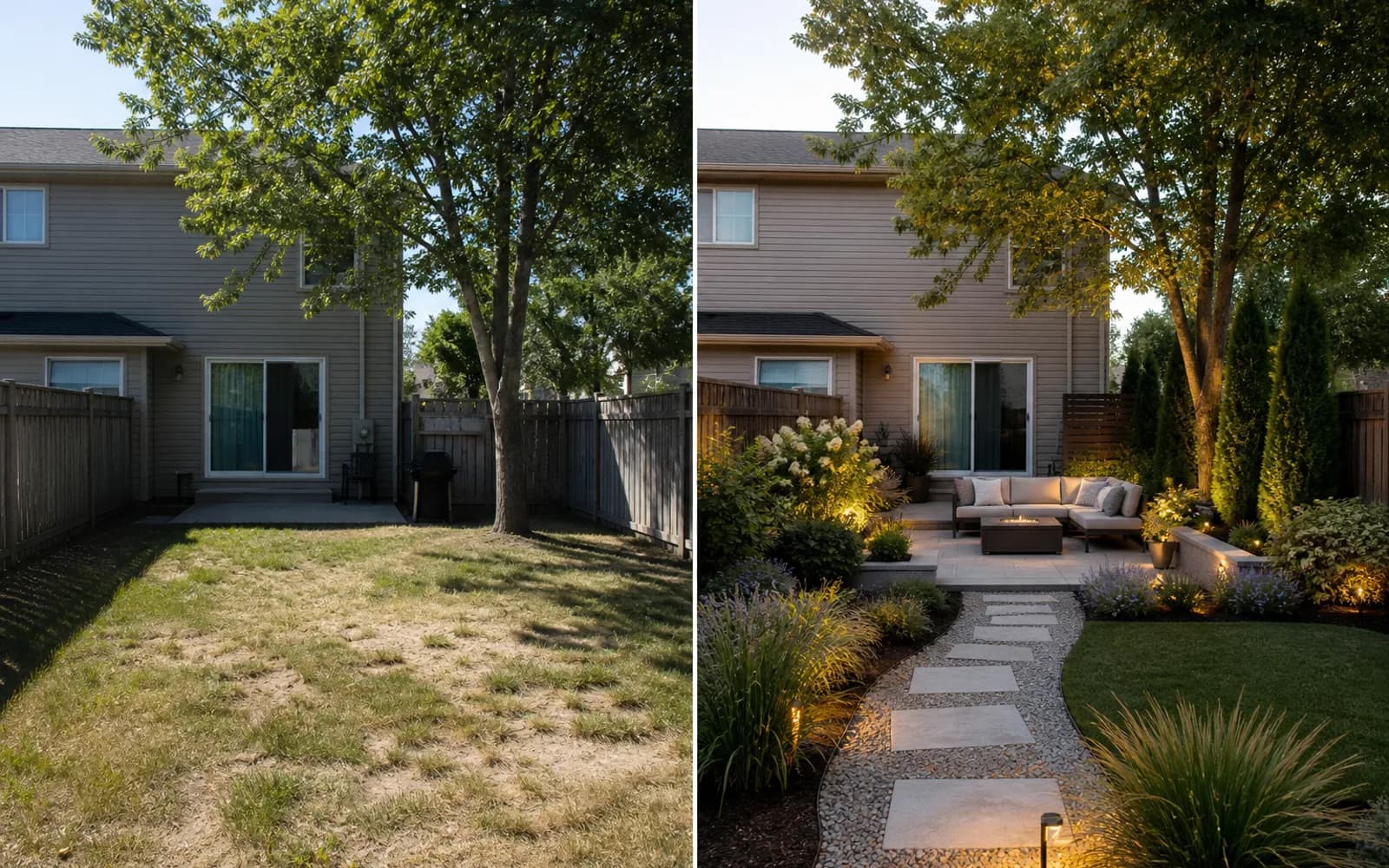
| 1. Warm modern privacy | Neighbor sightlines and compact seating | Boundaries, mature widths, and circulation |
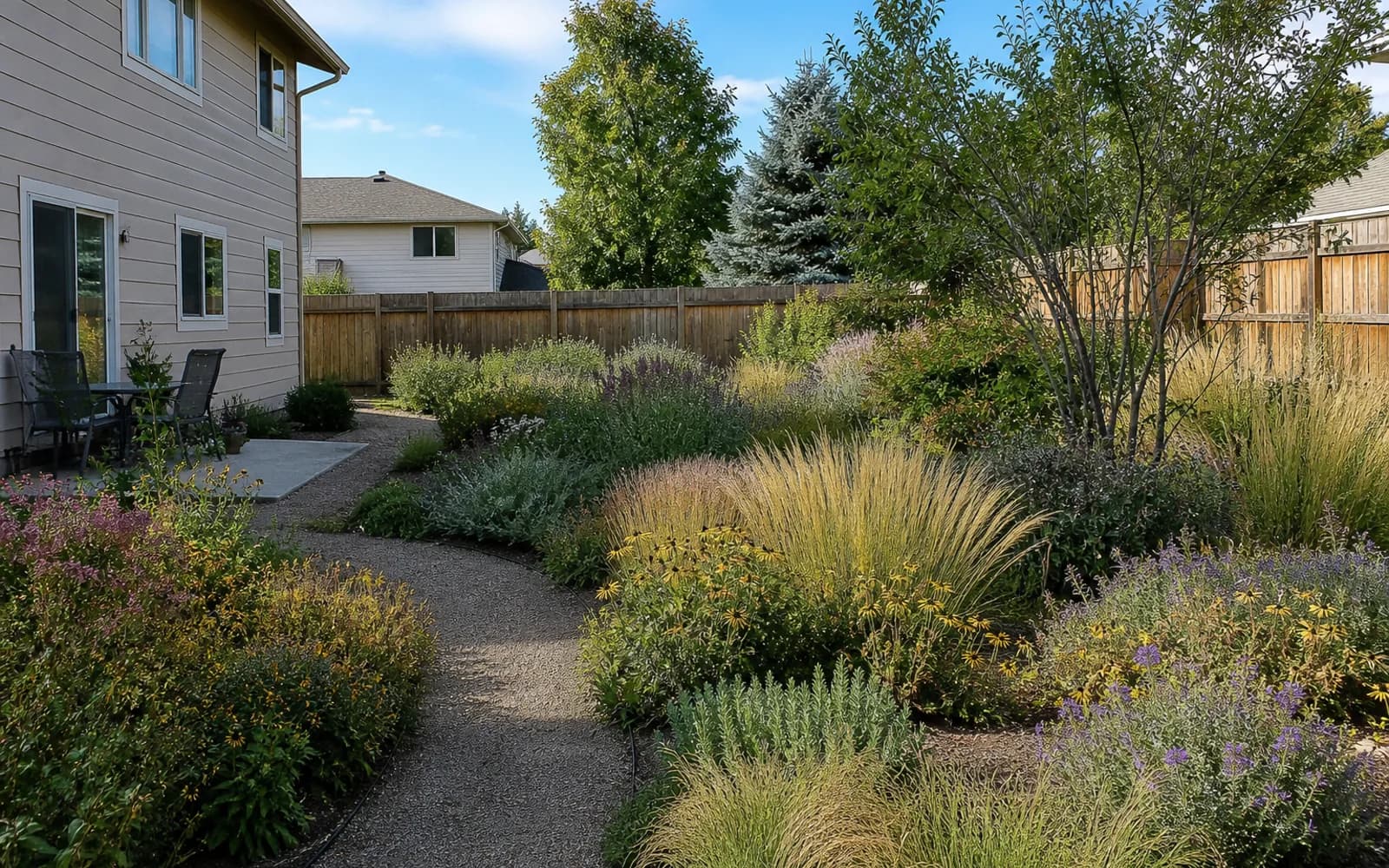
| 2. Low-maintenance native garden | Less lawn and seasonal upkeep | Local nativity, sun, and mature size |
| 3. Compact patio dining | Dining for four with shade | Furniture, door swings, and a 36-inch route |
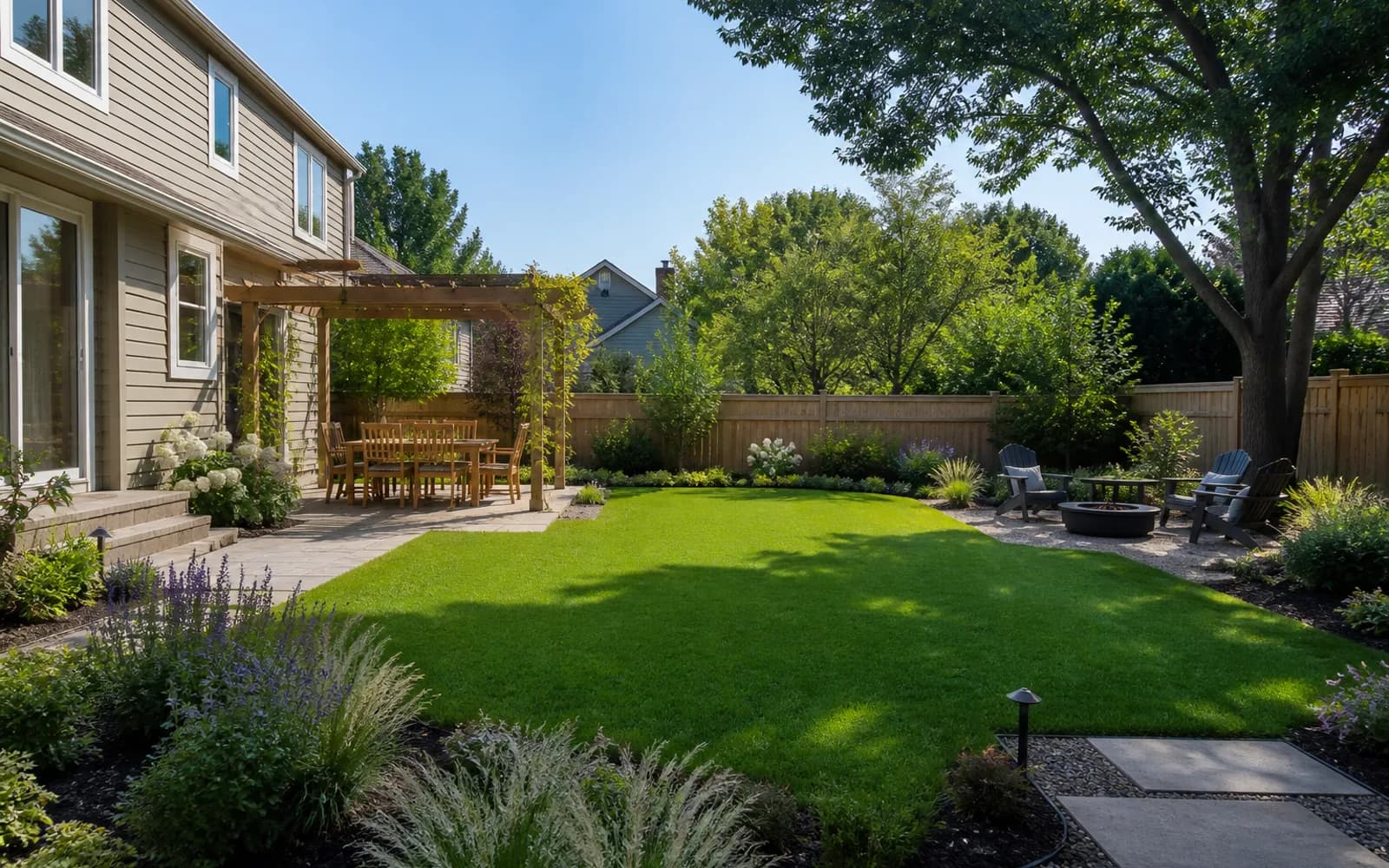
| 4. Family-friendly zones | Play, dining, and adult seating | Sightlines, gates, fire, and fall risks |
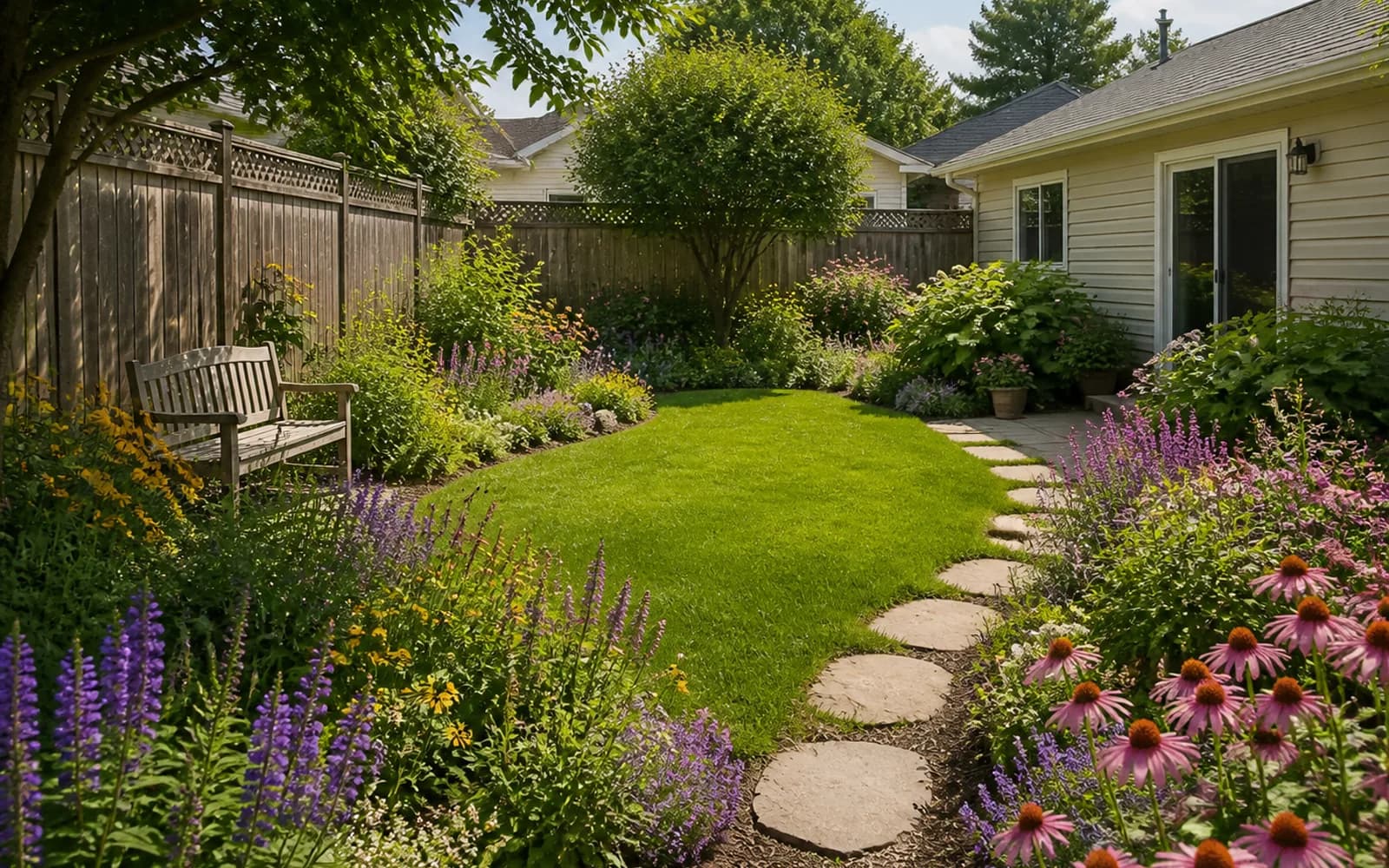
| 5. Cottage pollinator garden | Seasonal color and pollinators | Plant source, bloom sequence, and circulation |
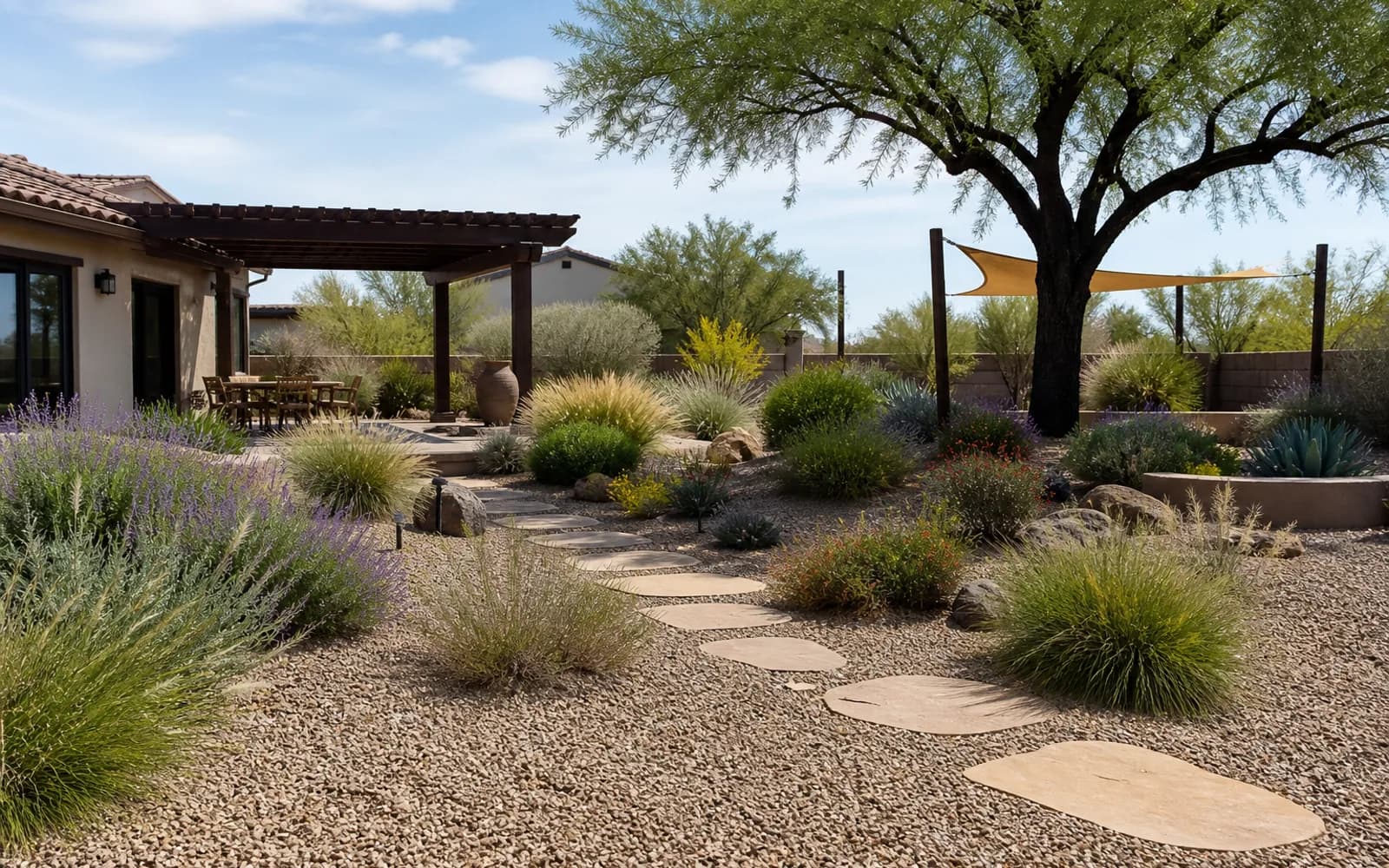
| 6. Drought-smart xeriscape | Lower water use and permeable surfaces | Drainage, reflected heat, and local plants |
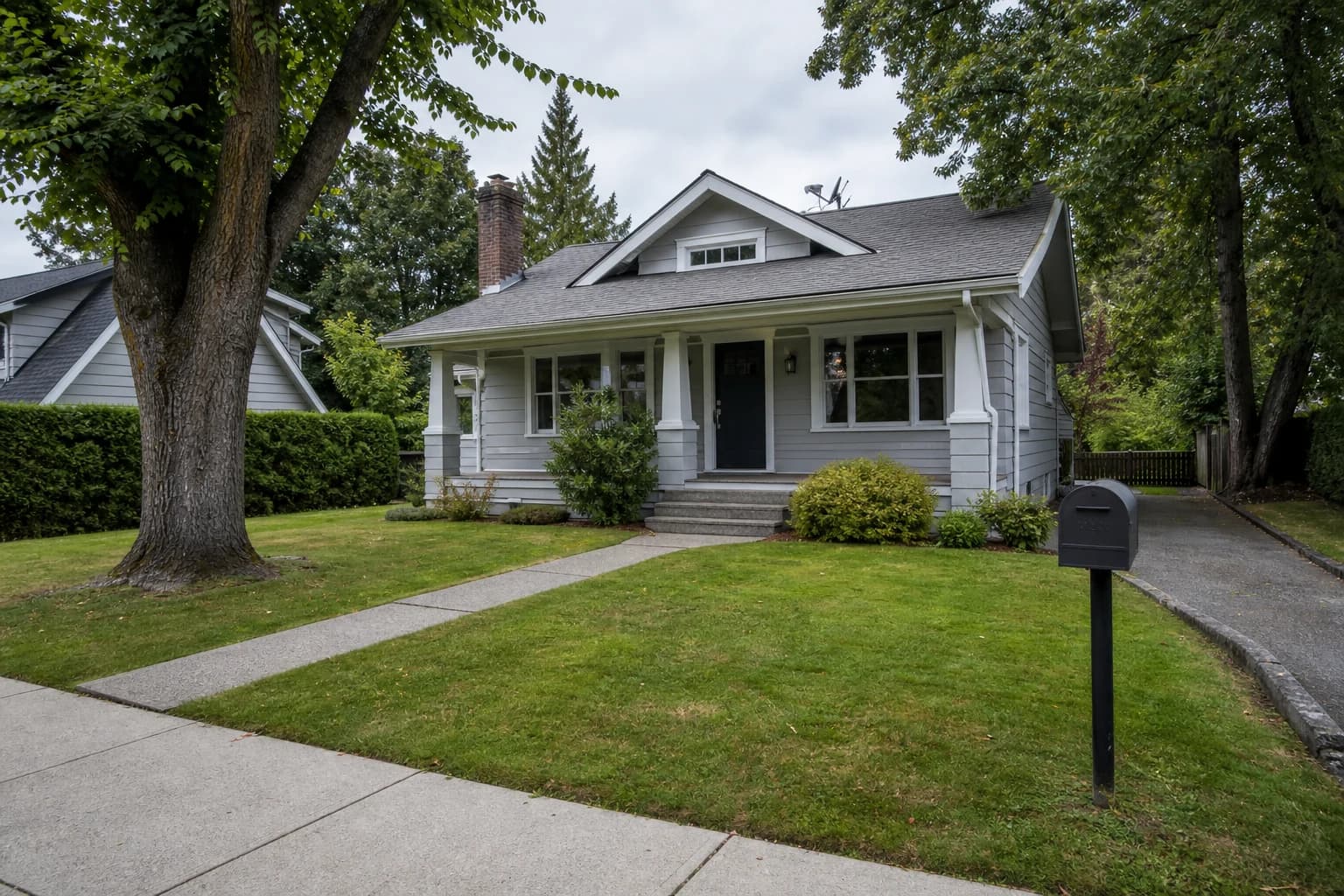
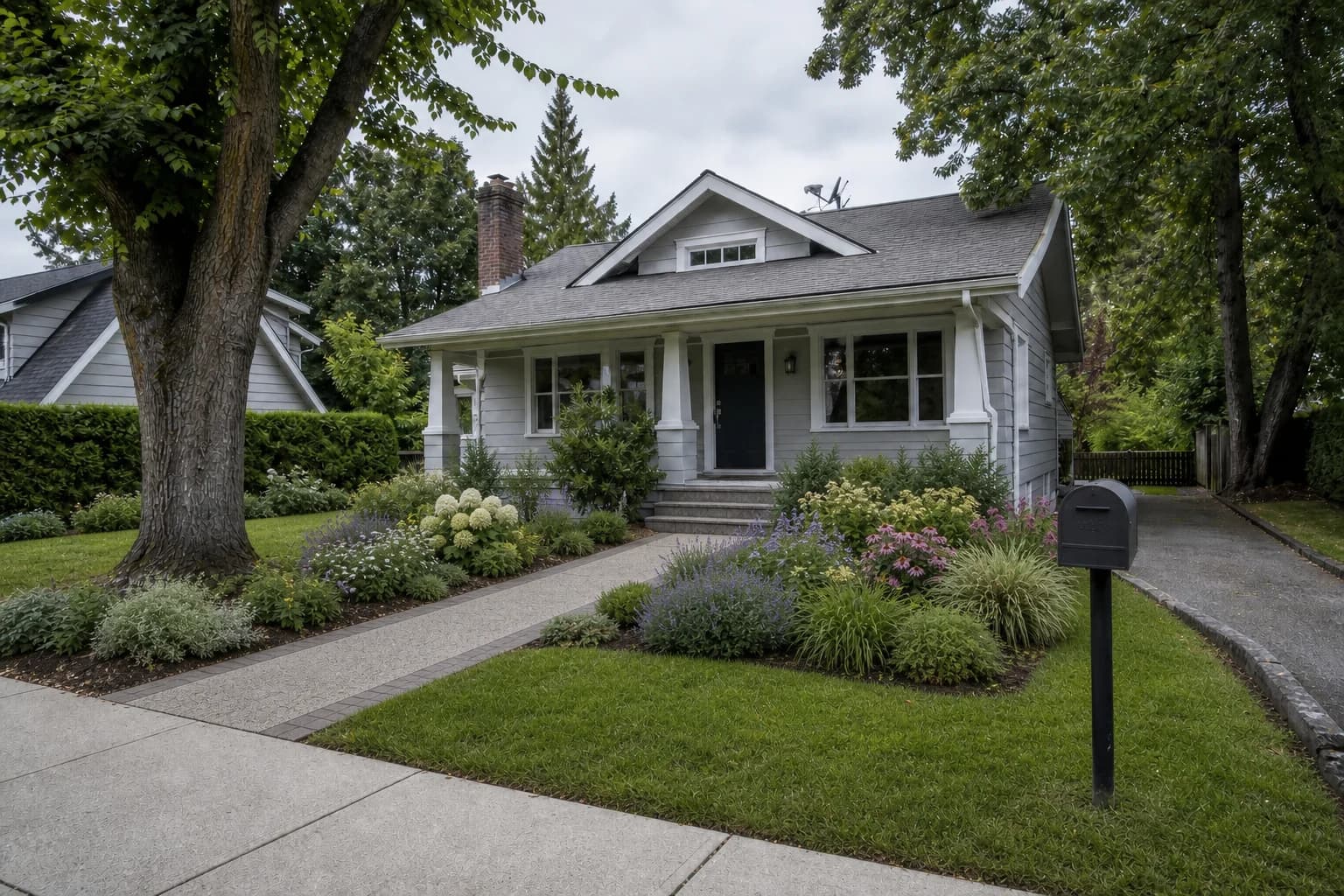
| 7. Front-yard curb appeal | Entry sequence and street view | Driveway sightlines, utilities, HOA, and address |
| 8. Narrow side-yard passage | Turning a dead strip into circulation | Foundation drainage, service access, and clear width |
| 9. Rental-friendly refresh | Movable and reversible upgrades | Lease, power, drainage, and wind stability |
| 10. Pet-friendly backyard | Play surface, shade, and a secure gate | Plant toxicity, loose material, and latches |
| 11. Evening entertaining | Dining, conversation, and path lighting | Glare, electrical work, slip risk, and neighbors |
| 12. Design around a mature tree | Making an existing tree the anchor | Root flare, root zone, tree health, and seating distance |
12 photo-based yard ideas you can test now
Start with the one problem you most want to solve—privacy, lower maintenance, dining, family use, pets, or evenings. Upload a clear photo and keep-list, then test one prompt at a time instead of asking for every feature in one generation.
1. Warm modern privacy
2. Low-maintenance native garden
3. Compact patio dining
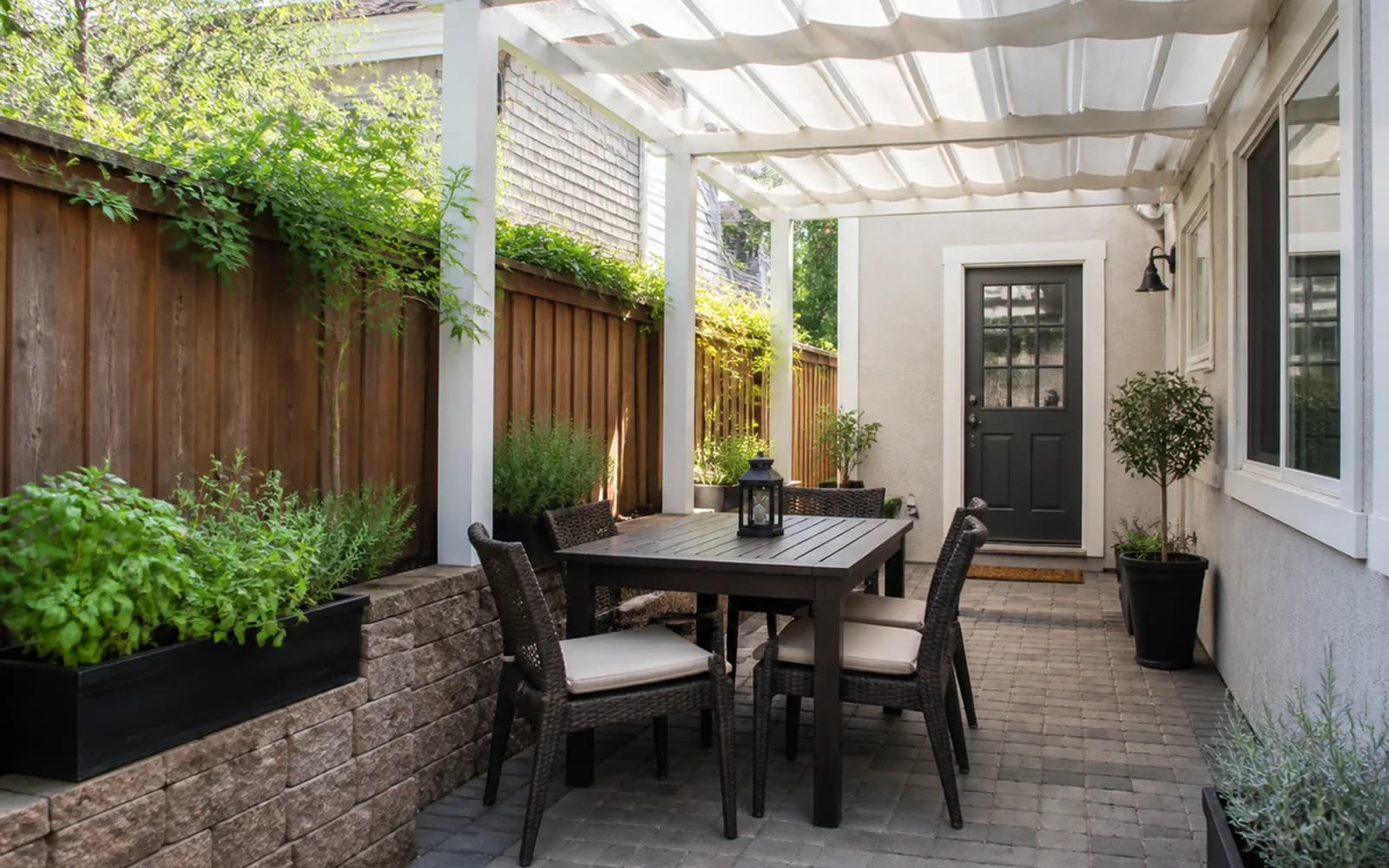
4. Family-friendly zones
5. Cottage pollinator garden
6. Drought-smart xeriscape
7. Front-yard curb appeal
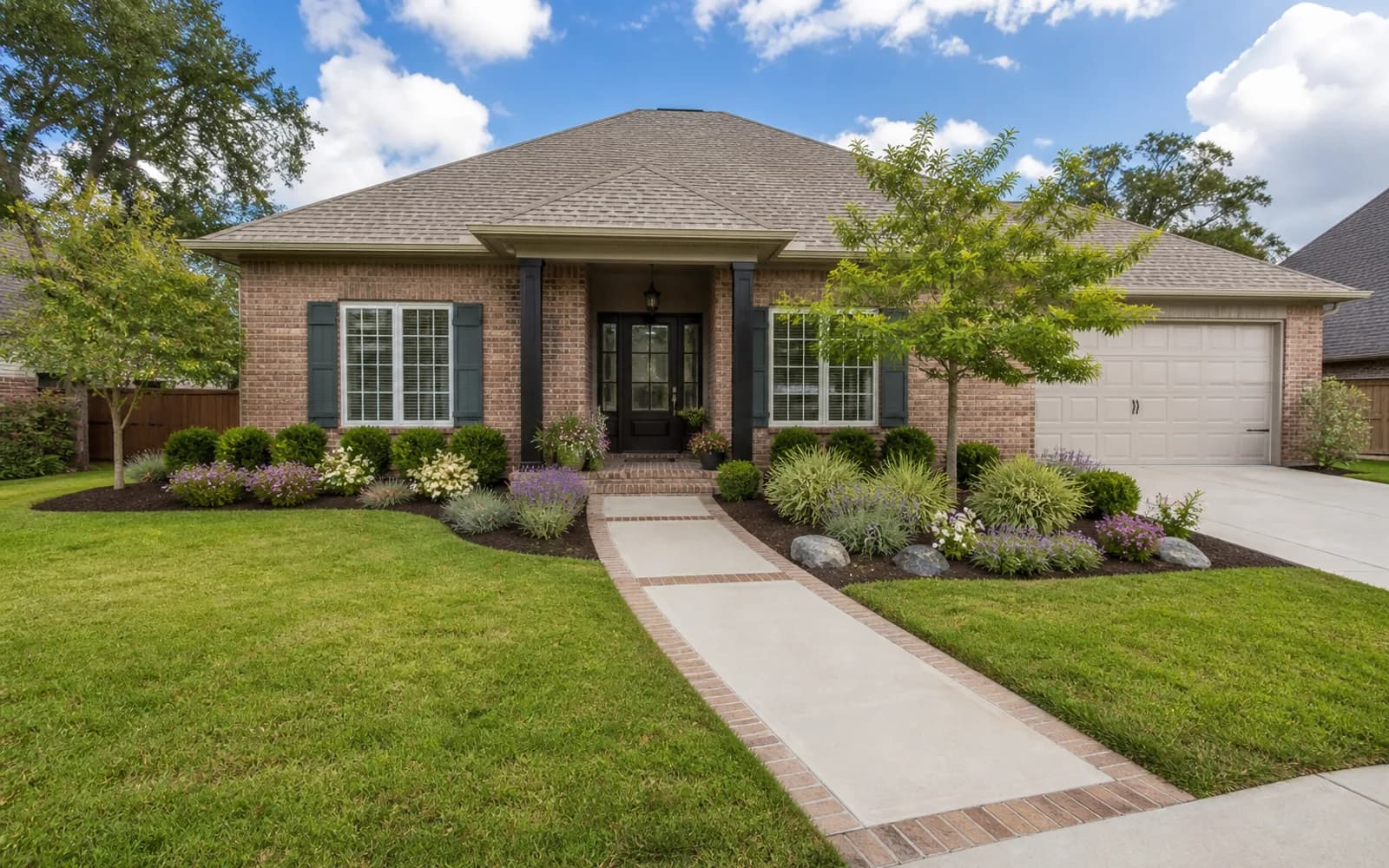
8. Narrow side-yard passage
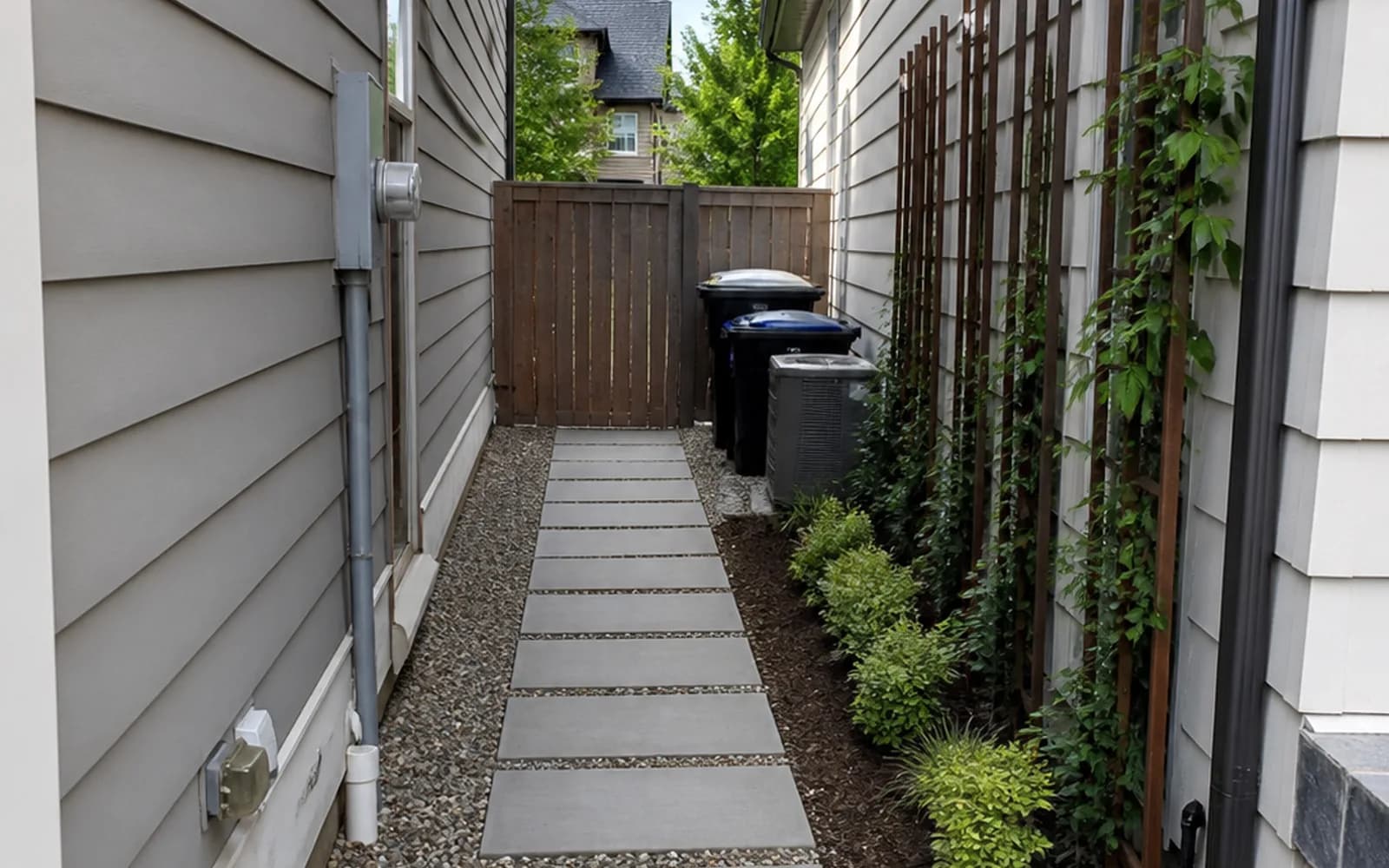
9. Rental-friendly refresh
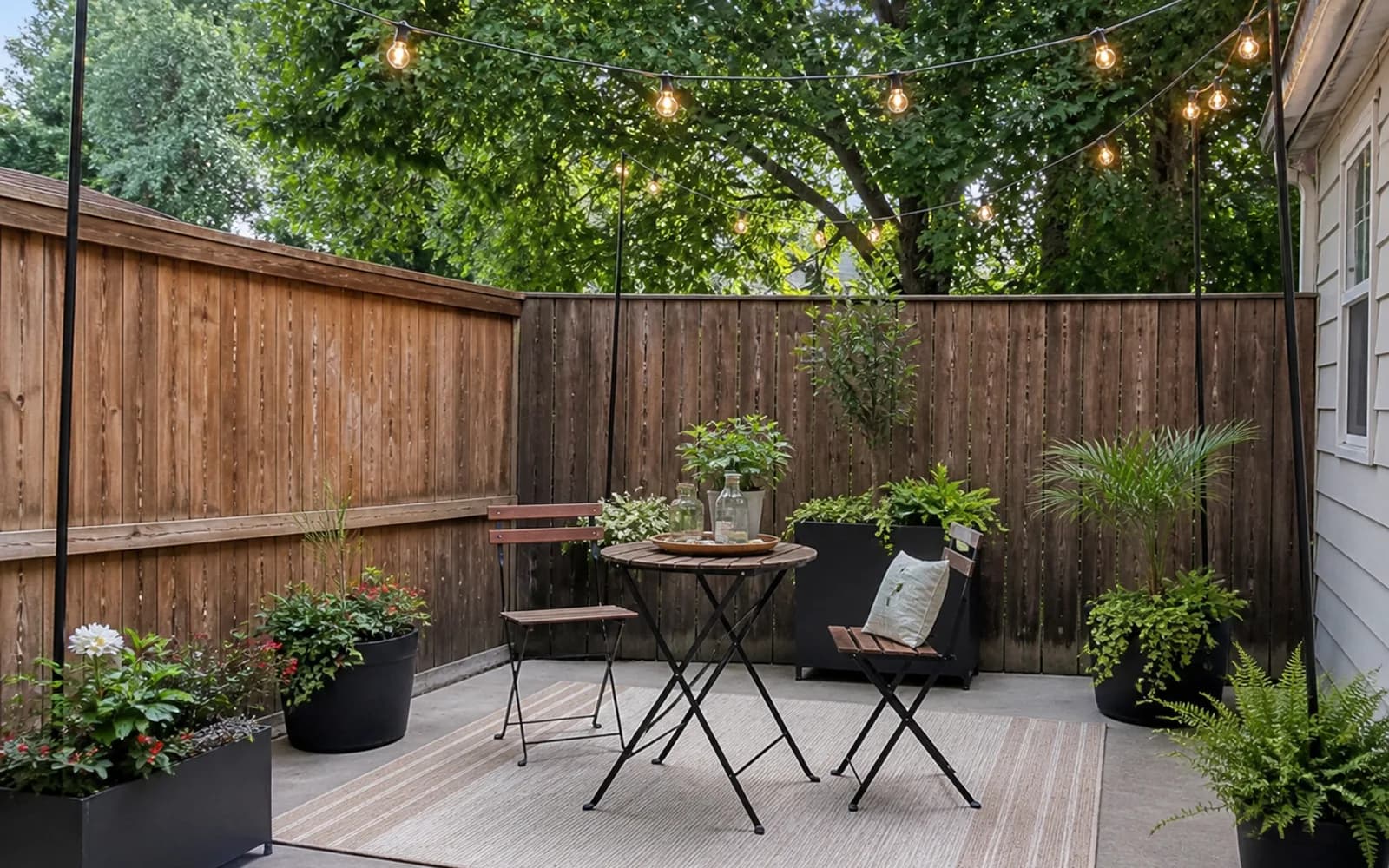
10. Pet-friendly backyard
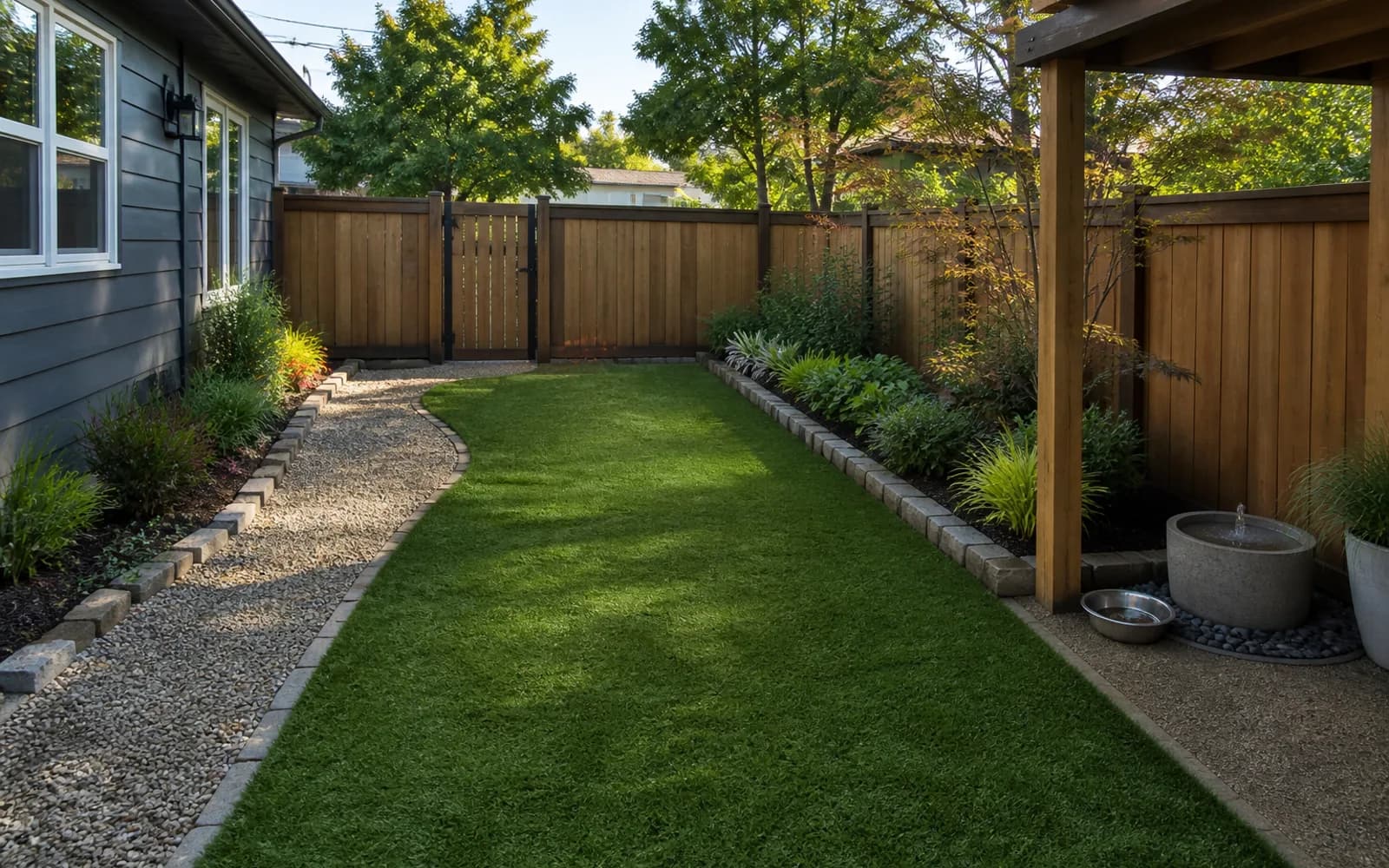
11. Evening entertaining
12. Design around a mature tree
How to evaluate a photo-generated landscape concept
The five yard scenarios are a decision framework, not a same-photo ranking of five products. Check whether the site remains recognizable, whether the requested job is clear, and which claims still need real measurements or local review.
- Structure retention: the home, entries, and property edges should not move without instruction.
- Functional clarity: circulation, seating, planting, and activity zones should be legible.
- Prompt response: requested functions should appear without erasing necessary access.
- Reality boundary: a concept image cannot confirm dimensions, drainage, plant suitability, or construction.
What each yard type can reveal
| Yard type | Useful AI decision | Verify in the real yard |
|---|---|---|
| Suburban backyard | Relationship between lawn, planting, and a gathering zone | Door swings, drainage, and furniture dimensions |
| Front yard | Entry sequence, path direction, and curb appeal | Driveway clearance, utilities, and HOA rules |
| Small patio | Seating direction, shade, and container planting | Fire clearance, load limits, and walking width |
| Dry side yard | Gravel, stepping stones, and a low-water visual direction | Local plants, irrigation, slope, and runoff |
| Family backyard | Zones for play, dining, and adult seating | Falls, fire, pool barriers, and supervision sightlines |
A photo workflow that produces more useful concepts
- Use a clear, unobstructed daytime landscape photo; avoid extreme wide-angle distortion.
- Name three to five non-negotiables, such as doors, a mature tree, the fence, and an existing patio.
- Solve one main job at a time: privacy, outdoor dining, less lawn, or a safer family zone.
- Compare two or three broad directions before adding material and planting preferences.
- Treat the result as a communication sketch and remove anything that fails real measurements or site conditions.
Six common mistakes in free AI landscape results
These limitations do not make visualization useless. They define its job: narrow the direction first, then use measurements, plant references, material samples, and professional review to verify facts.
- Inventing or moving doors, windows, fences, rooflines, or property edges.
- Making furniture, fire pits, paths, or planting beds appear smaller than they are.
- Adding plants that do not fit the climate, sun, soil, water, or maintenance level.
- Ignoring slope, standing water, downspouts, utilities, and service access.
- Presenting a persuasive concept image as though it were a scaled plan or construction drawing.
- Calling the workflow free while revealing export, watermark, or resolution limits only at the end.
How to start in GardenGPT
GardenGPT accepts one to four views of the same outdoor space, lets you choose the yard type and style, and returns concepts to compare. New accounts currently receive time-limited welcome credits. Credit cost, watermarks, downloads, and plan limits should always be confirmed in the workspace and checkout at the time you use them.
Start with the AI Landscape Design page to understand the supported scenarios, then upload your photos in the workspace. The related photo-planning guide explains which overview, entry, edge, and detail views are most useful.
Frequently asked questions
Is a free AI landscape generator really free?
Many tools offer a limited number of previews, welcome credits, or watermarked downloads. Check generation limits, exports, renewals, and commercial-use terms before uploading.
Is one yard photo enough?
One overview can establish a direction. Entry, side, and detail views add context, but photos still do not replace measurements.
Can I hand the result directly to a contractor?
Use it to communicate a visual direction, not as a scaled plan, structural detail, drainage design, permit set, or final quote.
How do I keep the house unchanged?
Use a clear front-facing photo, list the doors, windows, roofline, fence, and mature trees that must remain, and reject outputs with obvious structural drift.
Can it redesign a front yard, patio, or side yard?
Yes. Use a clear photo of that specific space and give it one primary job. Verify circulation, drainage, utilities, and local rules separately for each area.
How accurate are AI landscape images?
They are useful for comparing visual directions, not for confirming scale, plant species, quantities, grading, or structure. Verify every build decision with measurements and local evidence.
What photos produce more useful results?
Use clear, unobstructed daytime landscape photos without extreme wide-angle distortion. Keep multiple photos to one space and identify doors, fences, mature trees, and hardscape that must remain.
What privacy details should I check before uploading a property photo?
Remove or avoid people, license plates, house numbers, security displays, and other unnecessary identifiers, and review the current privacy and data-processing terms before uploading.
A free AI landscape generator from photo is best at answering, “What might this direction feel like in my yard?” It cannot answer, “Exactly how much material should I buy?” Begin with clear photos, a keep-list, and one job—then bring real-site facts into the next decision.