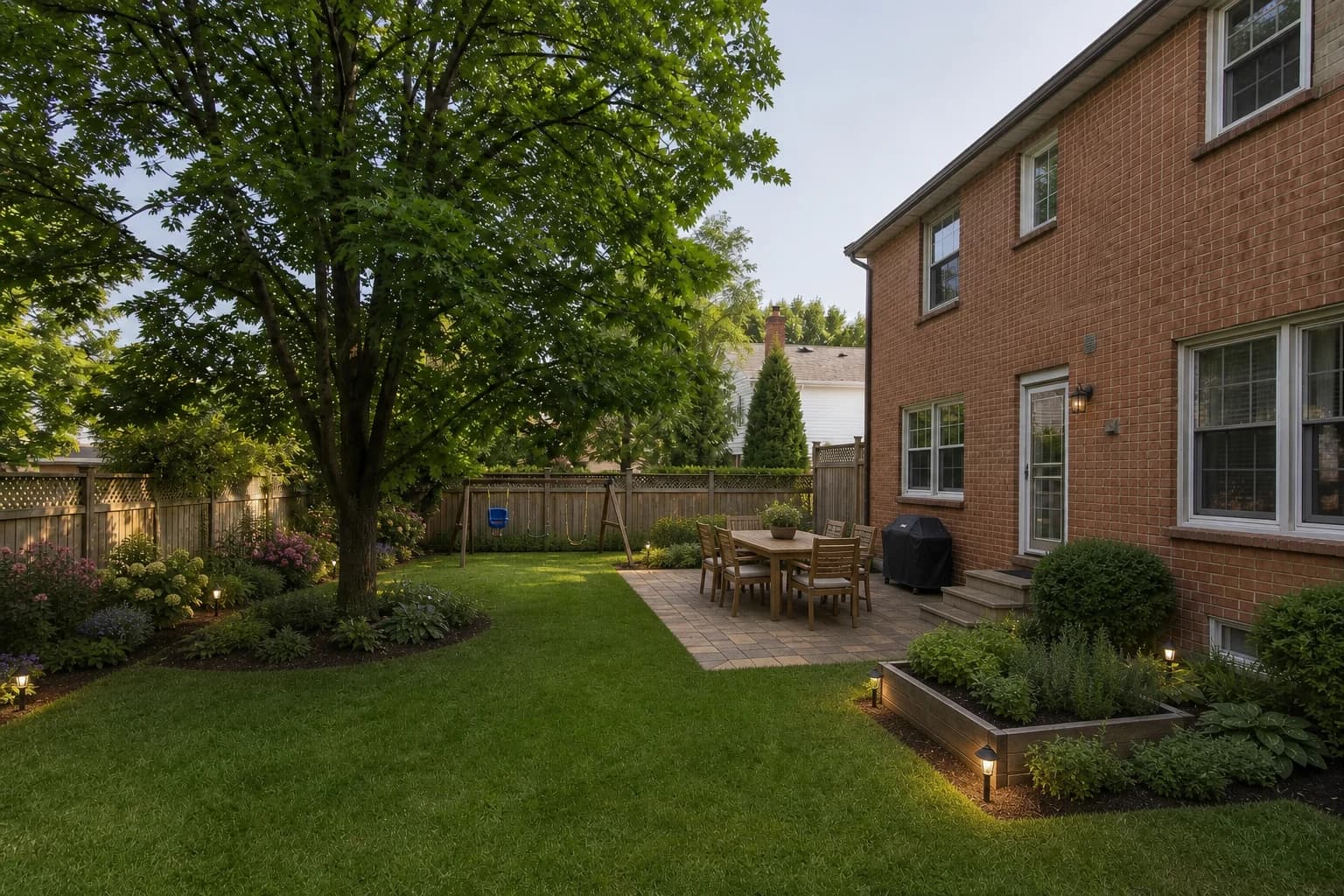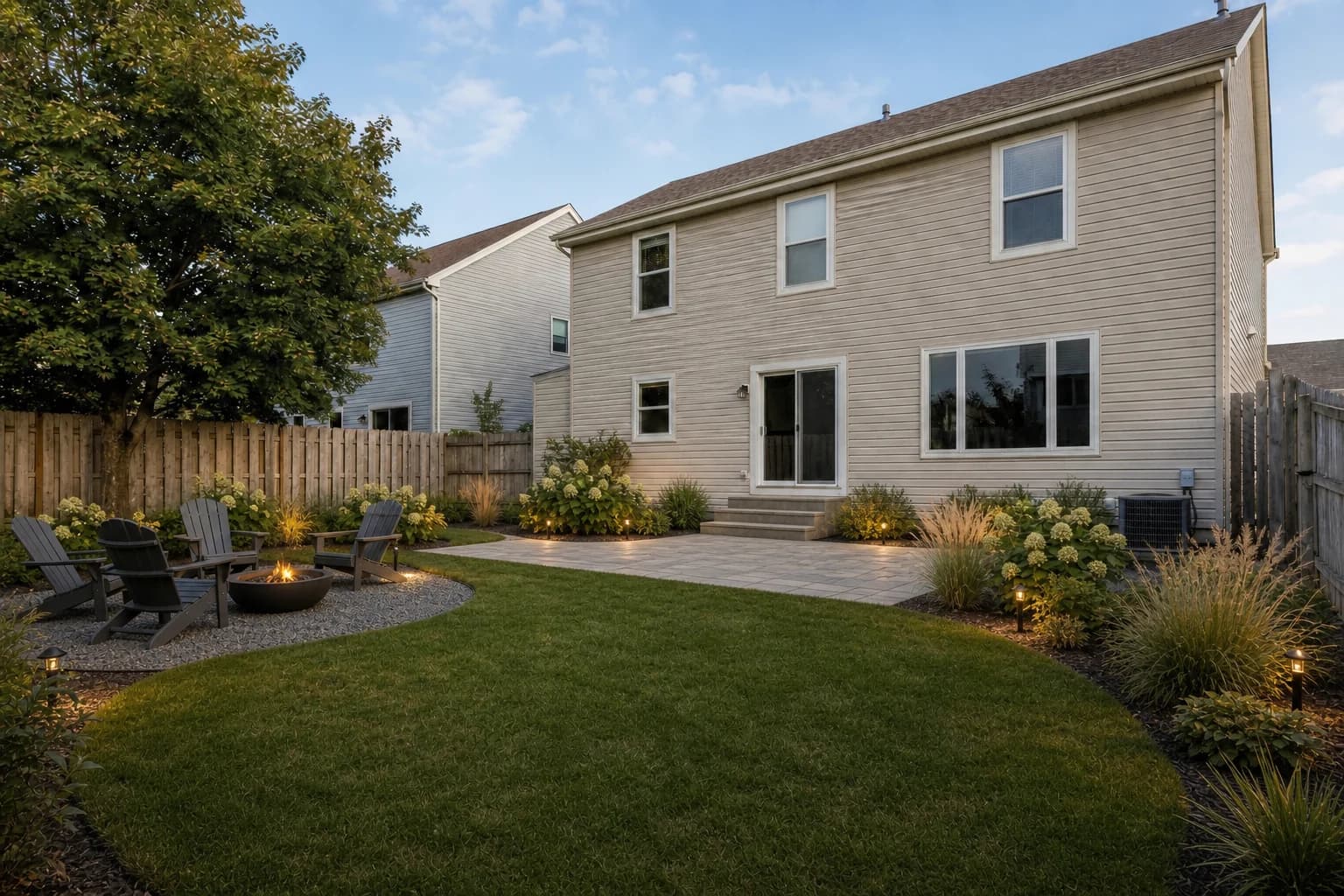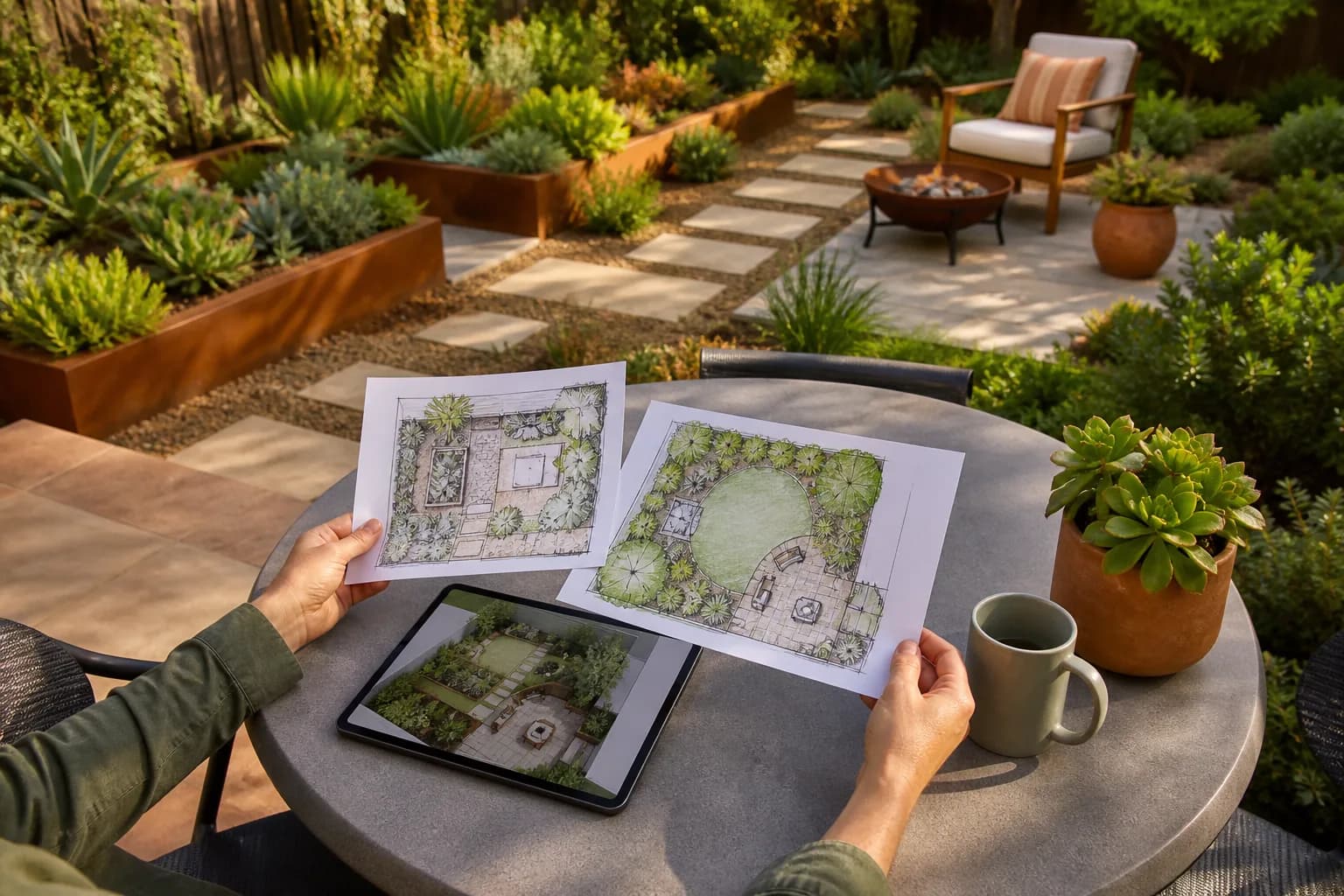
Free landscape design software falls into three groups: measured 2D/3D layout, quick 2D communication boards, and visual concepts made from a real yard photo. They do not solve the same job.
We checked official public free-access and product pages on August 12, 2026. We did not run all eight products on the same device, yard, and day, so this is a documented capability comparison—not a fabricated image-quality test.
How we define free
A product must let a homeowner start a useful task without paying. We label it open-source/free, free for personal noncommercial use, a capped free tier, or limited welcome access. A temporary trial is not presented as free software. Recheck policies before a large project.
Eight free or free-tier landscape design tools
| Tool | Best for | Free type | Platform | Main strength | Important limit |
|---|---|---|---|---|---|
| Planner 5D | 2D/3D layout for most homeowners | Free tier | Web, iOS, Android, desktop | Drag-and-drop yards, patios, paths, and structures with 2D and 3D views. | Some objects, rendering, and advanced features are paid; accuracy depends on entered dimensions. |
| SketchUp Free | Precise custom 3D structures | Free for personal noncommercial use | Web; best with keyboard and mouse | Free-form modeling, dimensions, 3D Warehouse, and 10GB personal cloud storage. | Steeper learning curve; no commercial use, with narrower import, export, and advanced tools. |
| Sweet Home 3D | Open-source offline 2D plan plus 3D | Open-source free version | Windows, macOS, Linux; web/mobile options | Draw plans, import models, and preview in 3D; useful for the home and adjacent patio together. | Primarily a home/interior tool, not a plant or terrain specialist; free and store asset bundles differ. |
| GARDENA myGarden | Simple 2D garden and irrigation direction | Free online tool | Web | Beginner-friendly hand-drawn layout, example gardens, and an irrigation-planning entry point. | Not photoreal 3D; catalog and irrigation flow center on GARDENA's ecosystem. |
| DreamPlan | Personal offline terrain, paths, and whole property | Free for home noncommercial use | Windows, macOS; mobile versions | 2D, 3D, and blueprint views with terrain, gardens, paths, pools, and the house. | Traditional interface and asset system; free license is not for commercial client work. |
| Canva Whiteboards | Quick 2D concepts and household collaboration | Free tier | Web, iOS, Android, desktop | Templates, graphics, notes, and real-time collaboration for dimensions, photos, and material direction. | Not precise CAD or a terrain model; some templates and assets require Pro. |
| HomeByMe | A few 2D/3D projects and realistic images | Free Starter plan | Web | Official free tier lists two projects, five Full HD images, and unlimited 2D/3D screenshots. | Home/interior first; more projects, exports, 4K, logo removal, and pro features are paid. |
| GardenGPT | Fast visual directions from your yard photos | Expiring welcome credits for new accounts | Web, iOS | Upload 1–4 views of one outdoor space, choose the setting and style, and compare three photo concepts. | Not a measured planner; concepts do not verify dimensions, drainage, plants, or construction, and credits expire. |
1. Planner 5D: 2D/3D layout for most homeowners
Drag-and-drop yards, patios, paths, and structures with 2D and 3D views.
Official Planner 5D landscape software page
2. SketchUp Free: Precise custom 3D structures
Free-form modeling, dimensions, 3D Warehouse, and 10GB personal cloud storage.
Official SketchUp for Web documentation
3. Sweet Home 3D: Open-source offline 2D plan plus 3D
Draw plans, import models, and preview in 3D; useful for the home and adjacent patio together.
Official Sweet Home 3D download information
4. GARDENA myGarden: Simple 2D garden and irrigation direction
Beginner-friendly hand-drawn layout, example gardens, and an irrigation-planning entry point.
Official GARDENA myGarden page
5. DreamPlan: Personal offline terrain, paths, and whole property
2D, 3D, and blueprint views with terrain, gardens, paths, pools, and the house.
Official DreamPlan free download page
6. Canva Whiteboards: Quick 2D concepts and household collaboration
Templates, graphics, notes, and real-time collaboration for dimensions, photos, and material direction.
Official Canva landscape plan builder
7. HomeByMe: A few 2D/3D projects and realistic images
Official free tier lists two projects, five Full HD images, and unlimited 2D/3D screenshots.
Official HomeByMe offers page
8. GardenGPT: Fast visual directions from your yard photos
Upload 1–4 views of one outdoor space, choose the setting and style, and compare three photo concepts.
See current terms in the GardenGPT workspace
Choose by the job you need to finish
| Your job | Start with | Still add |
|---|---|---|
| See directions on your actual yard fast | GardenGPT | Field measurements and build review |
| Lay out yard, paths, and patio in 2D/3D | Planner 5D | Real terrain and specifications |
| Model a pergola, deck, or screen precisely | SketchUp Free | Structural design and permits |
| Work offline without a subscription | Sweet Home 3D or DreamPlan | Plant and local-rule checks |
| Sketch irrigation and a simple garden | GARDENA myGarden | Pressure, flow, and irrigation expertise |
| Annotate and compare with family | Canva Whiteboards | A measured base plan |
The last mile free software usually cannot finish
- Field-verified dimensions and boundaries
- Drainage, grading, retaining walls, and structural calculations
- Locally suitable plants shown at mature size
- HOA, utilities, permits, fire, pool, and accessibility review
- Material takeoffs, sequence, labor, and local quotes
Frequently asked questions
What is the best free landscape design software?
Planner 5D is the most approachable measured 2D/3D starting point for many homeowners. Choose SketchUp Free for precise custom modeling, GARDENA for a simple irrigation sketch, or GardenGPT's limited welcome access for photo concepts.
Is there genuinely free landscape design software?
Yes. SketchUp Free is free for personal noncommercial use, Sweet Home 3D has an open-source free version, DreamPlan has a home-use free version, and GARDENA myGarden is a free online tool. Each has feature or license boundaries.
Can free landscape software make a 3D view?
Planner 5D, SketchUp Free, Sweet Home 3D, DreamPlan, and HomeByMe all provide different kinds of 3D. Free rendering, catalog, and export limits vary.
Can I build directly from these programs?
Usually not from the software alone. Verify survey dimensions, terrain, drainage, structure, utilities, permits, plants, and material specifications.
Do free versions have watermarks or export limits?
They may limit projects, assets, HD/4K output, file formats, commercial use, or logo removal. Review the current plan page before investing hours in a project.
Why not rank paid-software trials as free?
A short trial may help evaluate a purchase, but it should not be mixed with open-source tools, personal-use licenses, or ongoing free tiers.
Define the job first: inspiration, measured layout, precise 3D, irrigation, or collaboration. The best free tool is the one that completes your next decision without hiding the boundary.