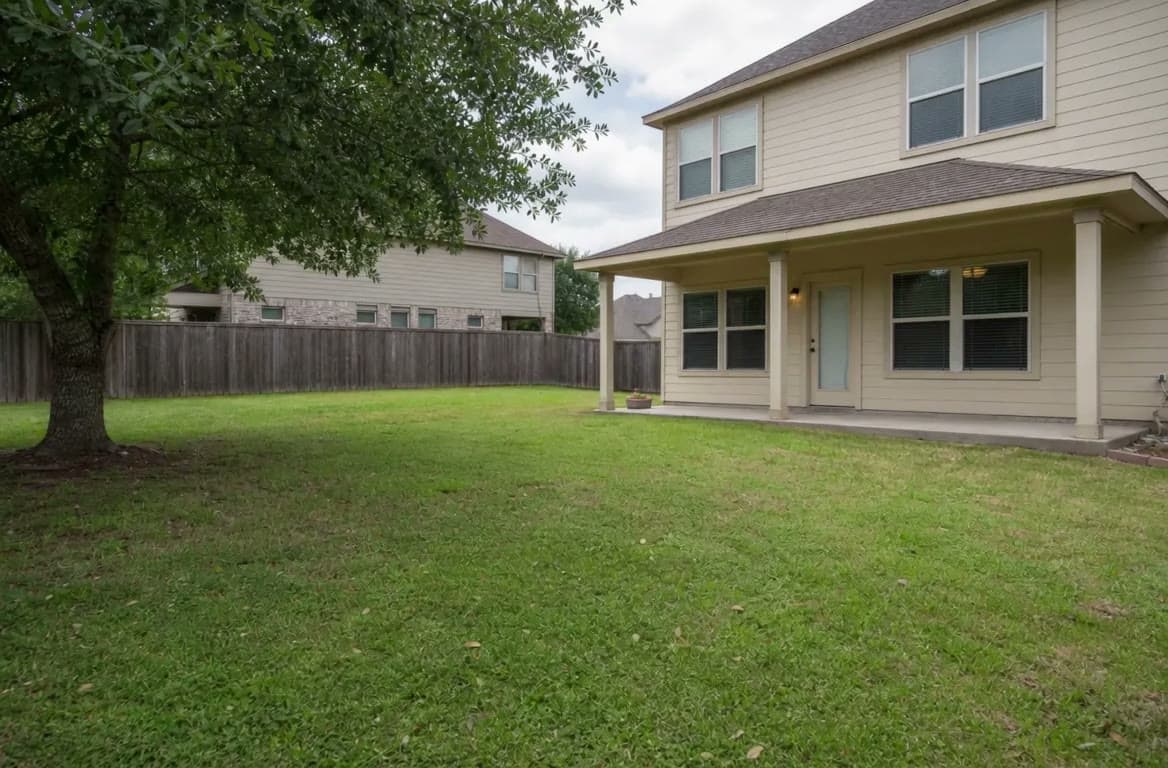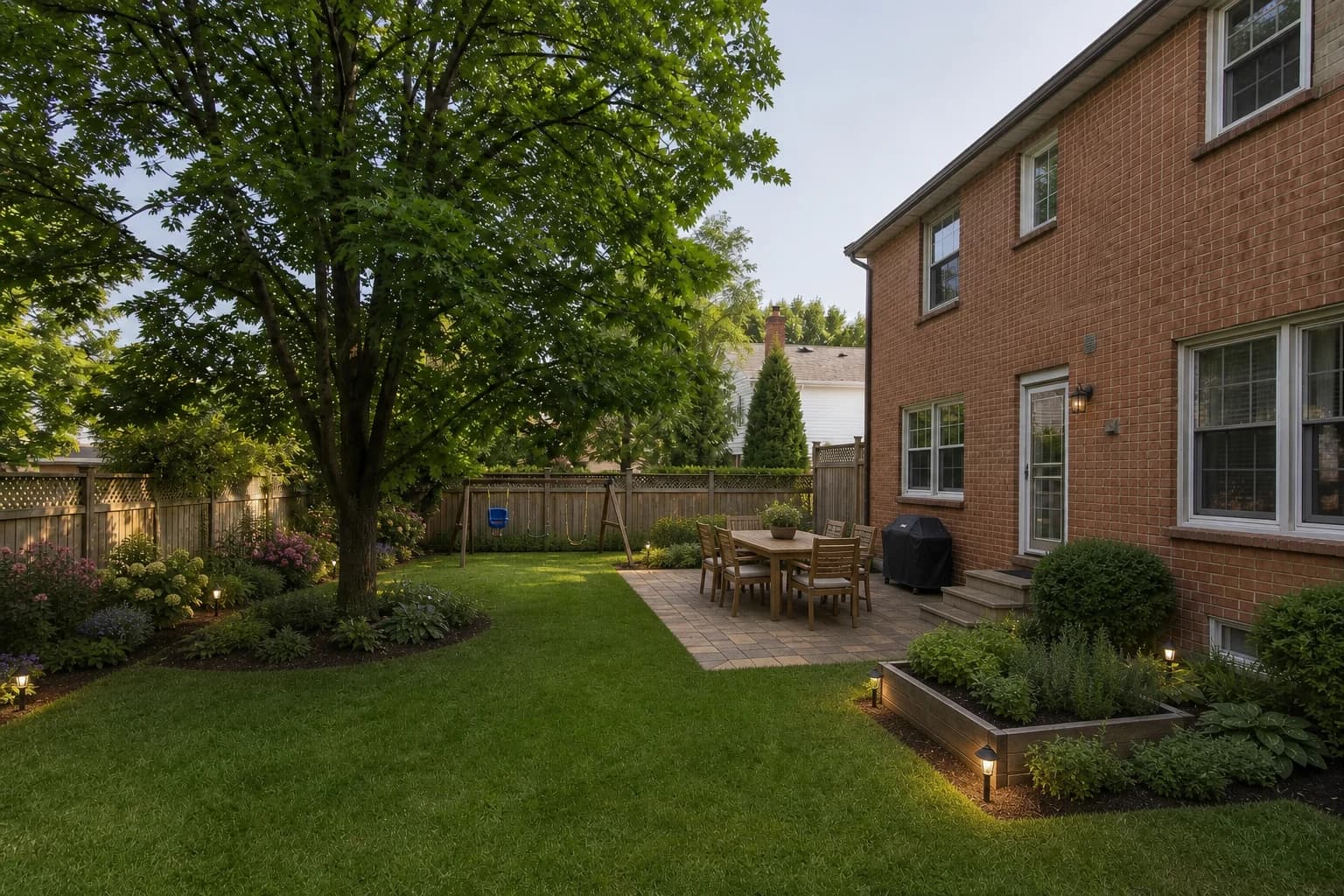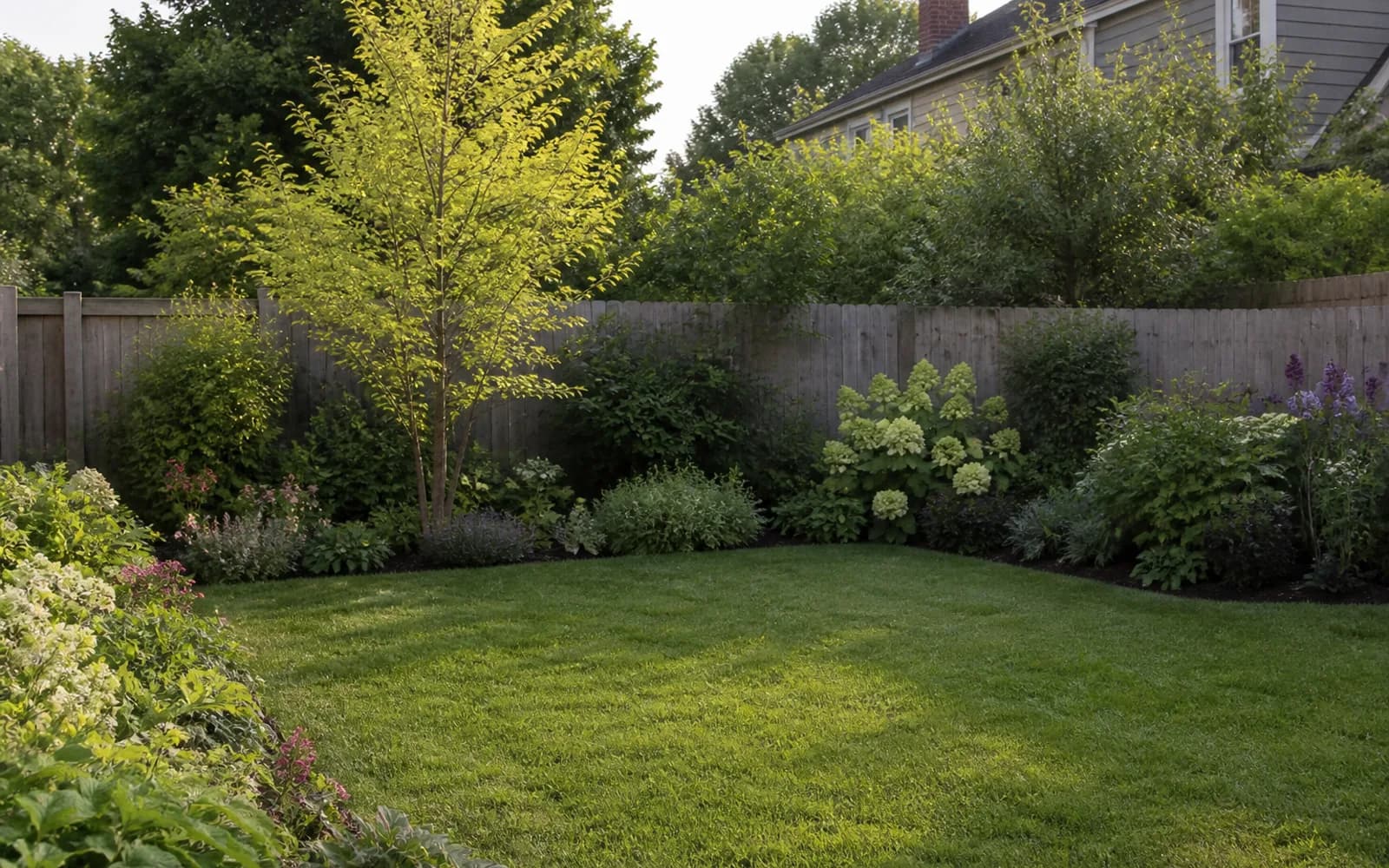
People look for a HomeDesigns AI alternative when outdoor multi-view consistency, AR walk-through, manual object placement, or a designer-owned package becomes more important than a single fast photo redesign.
This is a task-fit comparison. Credits, export rules, platform features, and pricing change, so verify the current offer before you buy.
Publisher disclosure
Quick answer
Choose GardenGPT when you want three coherent outdoor directions from one to four views before locking a style. Choose OutdoorBrite for outdoor-specialist photo polish, DreamzAR for AI-plus-AR, iScape for manual placement and supported AR, and Yardzen for a human-led package. Keep HomeDesigns AI when a fast general photo redesign is exactly the next decision.
Alternatives at a glance
Choose by the next decision you need to make, not by the longest feature list.
| Option | Best for | Working style | Main boundary |
|---|---|---|---|
| GardenGPT | Fast visual directions on a real photo | Upload photos and generate concepts | Not a measured or construction plan |
| OutdoorBrite | Fast visual directions on a real photo | Upload photos and generate concepts | Not a measured or construction plan |
| DreamzAR | Hands-on placement and mobile AR | Place plants and objects manually | More effort; strongest features depend on device |
| iScape | Hands-on placement and mobile AR | Place plants and objects manually | More effort; strongest features depend on device |
| Yardzen | A designer-led package | Brief, feedback, and delivered plan | Higher commitment and slower turnaround |
What the original product does well
- Delivers fast photo-based visual redesigns with a low learning curve.
- Helps homeowners test whether a look is worth deeper outdoor planning.
- Useful when you need inspiration speed more than AR, measures, or designer coordination.
Why homeowners compare alternatives
- You need multi-view outdoor consistency before committing to one style render.
- You want outdoor-specialist polish, AR inspection, or manual object control.
- A person needs to own constraints, planting choices, and handoff documents.
The alternatives, one by one
Each option below represents a different level of speed, control, technical depth, or human support.
1. GardenGPT
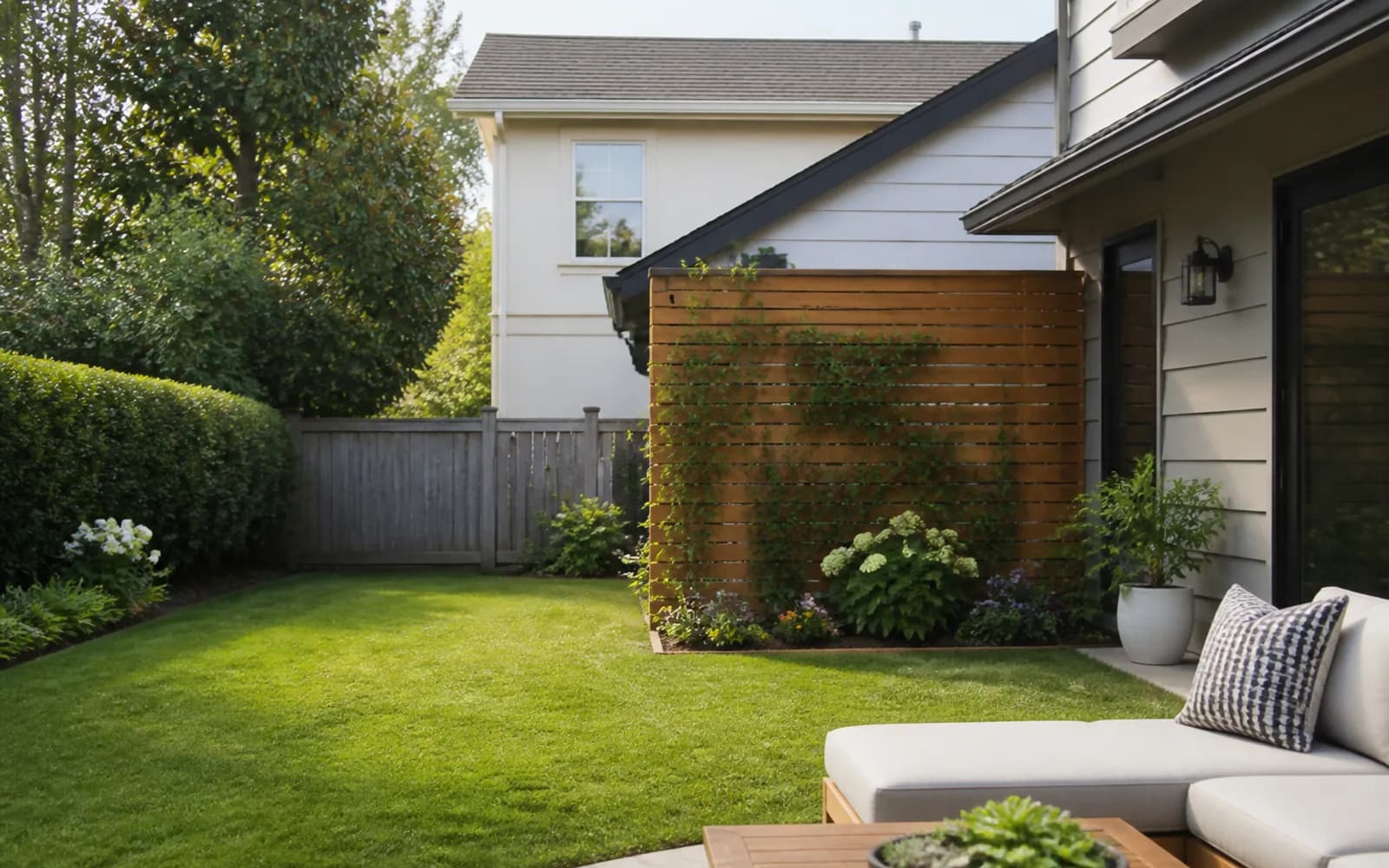
GardenGPT compares three coherent outdoor directions from one to four views of the same yard. It fits when multi-angle shortlisting matters more than a single general photo redesign, while remaining a concept layer rather than CAD or permits documentation.
2. OutdoorBrite
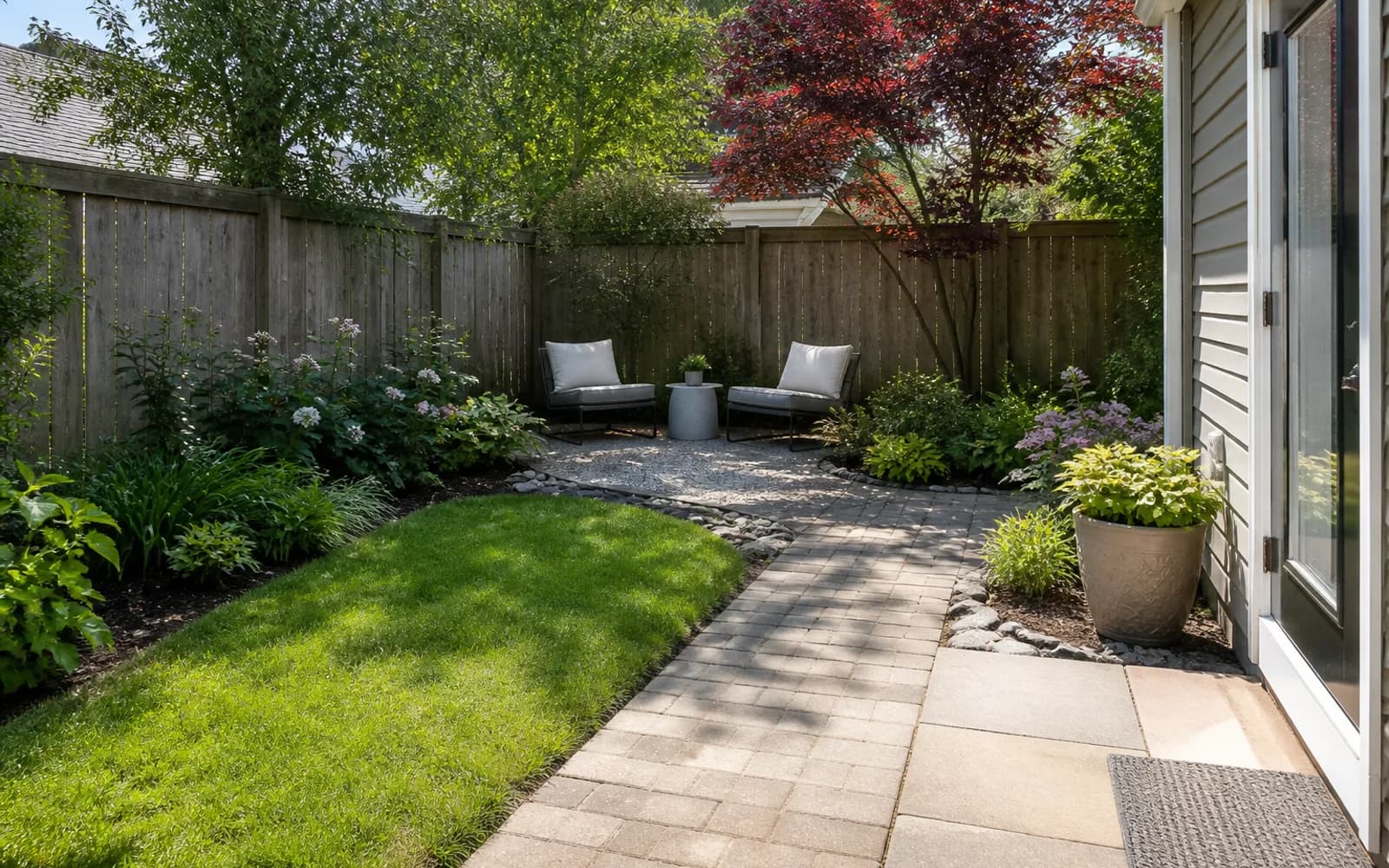
OutdoorBrite is an outdoor-oriented photo AI path with style-driven redesigns. Choose it when polished yard before-and-after concepts are the priority and you want a specialist outdoor workflow rather than a general home visualizer.
3. DreamzAR
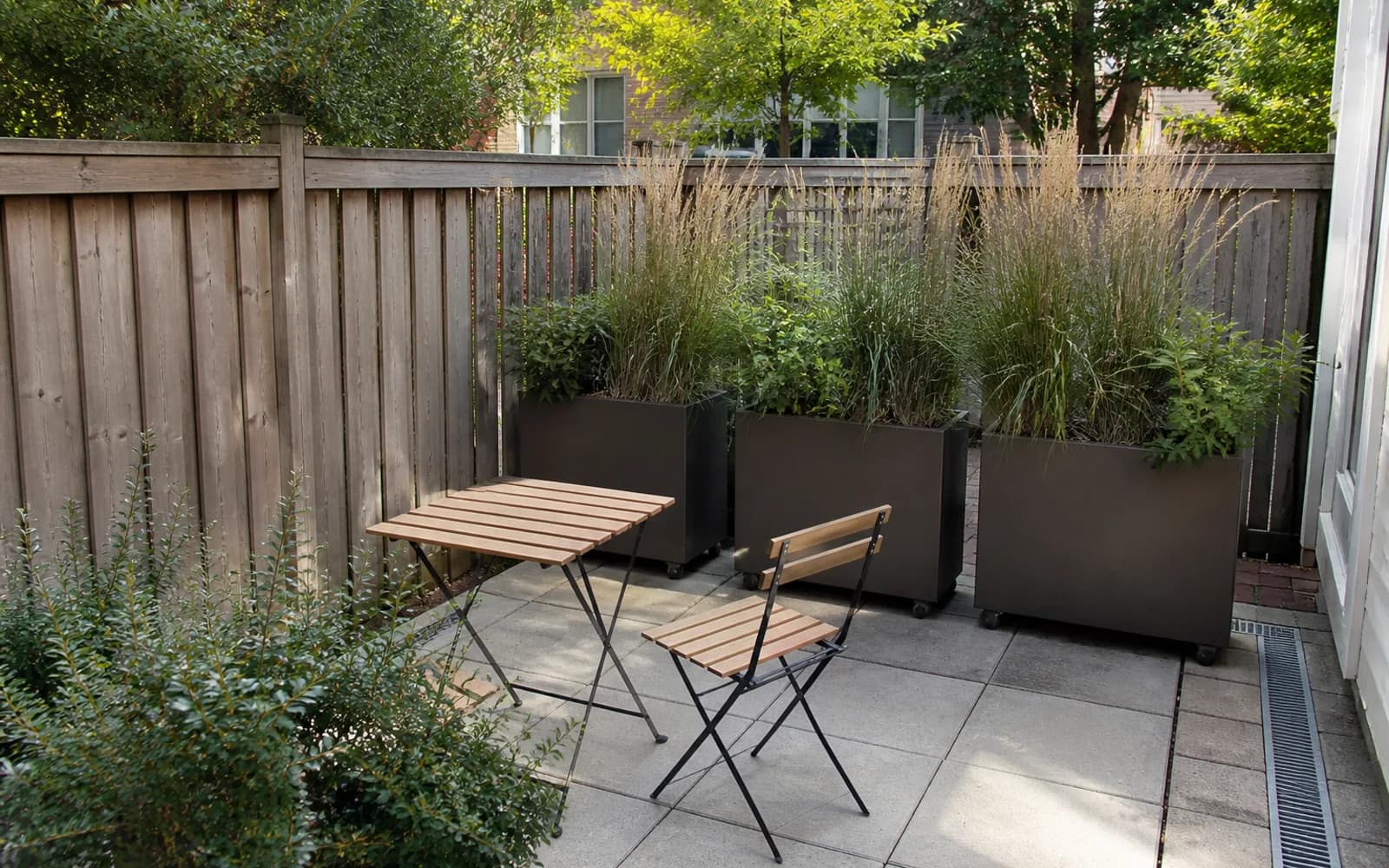
DreamzAR combines AI redesign with phone-oriented AR and catalog editing. It fits when standing in the yard to inspect height and object relationships matters more than another flat style image.
4. iScape
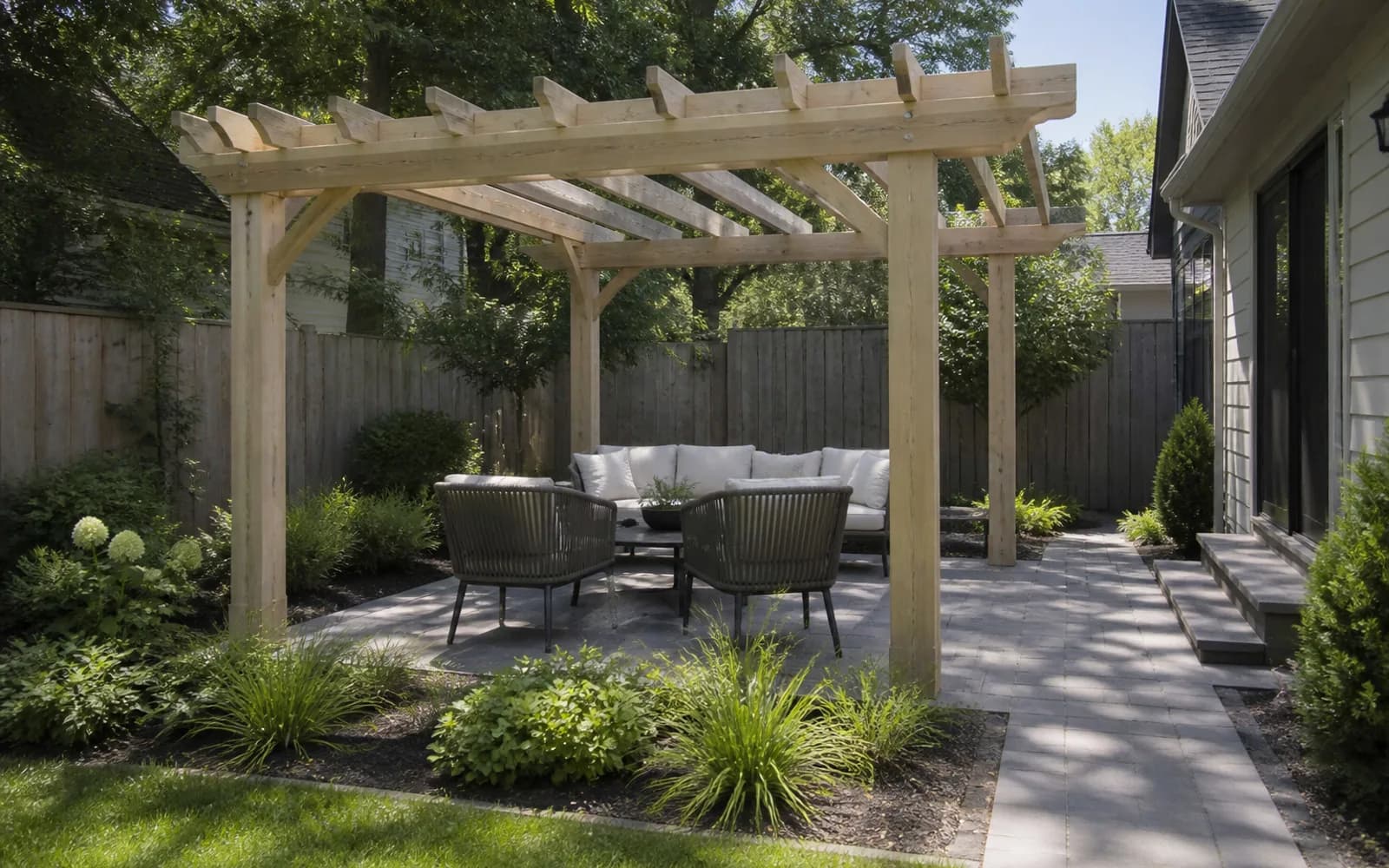
iScape fits homeowners who want manual placement, object catalogs, and supported AR rather than fully automated redesigns. You gain control and accept more placement time; confirm device support before switching.
5. Yardzen
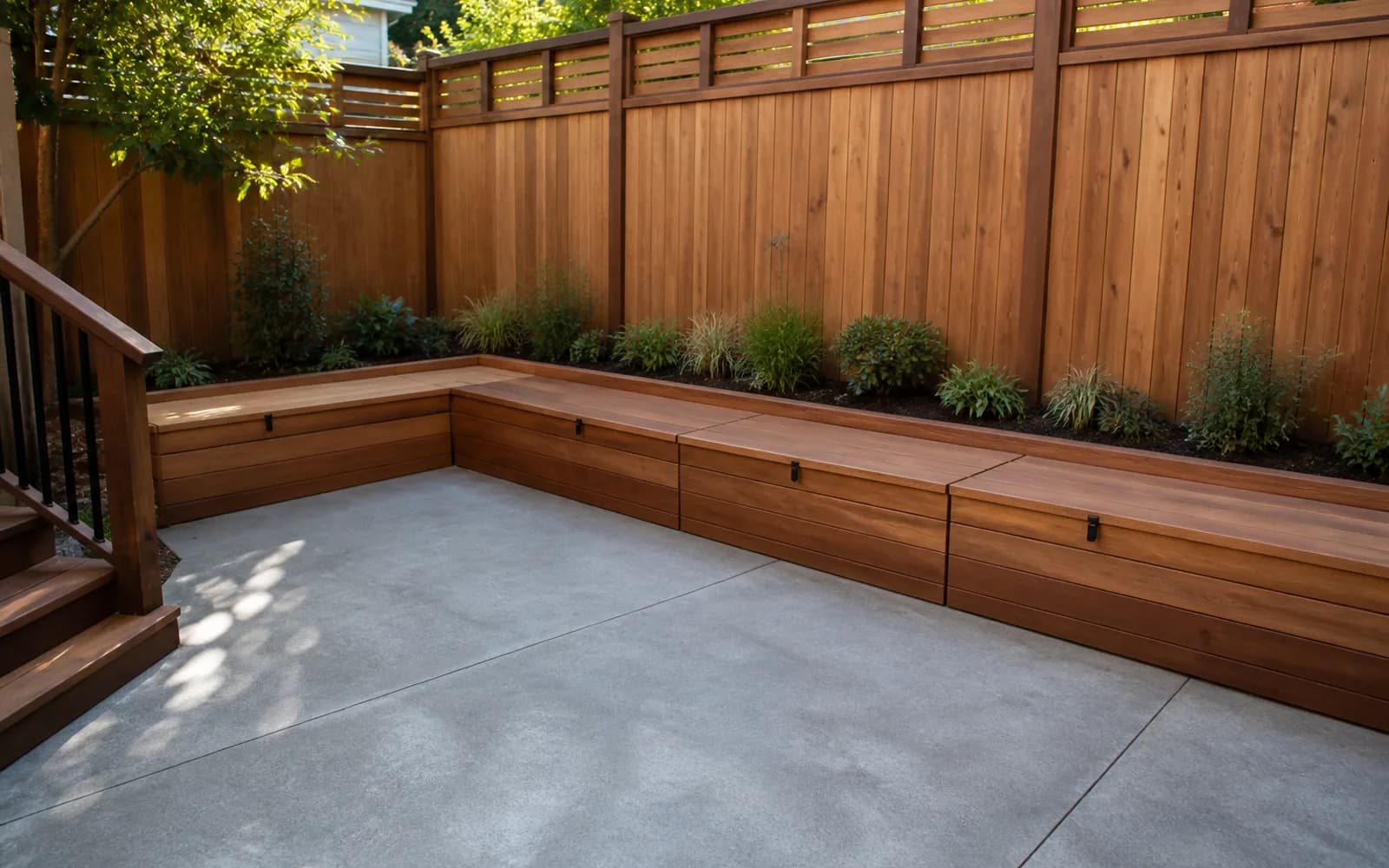
Yardzen is a human-led package when constraints, planting, and a coordinated outdoor handoff matter more than self-serve image credits. It costs more time and money, but a designer owns the reconciliation work.
When to keep the original—and when GardenGPT fits
HomeDesigns AI
Keep HomeDesigns AI when a fast general photo redesign is the next decision and you do not yet need outdoor multi-view shortlists, outdoor-specialist polish, AR, manual placement, or human handoff.
GardenGPT
Choose GardenGPT when you need multi-view outdoor direction shortlists on the same yard before locking a style. Upload 1–4 angles, preserve fixed elements, compare three options, then continue with HomeDesigns AI-style polish, AR, manual placement, or a professional package as needed.
A fair same-yard comparison
- Use the same daylight outdoor photos with house edges, doors, fence lines, trees, and the problem area visible.
- Give every tool one brief and one keep-list; score multi-view consistency separately from single-image polish.
- Record speed, outdoor specialization, AR or edit depth, platform, price, and the next usable deliverable.
- Reject any result that moves fixed architecture, blocks access, or pretends to prove drainage, structure, or permits.
Sources and review date
Reviewed September 9, 2026. Source names are shown as plain text; pricing, limits, platforms, and product scope can change.
- HomeDesigns AI public product and marketing pages
- OutdoorBrite HomeDesigns AI alternatives comparison
- DreamzAR public product information
- iScape product information
- Yardzen public process information
Frequently asked questions
Is GardenGPT a direct replacement for HomeDesigns AI?
No. HomeDesigns AI and GardenGPT support different workflow depths. GardenGPT is the multi-view outdoor comparison layer before locking one style path.
Which HomeDesigns AI alternative is fastest?
Self-serve photo AI is usually fastest for visual direction. Manual layout, technical software, and human services take longer because they solve different jobs.
Which option costs less than HomeDesigns AI?
Compare the current checkout price and what one useful project includes. A lower sticker price is not cheaper if editing, exports, or the needed deliverable requires another tier.
Can I build directly from an AI landscape image?
No. Recreate the selected direction from measurements and verify drainage, plants, utilities, structures, safety, and permits.
How should I compare these tools fairly?
Use the same clear yard photos, one keep-list, one design brief, and one output checklist. Separate visual quality from measured or professional deliverables.
When should I stay with HomeDesigns AI?
Stay with HomeDesigns AI when a fast general photo redesign is the only next step you need.
Choose GardenGPT when you need multi-view outdoor direction shortlists on the same yard before locking a style. Upload 1–4 angles, preserve fixed elements, compare three options, then continue with HomeDesigns AI-style polish, AR, manual placement, or a professional package as needed.