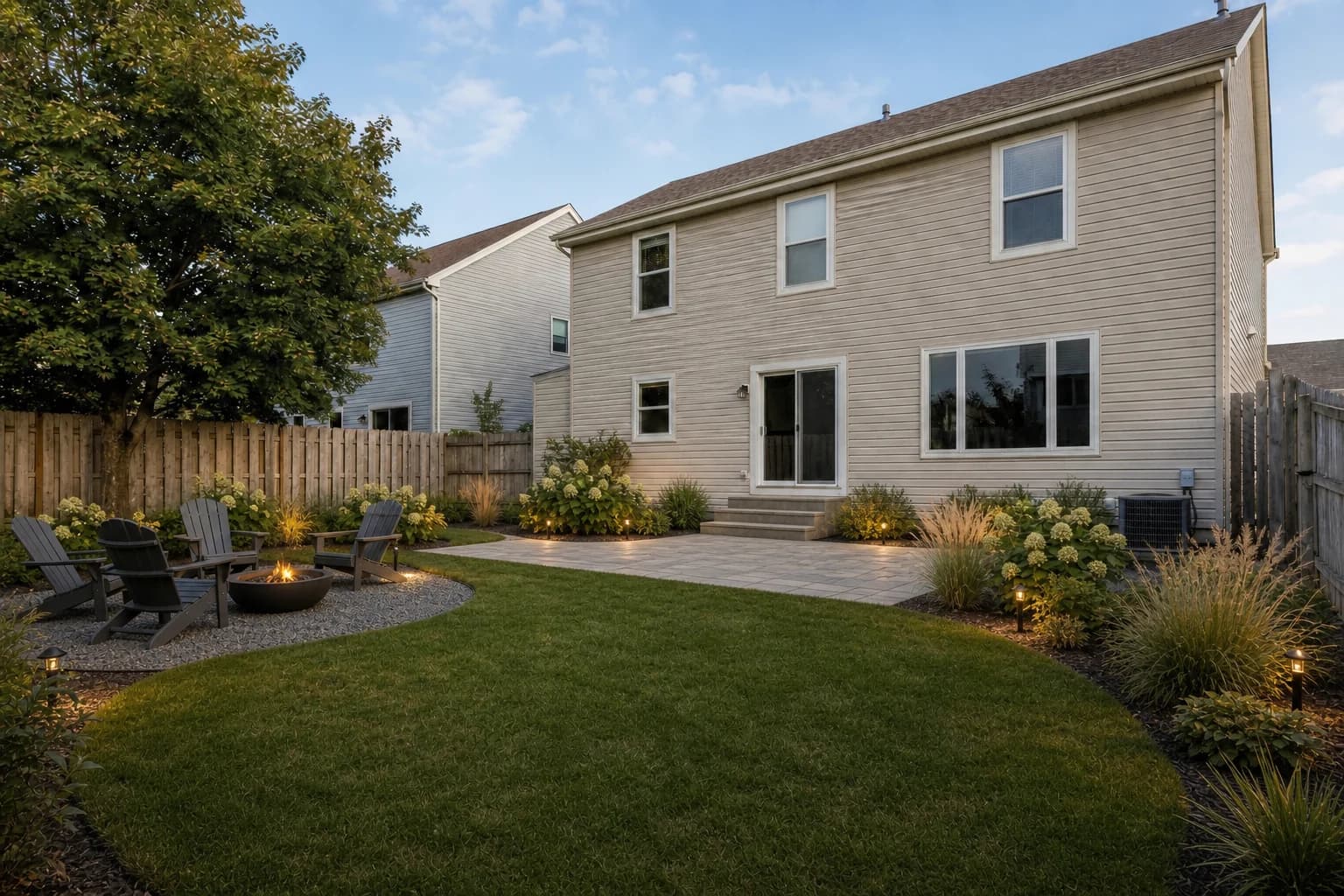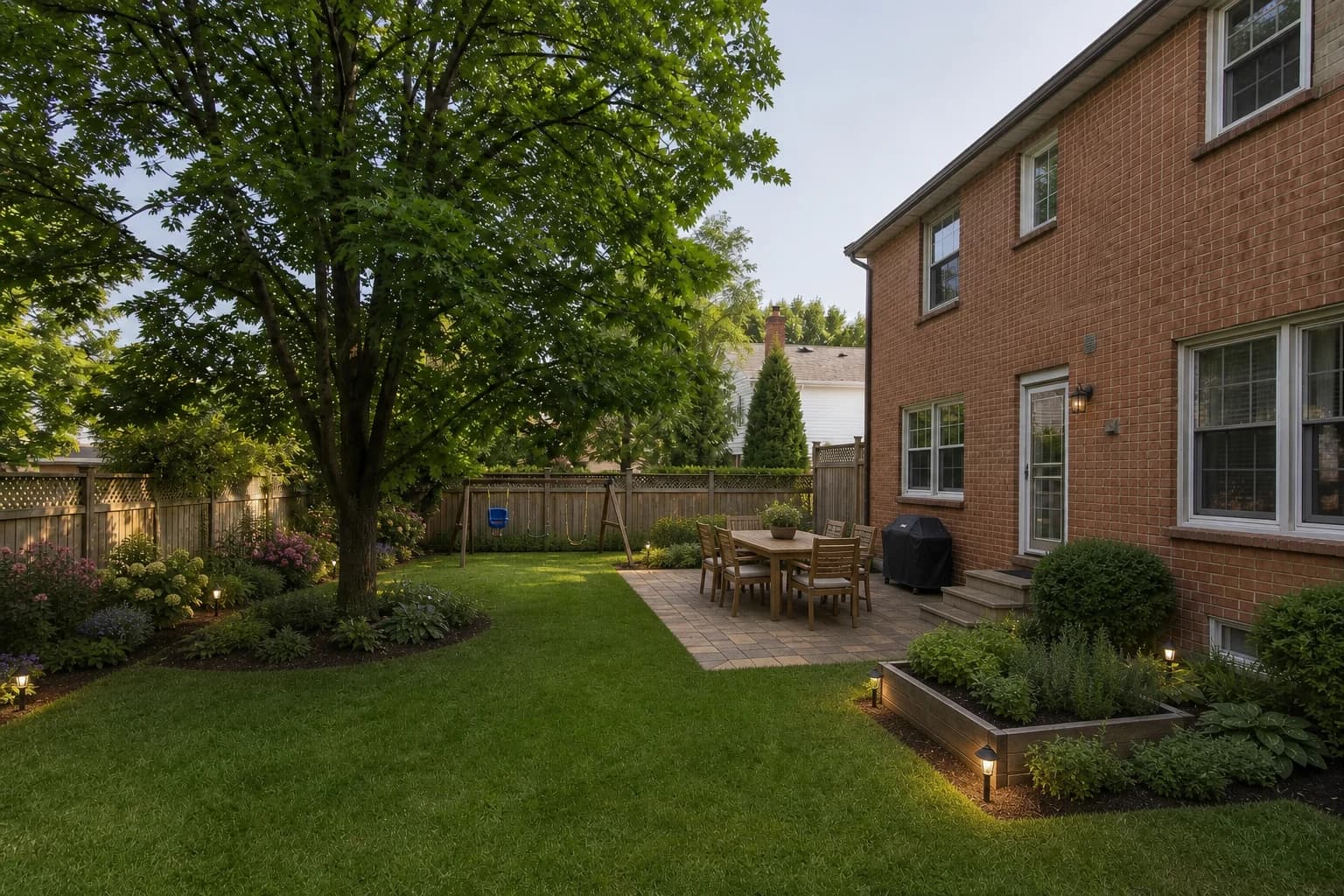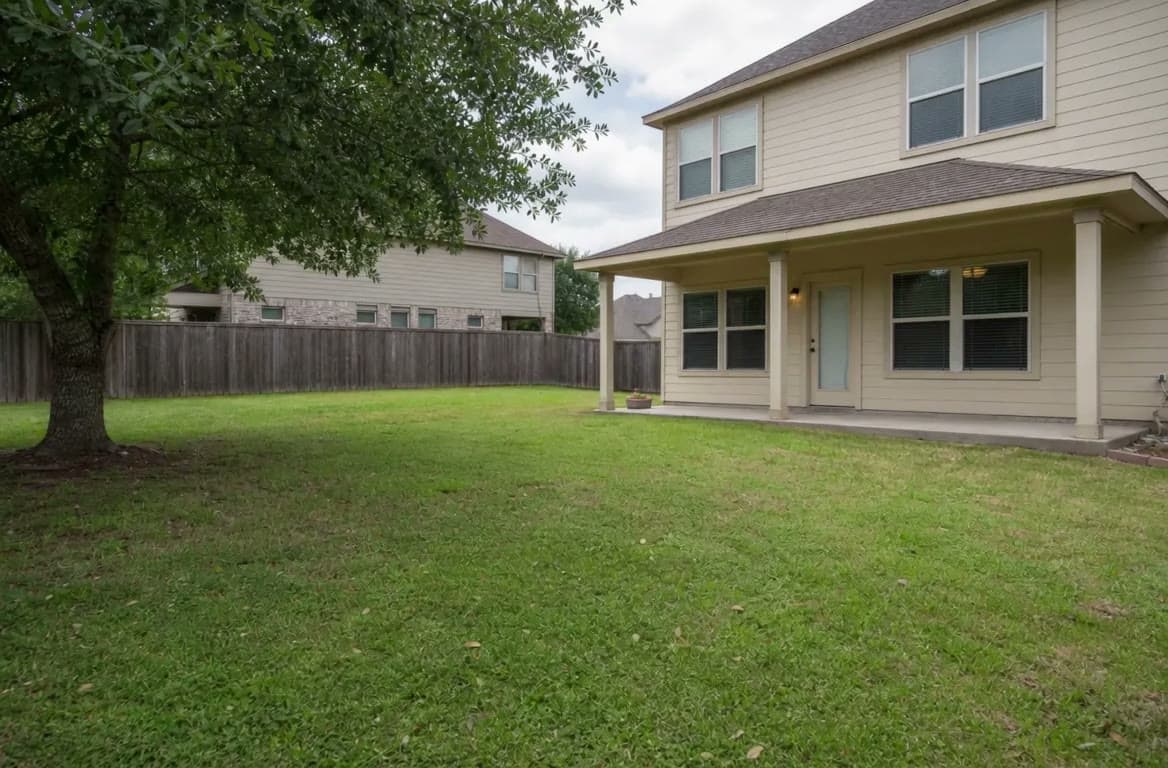
When you look for landscape software that accepts a photo, you usually want to see your own house, fence, steps, and walkway after a change. Products handle that photo in very different ways.
This guide separates photo redesign, plant placement, 2D drafting, and professional proposals, with GardenGPT positioned as the early direction filter. Pricing, free tiers, and export rights change, so confirm the official terms.
The short answer: check what stays fixed in the photo
Use OutdoorBrite or GardenGPT for a fast overall redesign; SimplyScapes or iScape for placing plants and hardscape on your own image; Realtime Landscaping Photo for layered photo editing; and SmartDraw or 2D CAD for a scaled drawing and handoff. GardenGPT starts with one to four views of the same space and compares several directions before you spend time modeling from a blank canvas.
Six photo-upload landscape tools compared
Do not force different product types into one best list. Choose by the question you need to answer.
| Tool | How it uses a photo | Best task | Next output | Main boundary |
|---|---|---|---|---|
| GardenGPT | 1–4 views of one space for distinct concept directions | Homeowners comparing style, materials, and zones | Saved concepts, Enhance/HD/video | Not CAD, a scaled plan, or construction docs |
| OutdoorBrite | Uploads a photo for an overall redesign | Fast before/after direction | Photo concept | Confirm current styles, limits, and commercial rights |
| SimplyScapes | Places real plants and hardscape on your yard photo | Plant choices and family discussion | Editable photo design | Plant data and paid tier vary by region |
| iScape | Sketches, materials, and proposals over a photo | Landscape pros and DIY | Design image and PDF proposal | Some capabilities require Pro or iOS |
| Realtime Landscaping Photo | Uses the photo as a background with design layers | Photo editing and presentations | Layered concept image | Desktop workflow with higher learning and asset cost |
| SmartDraw | Imports a photo as a base for 2D shapes | Scaled diagrams and sharing | PDF, PNG, SVG | General diagram tool, not an AI photo redesigner |
Seven checks before choosing a photo-upload tool
- Use front, side, and detail views of the same space; do not mix different locations or seasons.
- Check whether the house, fence, doors, steps, and fixed walkway remain in place.
- Separate overall AI redesign, plant placement, layer editing, and 2D reconstruction.
- Verify that it can create genuinely different options, not just color filters.
- Confirm original-photo retention, watermark-free export, sharing, and continued editing.
- For pricing or construction, redraw the selected direction from field measurements and add drainage, structure, utilities, and code information.
- Remove house numbers, license plates, children, and unnecessary private details before uploading.
GardenGPT's differentiator: compare before you commit
GardenGPT is for homeowners who have not settled on a style or zoning plan. Upload one to four views of the same outdoor space, compare materials, activity zones, enclosure, and style in the real scene, then choose the direction worth rebuilding. That moves the “what do I actually like?” decision before repeated drafting in a 2D or professional suite.
GardenGPT does not read measurements or present a generated image as a construction plan. Rebuild the selected direction in 2D with verified boundaries, widths, levels, and layers; use qualified local review for complex work.
How to avoid a convincing but false photo result
Keep the camera position steady and avoid harsh backlight. Include one wide view showing the house, boundary, and main walkway, then add one to three side or detail views. After generation, check that fixed elements did not move, doors did not warp, and plants make sense for the location before moving to a plan.
Repeated generations from one photo are not validation. Keep the photo and requirements fixed, change only style, material, or function, and record why an option was rejected.
Frequently asked questions
Which landscape software lets me upload my own photo?
OutdoorBrite, SimplyScapes, iScape, Realtime Landscaping Photo, and GardenGPT all support photo-based workflows, but they target overall redesign, plant placement, or layer editing differently.
How is GardenGPT different from a typical photo landscape tool?
GardenGPT accepts one to four views of the same space and compares distinct directions before drafting; it does not replace 2D CAD, surveying, or construction documents.
Can one photo produce an accurate yard design?
No. A single photo lacks depth, slope, dimensions, and underground information, so it is a concept starting point.
Can I send the photo concept straight to a contractor?
No. Redraw it from field measurements and review drainage, structure, utilities, permits, and quantities.
Is it safe to upload a yard photo?
Remove house numbers, plates, children, and unnecessary private details, then read the service's storage, sharing, and deletion terms.
Photo-upload tools are valuable because they put the discussion back in the real yard. Let GardenGPT filter the direction first, then let 2D and professional tools handle dimensions, layers, and handoff.