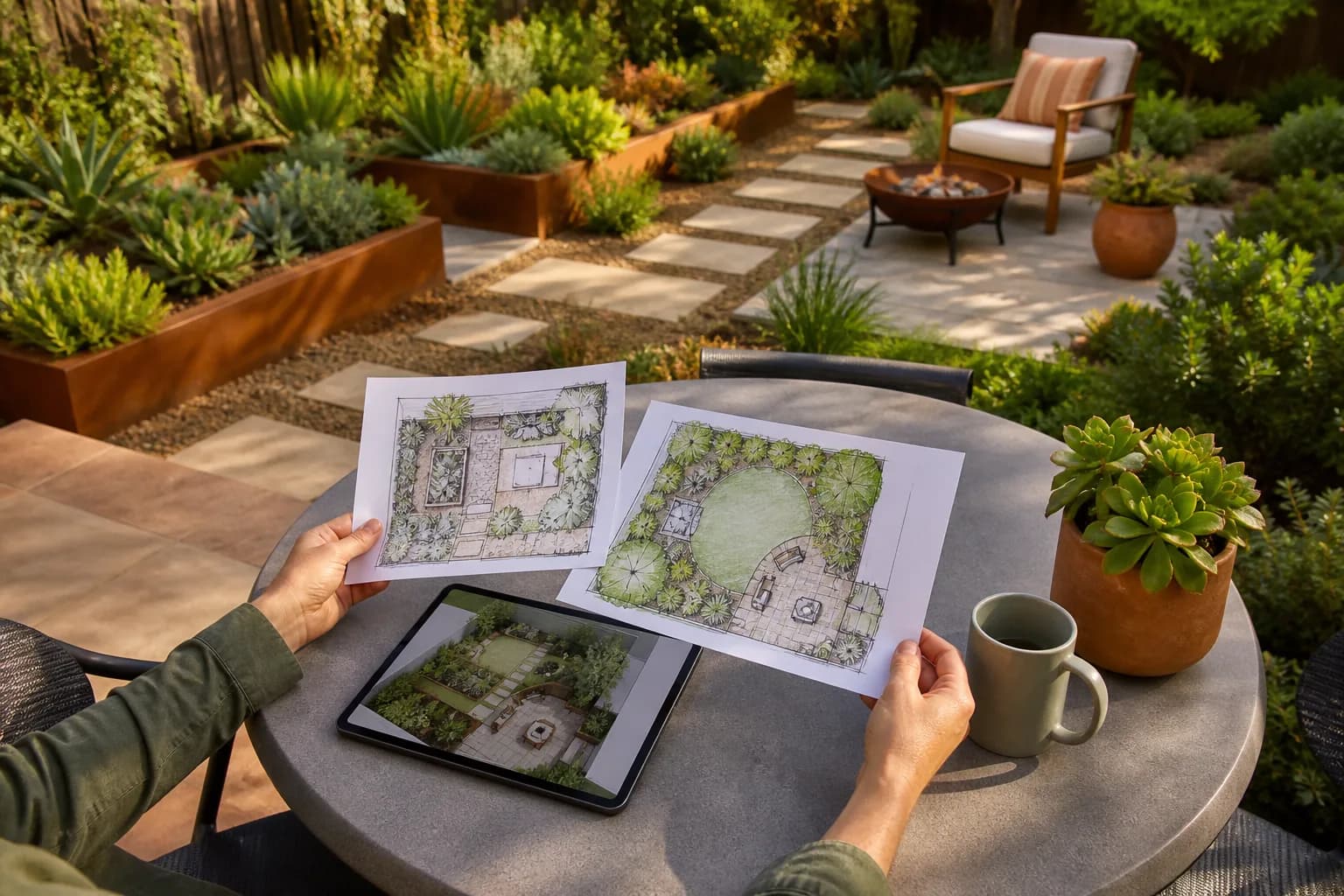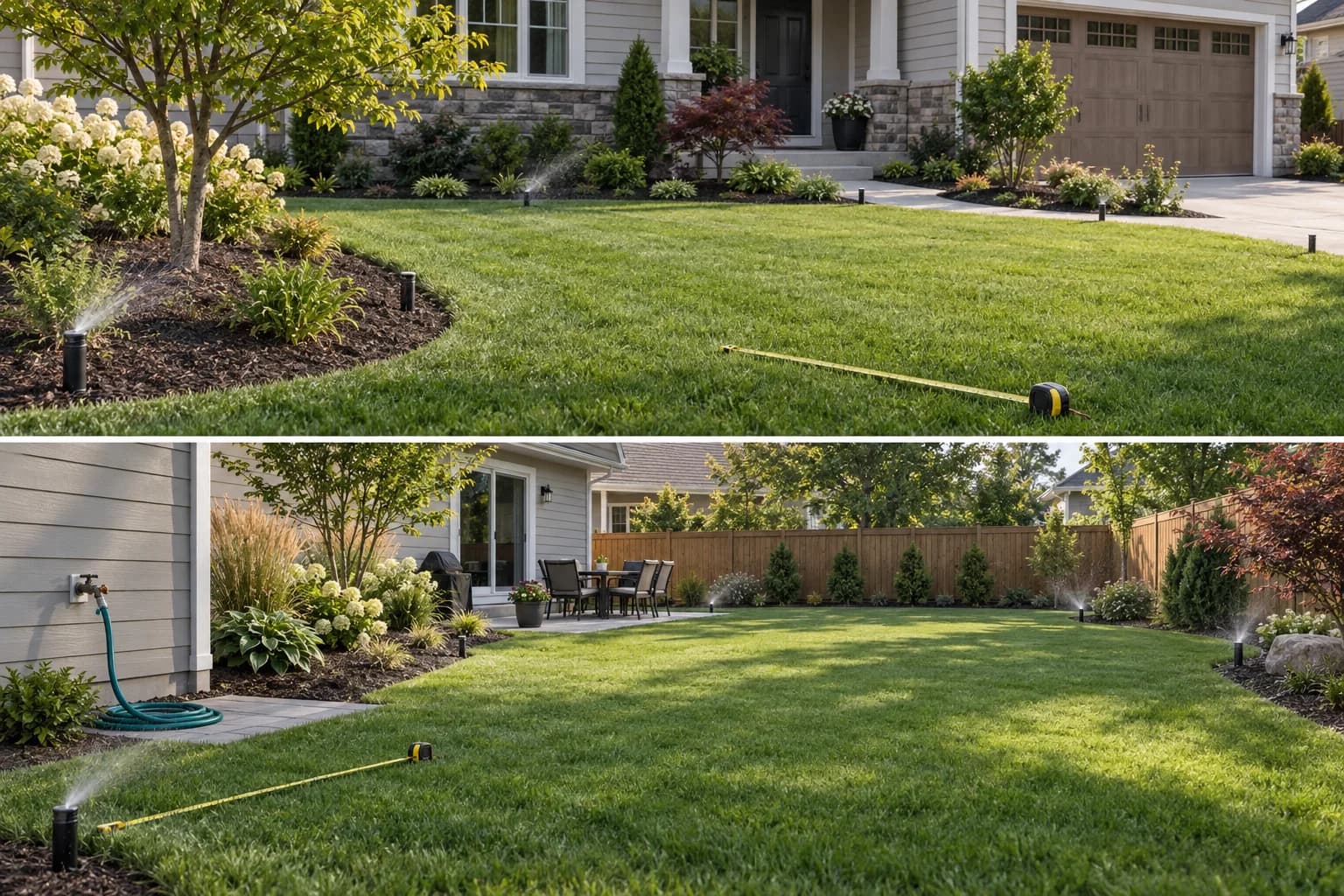
Irrigation design tools range from simple browser planners to hydraulic engineering systems. Treating them as interchangeable can produce a polished drawing that still lacks pressure, flow, pipe sizing, or code checks.
This comparison organizes seven current tools by actual deliverable. Product names are shown as plain text so the article remains focused and does not send readers through promotional links.
Key takeaways
- Use a browser planner for an early layout; use hydraulic software when pressure, flow, elevation, or pipe sizing affects installation.
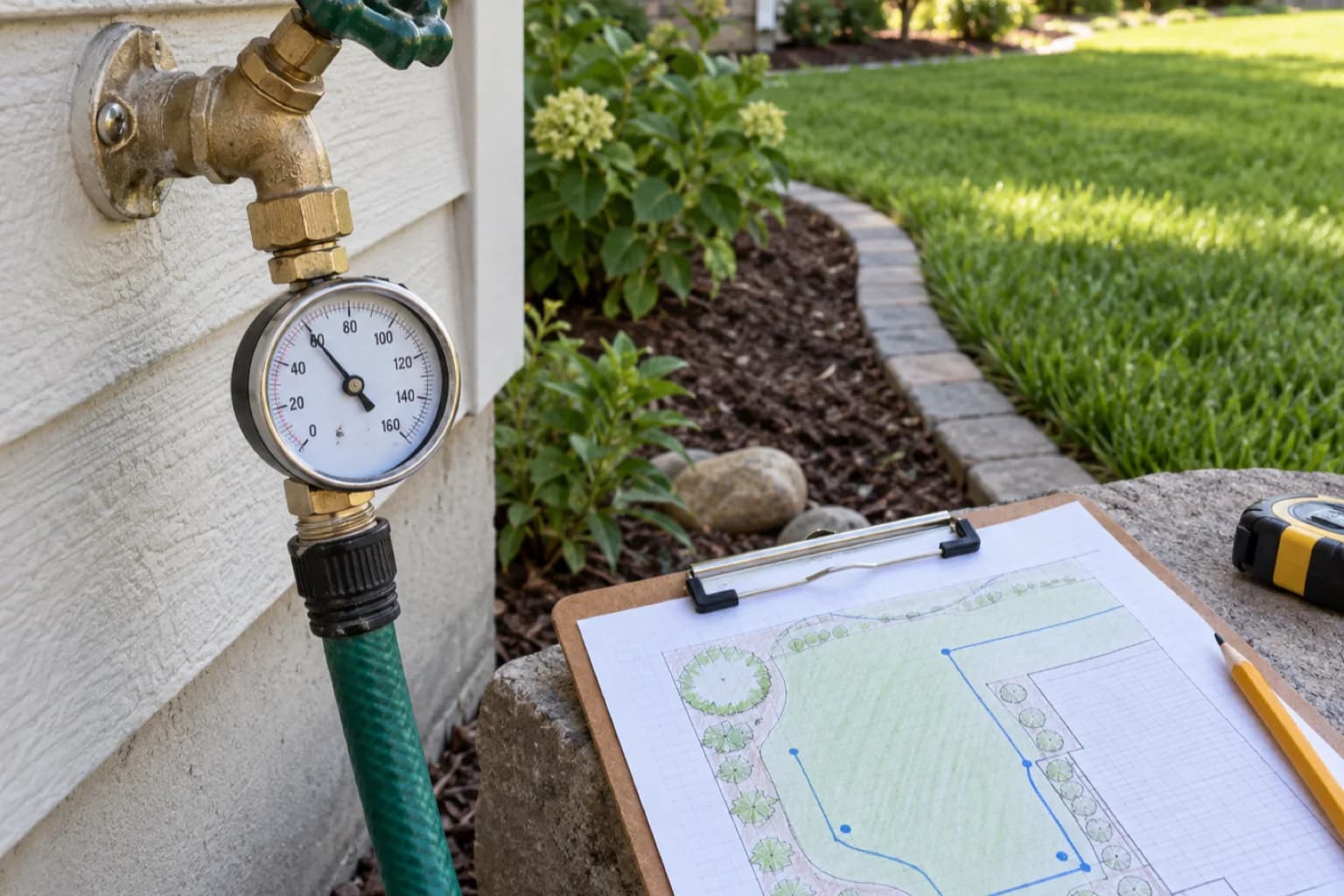
- Measure the water source and site before drawing zones. Software cannot repair guessed pressure, flow, elevation, or available service capacity.
- GardenGPT can compare how irrigation-friendly planting zones look in real photos, but it does not design pipes, valves, backflow protection, or controller schedules.
Choose by deliverable, not by feature count
Start with the document or decision you need next. A homeowner sketch, a contractor plan, and a calculated network carry different levels of responsibility.
| Need | Best tool type | Must still verify |
|---|---|---|
| Early garden and sprinkler sketch | Browser or landscape planner | Dimensions, pressure, flow, local rules |
| Client sheet and material takeoff | Contractor-focused design software | Product availability and installation details |
| CAD documentation and schedules | CAD irrigation plugin | Survey base, office standards, engineer review |
| Pressure, pipe sizing, pumps, or terrain | Hydraulic irrigation platform | Measured inputs, code, commissioning |
Where GardenGPT fits
7 irrigation design tools compared
The tools below move from approachable planning to specialist hydraulic work. Verify current platform, licensing, supported equipment, and export formats before purchase.
1. GARDENA myGarden
A free browser planner for drawing a garden and arranging a GARDENA sprinkler concept. It suits homeowners who need an understandable first layout and product-oriented planning sketch rather than a full engineering model.
2. Realtime Landscaping Architect
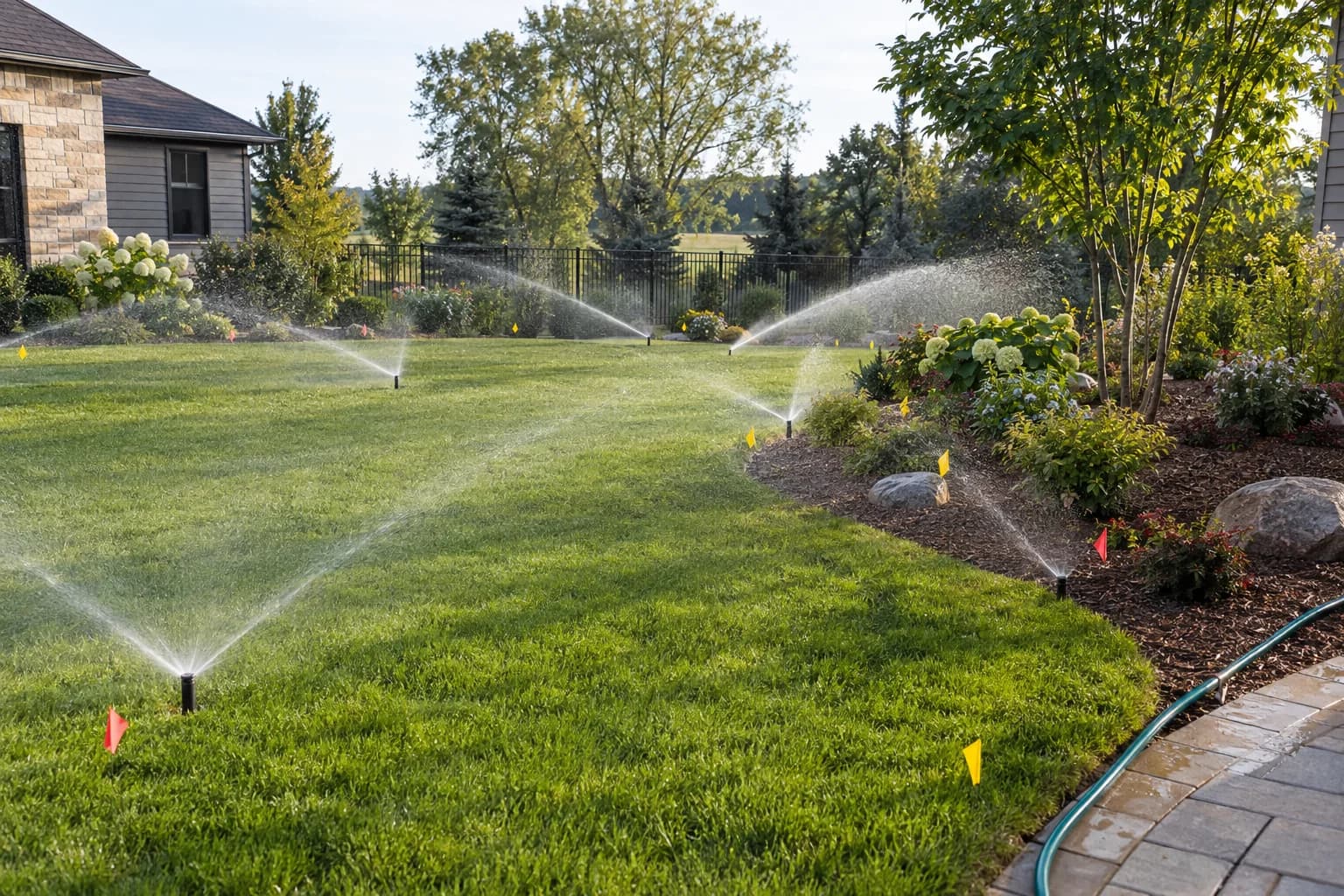
A landscape visualization program that can place sprinkler lines, heads, valves, and irrigation symbols alongside the wider yard design. It is useful when clients need to understand how hidden services relate to beds, paving, and structures.
3. Pro Contractor Studio
A contractor-oriented landscape and irrigation drawing environment for presenting plans, organizing symbols, and preparing quantities. It is positioned between a consumer sketch and a specialist hydraulic platform.
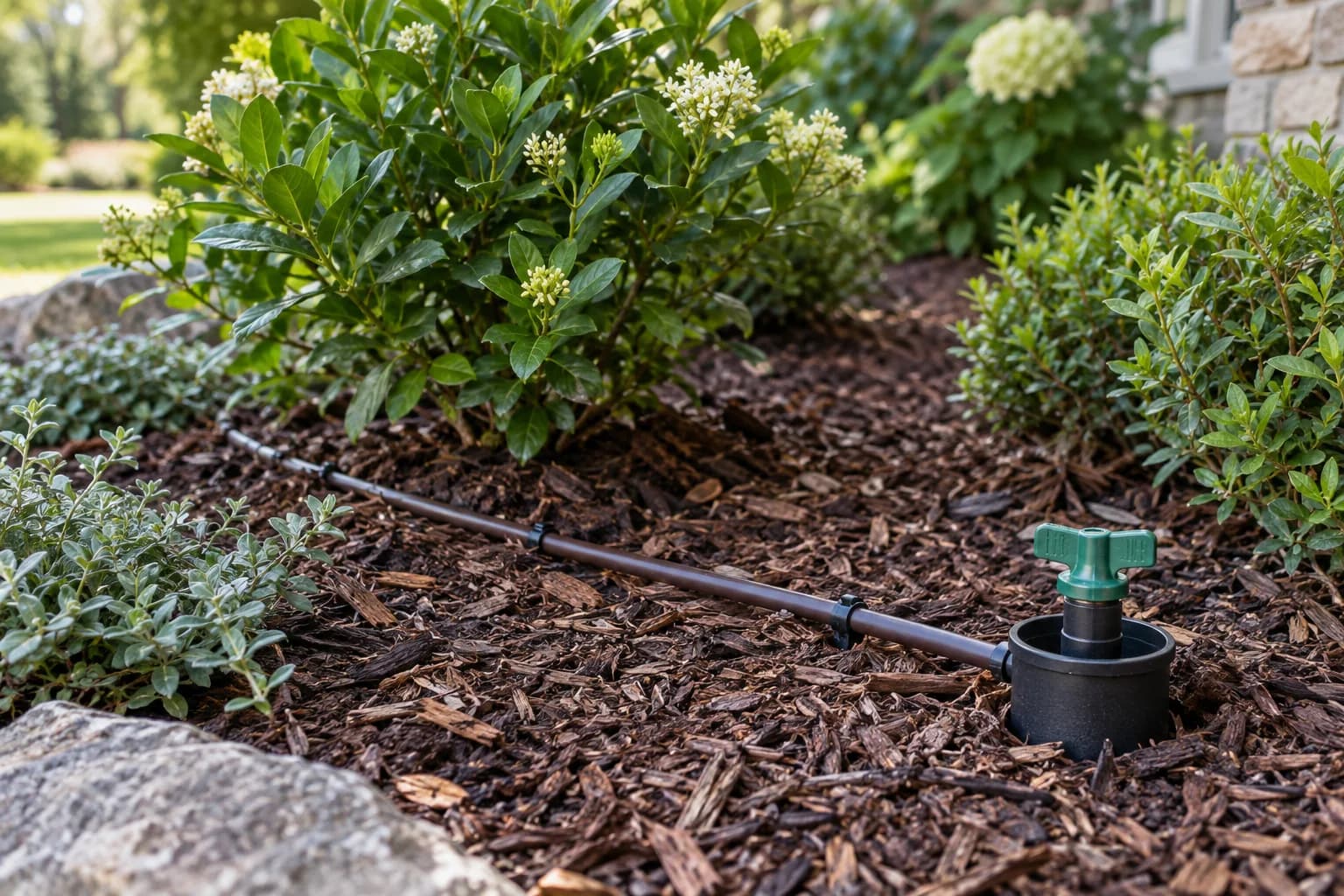
4. Irrigation F/X
A professional CAD workflow for irrigation equipment, pipe sizing, pressure and flow analysis, schedules, reports, and error checking. It fits offices that already coordinate drawings and standards in a CAD-based process.
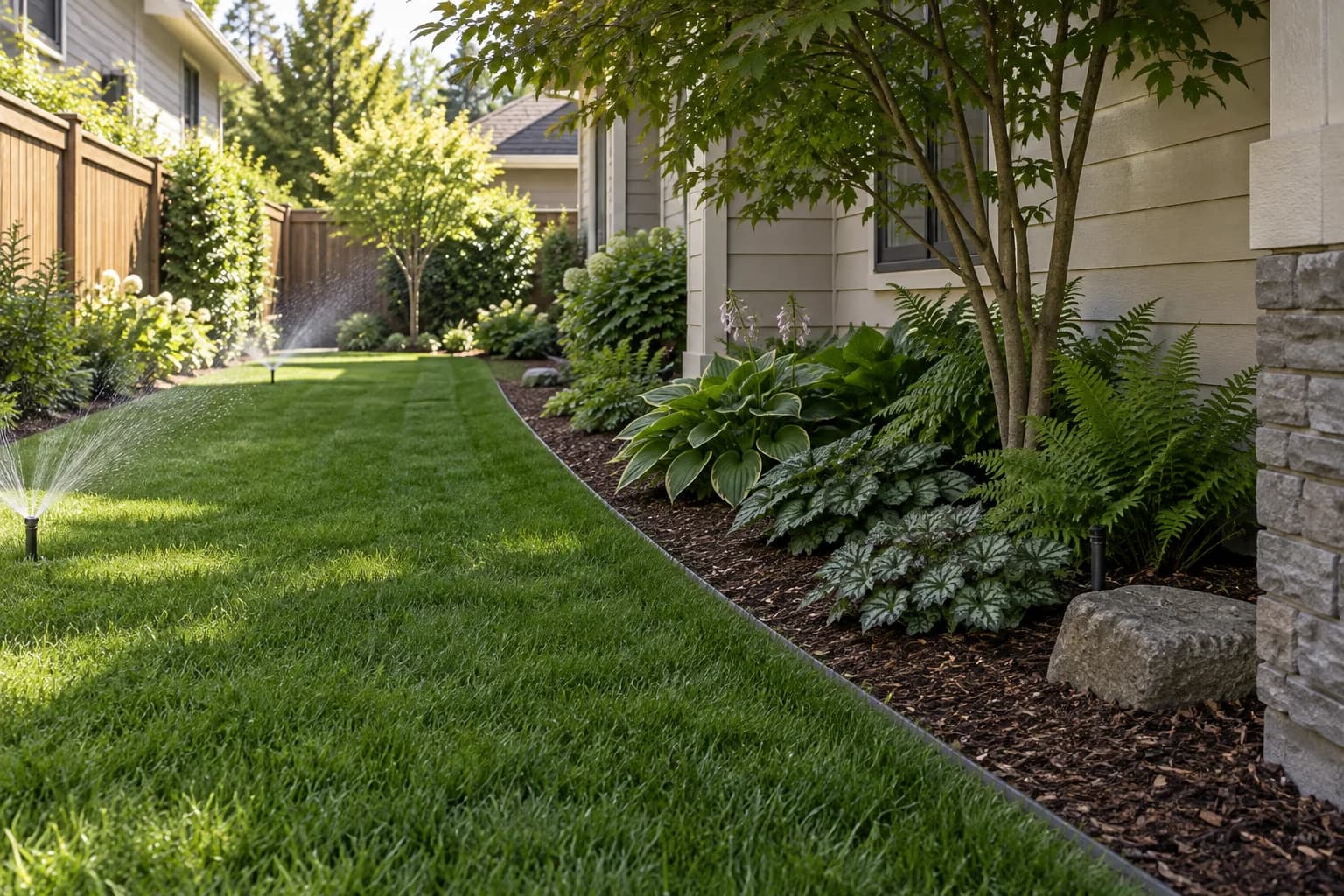
5. IRRICAD
A specialist platform that combines irrigation drawing with hydraulic pipe sizing, network analysis, operating choices, and bills of materials. It is intended for pressurized systems where engineering behavior matters as much as presentation.
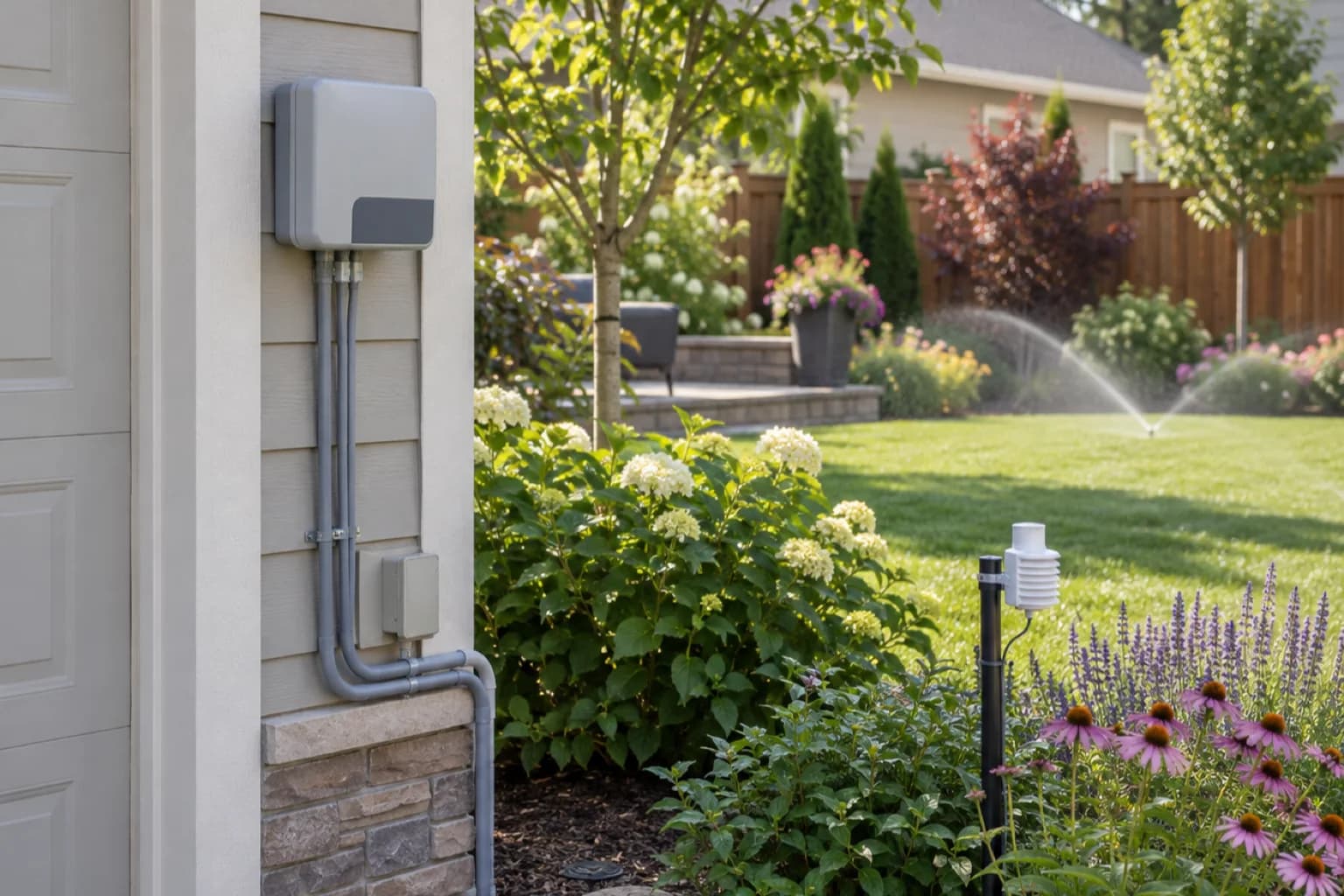
6. IrriPro
A hydraulic design platform with terrain, network, pump, valve, and bill-of-material capabilities, especially relevant to agriculture, greenhouse, and larger irrigation systems. It can evaluate alternatives beyond a residential sprinkler sketch.
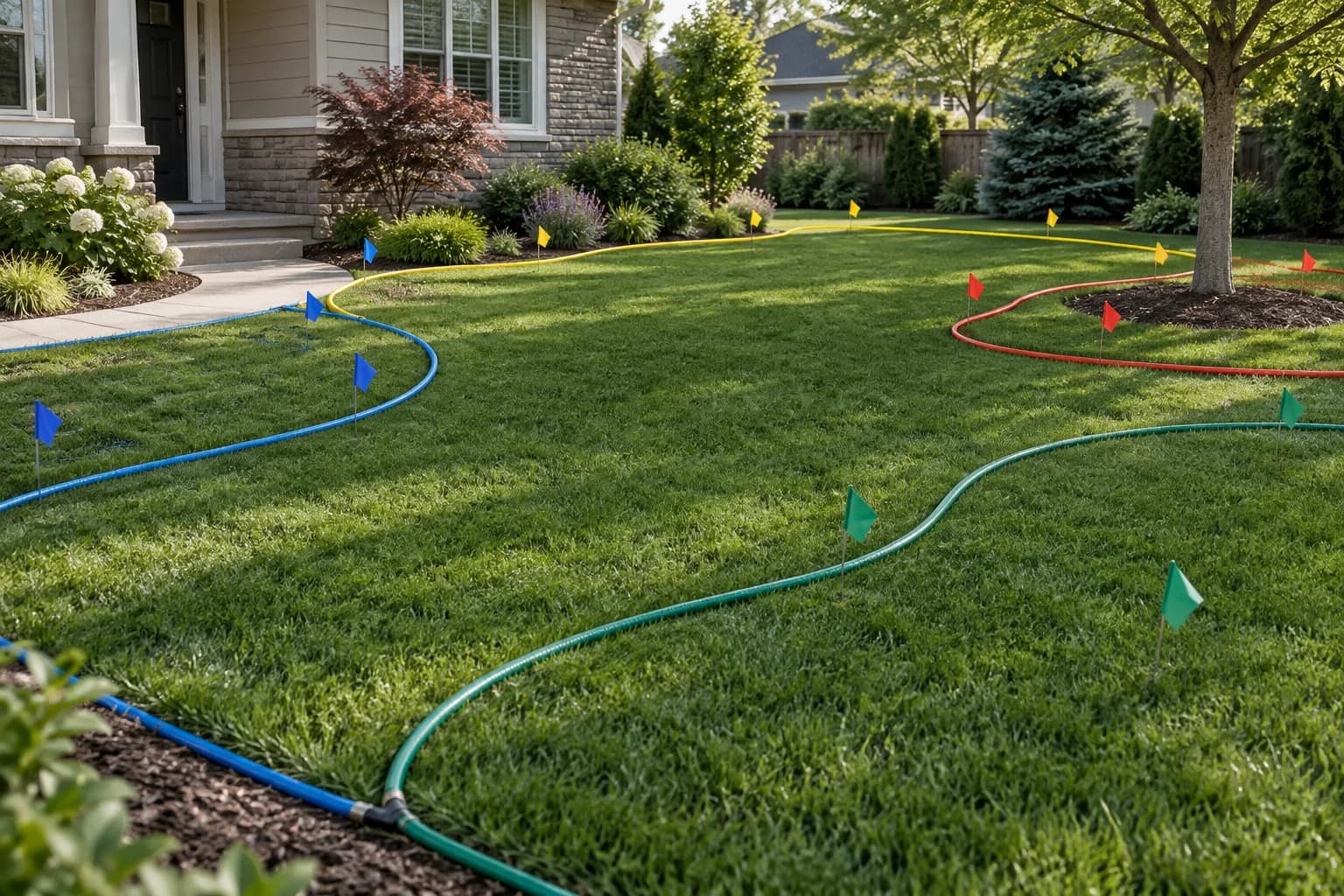
7. Raindrop Irrigation Design Software
A Windows irrigation plugin that works inside compatible full AutoCAD versions rather than as a standalone app. It is most relevant when an existing CAD workflow needs dedicated irrigation tools without moving to another drawing environment.
A safer irrigation planning workflow
Separate visual decisions from technical calculations so each tool is used for the job it can actually support.
- Inventory lawn, beds, trees, containers, slopes, paving, structures, and areas that must stay dry.
- Measure the site and water source, including elevation change, static and dynamic pressure, available flow, and service constraints.
- Group plants by compatible water needs and separate turf, drip beds, containers, and special conditions into realistic hydrozones.
- Use the selected technical tool to lay out equipment, calculate performance, coordinate utilities, and prepare the needed schedule or drawing.
- Have a qualified local professional check backflow protection, electrical work, trenching, permits, water rules, and commissioning before operation.
Sources reviewed
Reviewed September 7, 2026. These names are plain-text research references, not outbound links; products, compatibility, licensing, and catalogs can change.
- GARDENA myGarden product documentation
- Idea Spectrum Realtime Landscaping help documentation
- Software Republic Pro Contractor Studio product information
- Land F/X Irrigation documentation
- IRRICAD product documentation
- Irriworks IrriPro product documentation
- Raindrop Irrigation Design Software compatibility documentation
- United States Environmental Protection Agency WaterSense guidance
Frequently asked questions
What is the best irrigation design software for homeowners?
For a simple first sketch, a browser planner such as GARDENA myGarden is approachable. A real installation still needs measured pressure, flow, elevation, product data, and local compliance checks.
Which irrigation software performs hydraulic calculations?
Specialist platforms such as IRRICAD, IrriPro, and professional CAD irrigation workflows support deeper network analysis. Exact capability depends on edition, inputs, and configuration.
Can landscape design software calculate sprinkler coverage?
Some tools display heads and coverage or support irrigation symbols, but a visual arc is not proof of uniformity, pressure, flow, wind performance, or code compliance.
Is free irrigation design software enough for installation?
It may be enough for an early product sketch. Installation documents need site measurements, hydraulic checks, backflow requirements, trench coordination, and professional review where required.
Can GardenGPT design a sprinkler system?
No. GardenGPT compares visual yard and planting directions from photos; it does not size pipes, select valves, calculate hydraulics, or create installation drawings.
What should I measure before using irrigation software?
Record site dimensions, elevations, static and dynamic pressure, available flow, water-source size, plant water needs, soil, exposure, hardscape, and existing utilities.
Choose irrigation software by the evidence the next person needs. A visual plan starts the conversation; measured hydraulic design, local review, and commissioning make the system buildable.