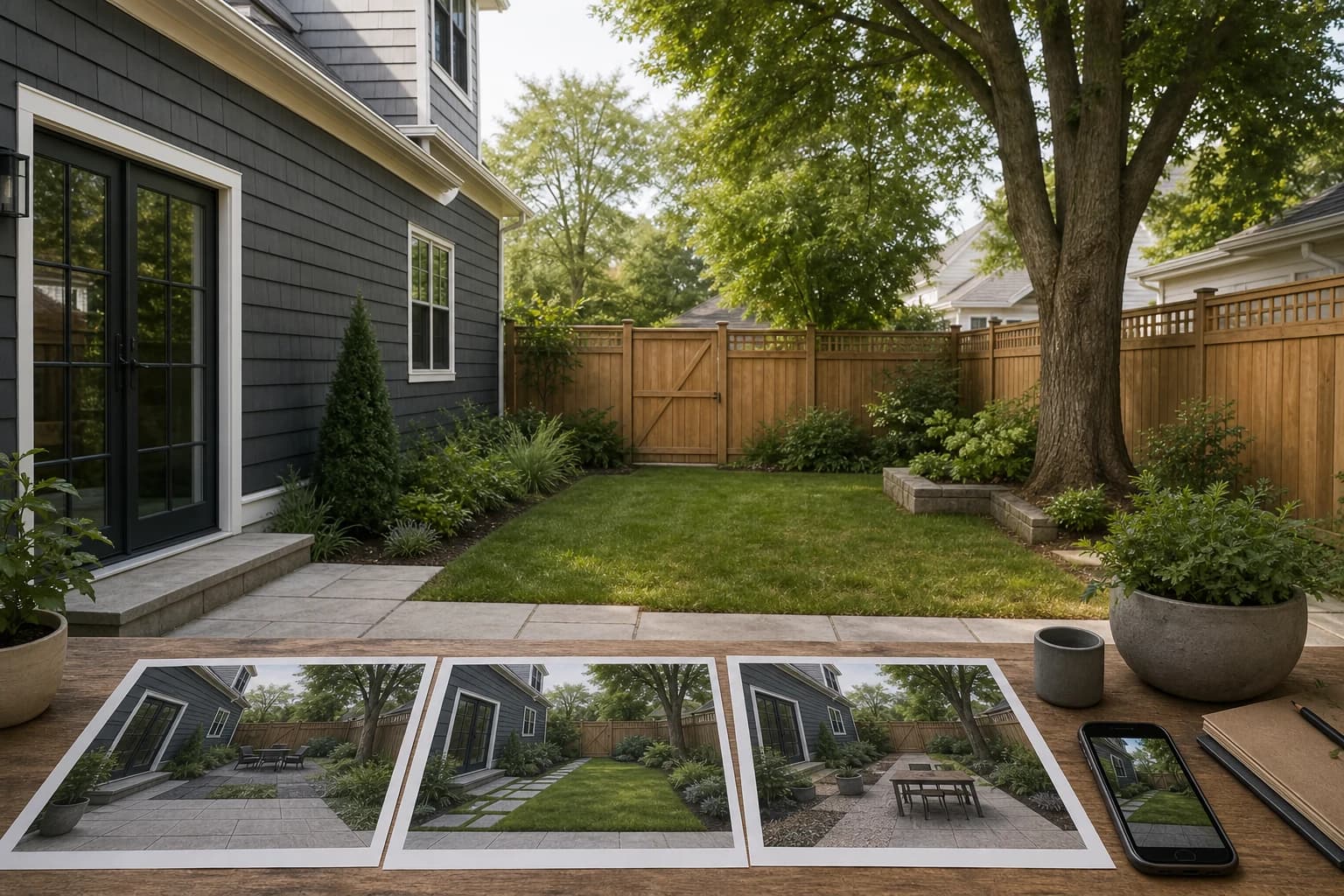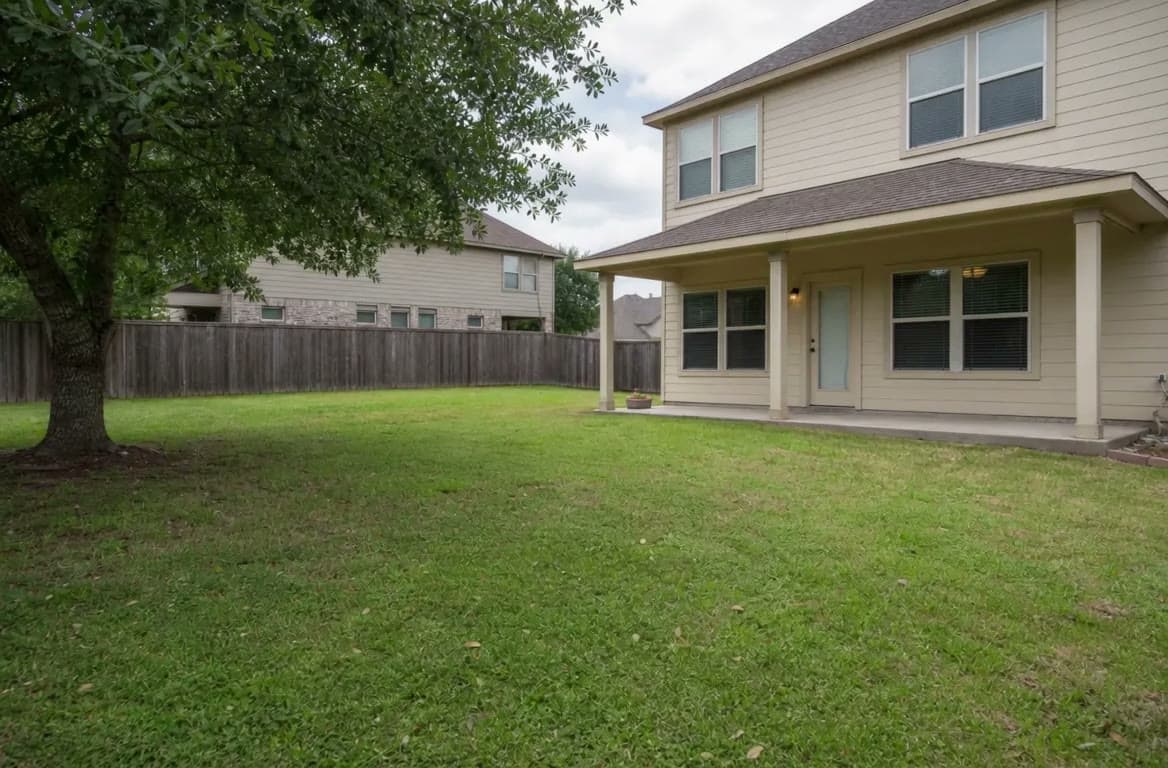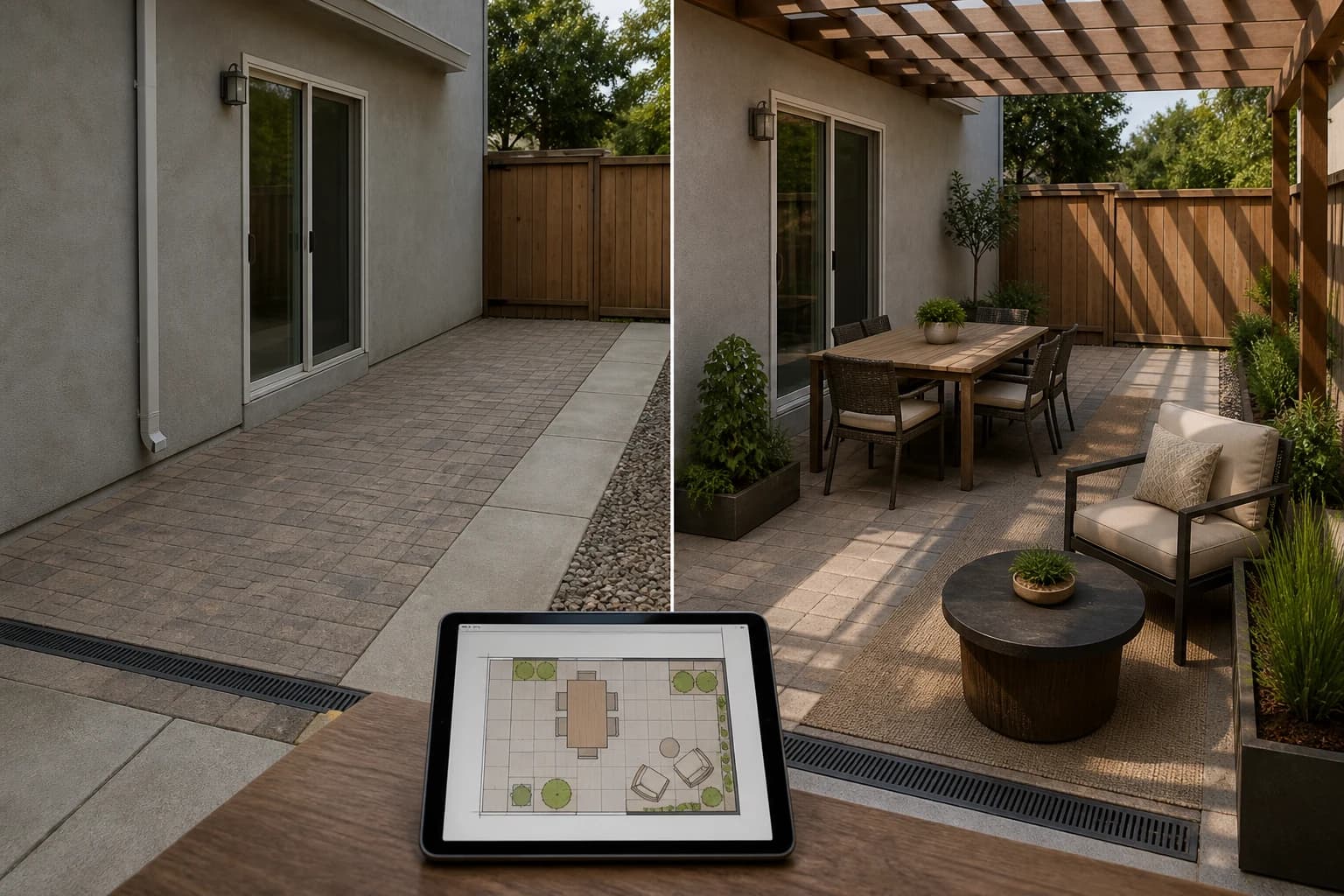
iScape's core appeal is control: the user can work over a photo, place plants and hardscape, and use supported AR workflows. That is different from asking AI to make a complete scene automatically.
An alternative should therefore solve the specific friction you feel: too much manual work, limited AR, no fast multi-direction comparison, insufficient dimensions, or a need for human review.
Publisher disclosure
Quick answer
Choose GardenGPT for three photo directions from one to four views, Neighborbrite for lightweight free exploration, DreamzAR for an AI-plus-AR path, Planner 5D for editable 2D/3D layout, and Yardzen when you want a human-designed package. Keep iScape when manual placement and its supported AR workflow are exactly what you need.
Alternatives at a glance
Choose by the next decision you need to make, not by the longest feature list.
| Option | Best for | Working style | Main boundary |
|---|---|---|---|
| GardenGPT | Fast visual directions on a real photo | Upload photos and generate concepts | Not a measured or construction plan |
| Neighborbrite | Fast visual directions on a real photo | Upload photos and generate concepts | Not a measured or construction plan |
| DreamzAR | Hands-on placement and mobile AR | Place plants and objects manually | More effort; strongest features depend on device |
| Planner 5D | Editable 2D/3D layout | Build dimensions and place objects | Site facts still require verification |
| Yardzen | A designer-led package | Brief, feedback, and delivered plan | Higher commitment and slower turnaround |
What the original product does well
- Direct control over where plants and hardscape appear on a real photo.
- AR can make height and object relationships easier to discuss on supported devices.
- Useful for users who prefer making small placement decisions themselves.
Why homeowners compare alternatives
- You want the first useful concept before placing every object manually.
- You are on a device where the strongest AR workflow is not available.
- You need a measured plan, a professional package, or a clear handoff.
The alternatives, one by one
Each option below represents a different level of speed, control, technical depth, or human support.
1. GardenGPT
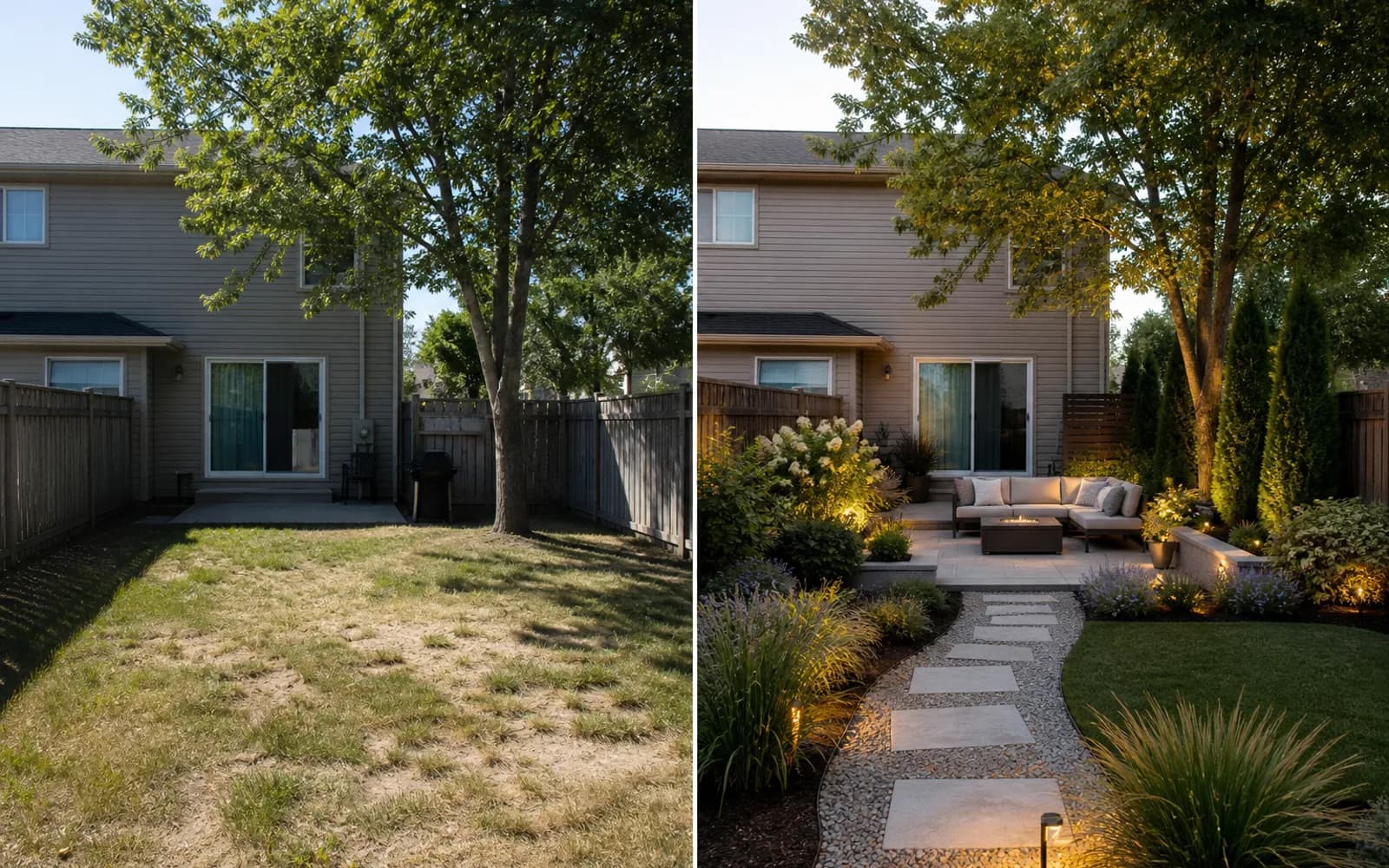
GardenGPT reduces the blank-canvas problem by comparing three directions on one to four views of the same yard. It is a useful pre-stage when the question is style, material, privacy, or zoning; it does not offer iScape's manual object catalog or AR placement.
2. Neighborbrite
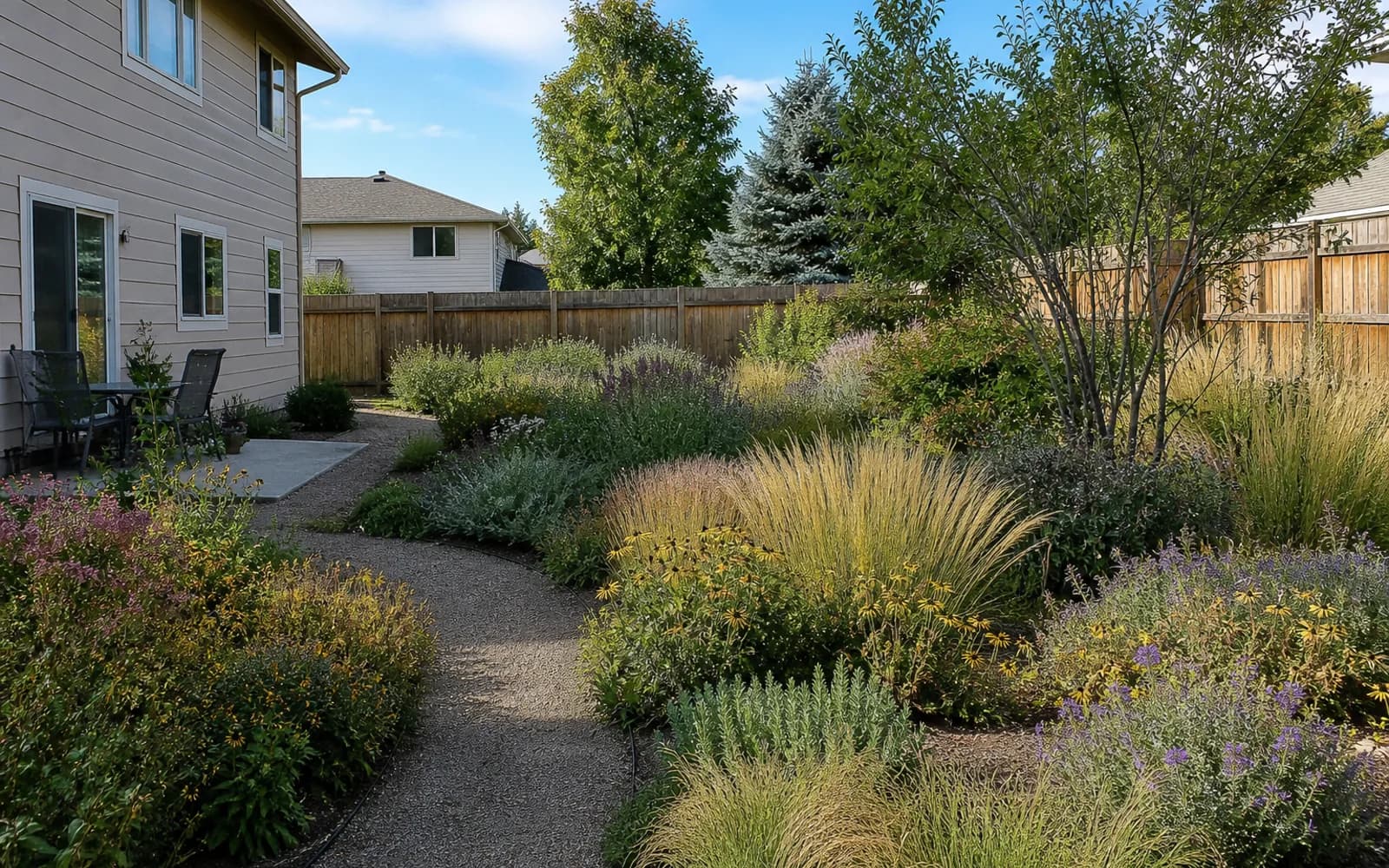
Neighborbrite is a simpler self-serve photo path when you want to browse style directions without placing each plant. It is less suitable when exact object placement or AR is the reason you chose iScape.
3. DreamzAR
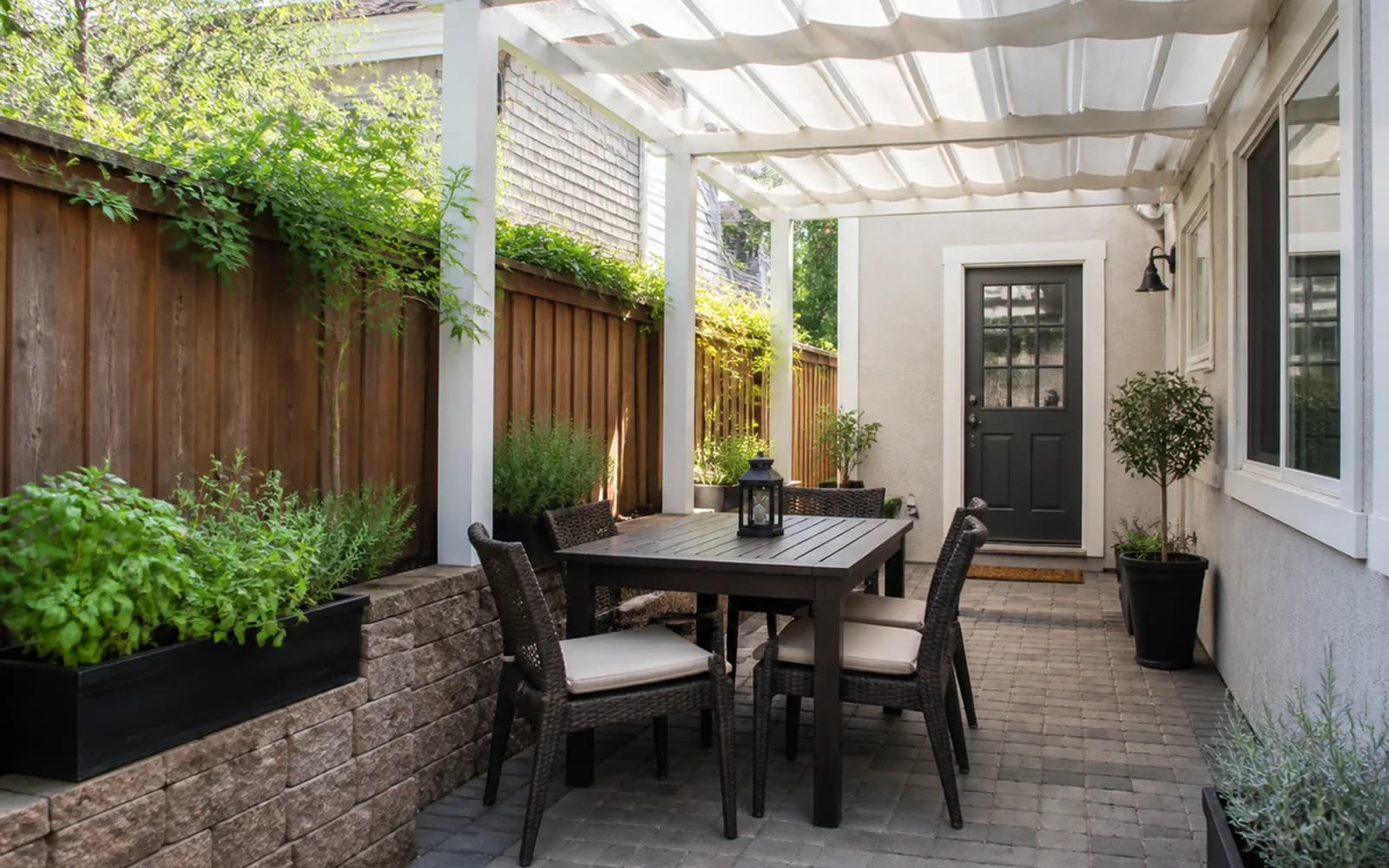
DreamzAR is the closest alternative when you want AI generation and a phone-oriented AR/3D path in one product. Confirm which features work on your device and how generation limits apply before comparing the two workflows.
4. Planner 5D
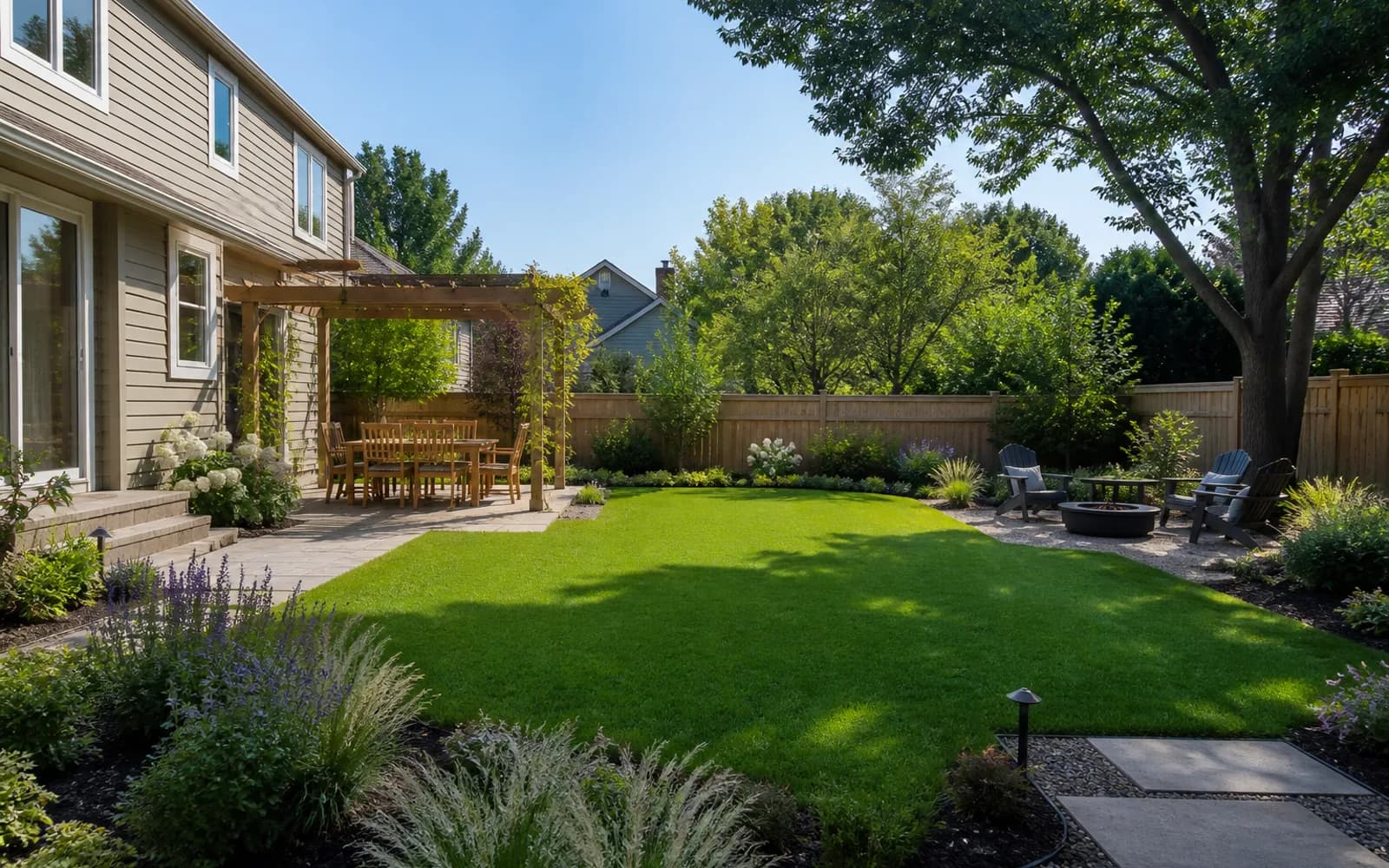
Planner 5D fits when your problem is measured placement rather than photo compositing. It gives a more editable 2D/3D layout, but you must build the base, enter dimensions, and accept that site verification remains separate.
5. Yardzen
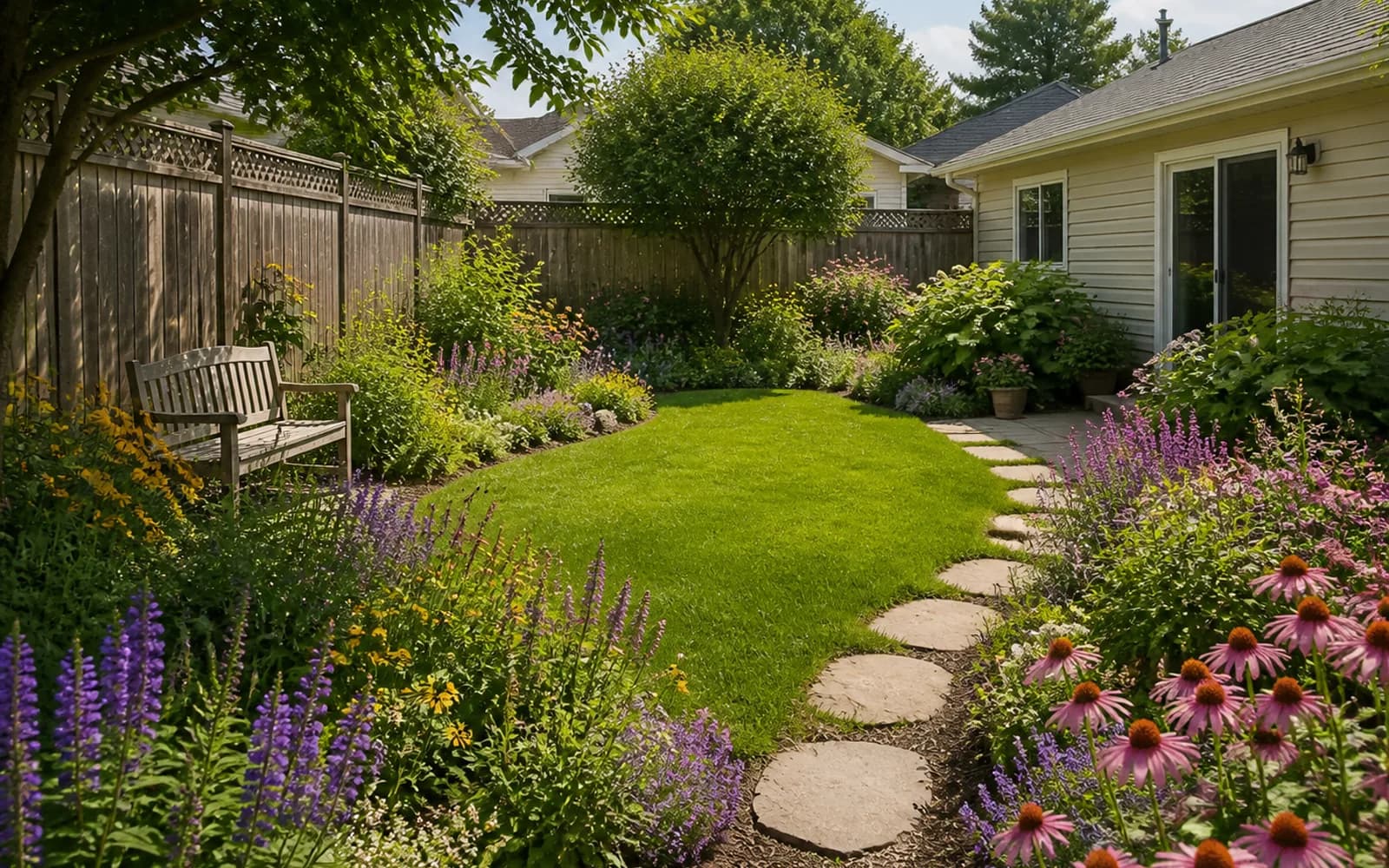
Yardzen changes the mode entirely: a human team develops and packages the design. It is a better fit than iScape when you want someone else to resolve the brief and document a coherent direction, and a worse fit when you enjoy placing every element yourself.
When to keep the original—and when GardenGPT fits
iScape
Keep iScape when manual placement, its catalog, and supported AR are the actual value you need. The effort is part of the product, so a faster generator is not automatically a better replacement.
GardenGPT
Choose GardenGPT when you are deciding what direction is worth placing in detail. It narrows the brief from real photos first, then you can move the selected direction into iScape, a 2D/3D planner, or a professional service.
A fair same-yard comparison
- Use one clear yard photo plus the same two side views for every candidate.
- Write one keep-list and one task: for example, preserve the fence and test a dining zone.
- Record manual effort, AR/device support, saving, editing, exports, and the next deliverable.
- Reject any result that changes fixed architecture or implies construction certainty.
Sources and review date
Reviewed September 9, 2026. Source names are shown as plain text; pricing, limits, platforms, and product scope can change.
- iScape public product information
- Neighborbrite public product information
- DreamzAR public product information
- Planner 5D landscape workflow
- Yardzen public process information
Frequently asked questions
Is GardenGPT a direct replacement for iScape?
No. iScape and GardenGPT support different workflow depths. GardenGPT helps you choose the direction before doing detailed placement.
Which iScape alternative is fastest?
Self-serve photo AI is usually fastest for visual direction. Manual layout, technical software, and human services take longer because they solve different jobs.
Which option costs less than iScape?
Compare the current checkout price and what one useful project includes. A lower sticker price is not cheaper if editing, exports, or the needed deliverable requires another tier.
Can I build directly from an AI landscape image?
No. Recreate the selected direction from measurements and verify drainage, plants, utilities, structures, safety, and permits.
How should I compare these tools fairly?
Use the same clear yard photos, one keep-list, one design brief, and one output checklist. Separate visual quality from measured or professional deliverables.
When should I stay with iScape?
Stay with iScape when manual placement and supported AR are the reason you are shopping.
Choose GardenGPT when you are deciding what direction is worth placing in detail. It narrows the brief from real photos first, then you can move the selected direction into iScape, a 2D/3D planner, or a professional service.