Your Yard Should Feel Private, Not Boxed In: 12 Ways to Block the Right View
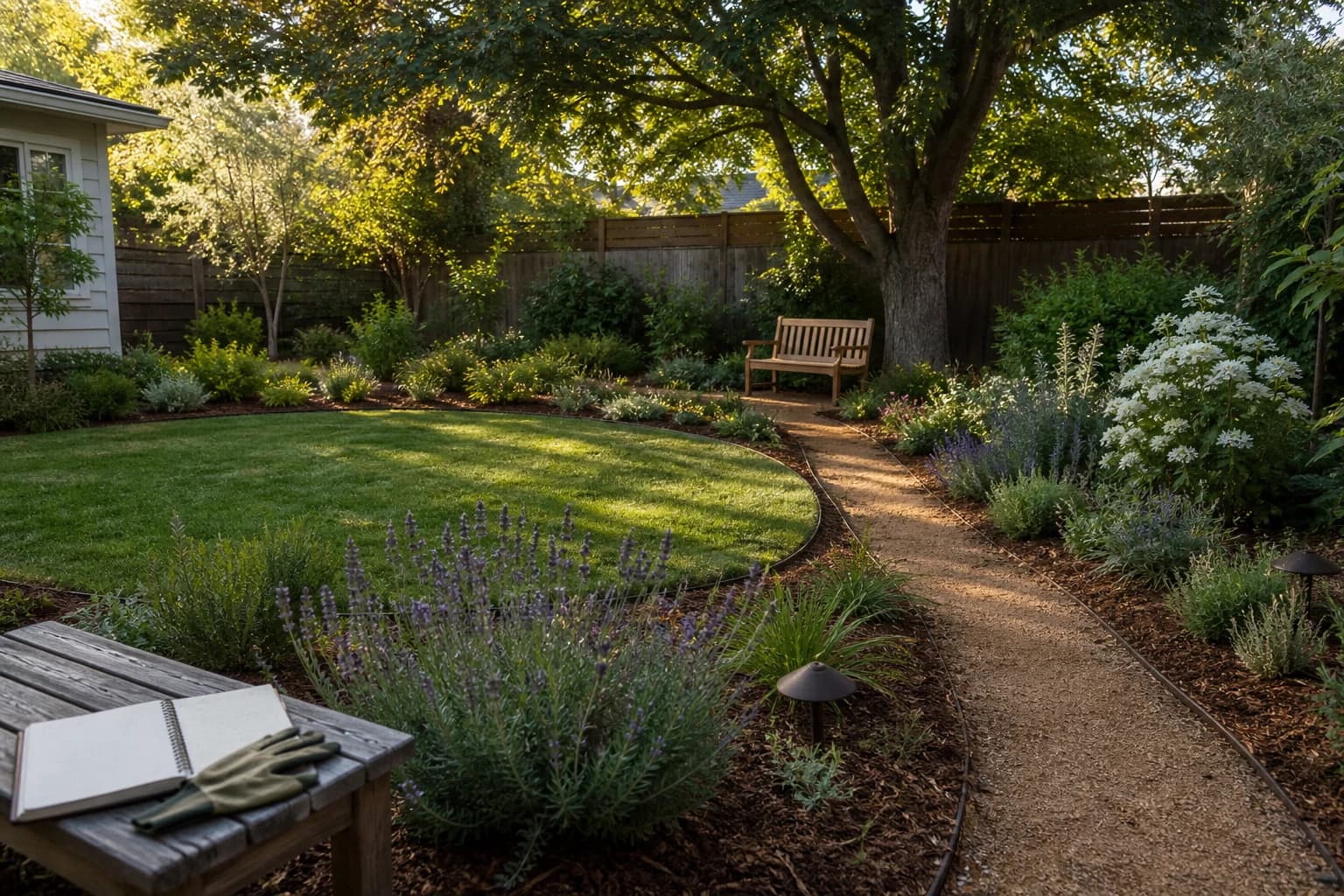
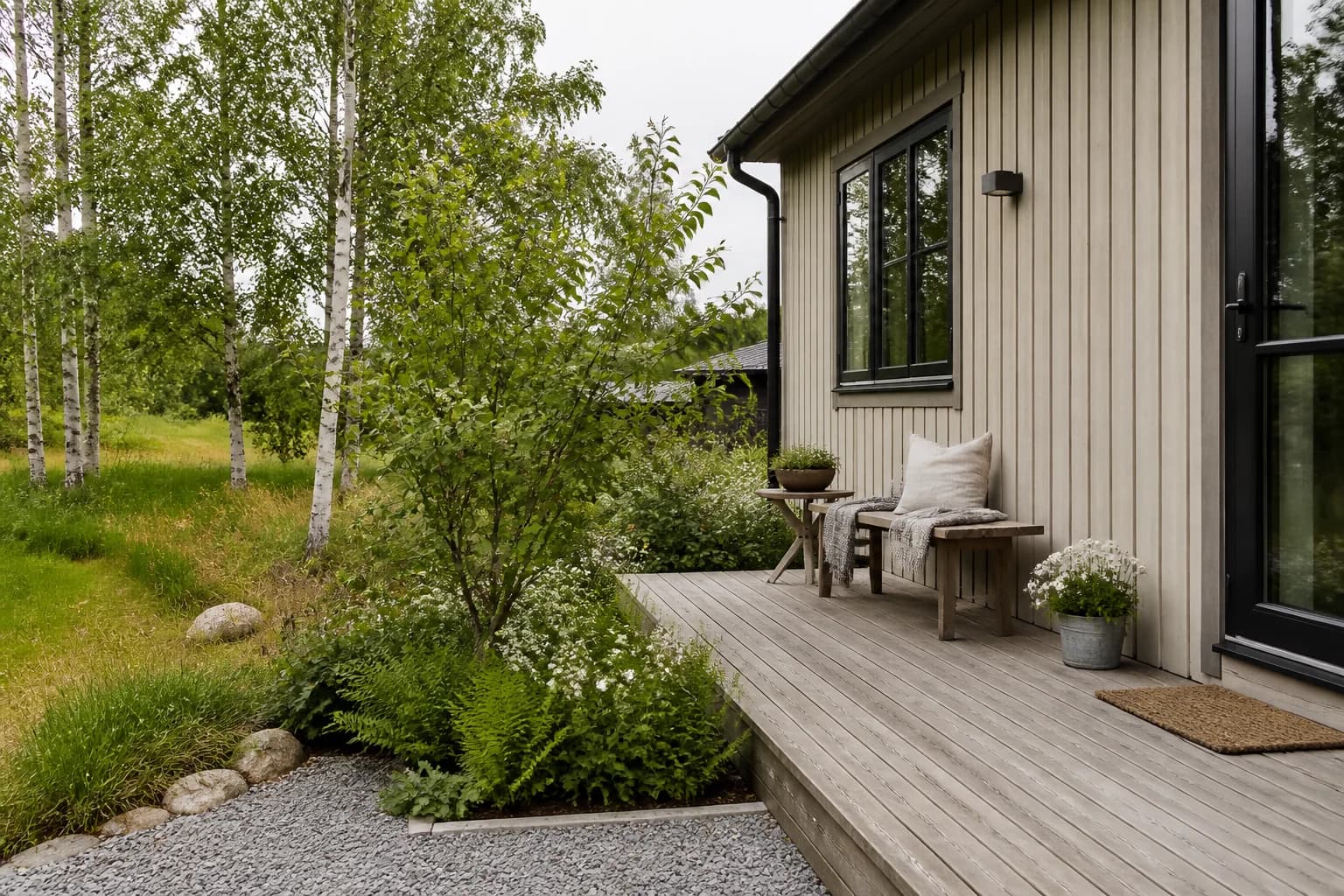
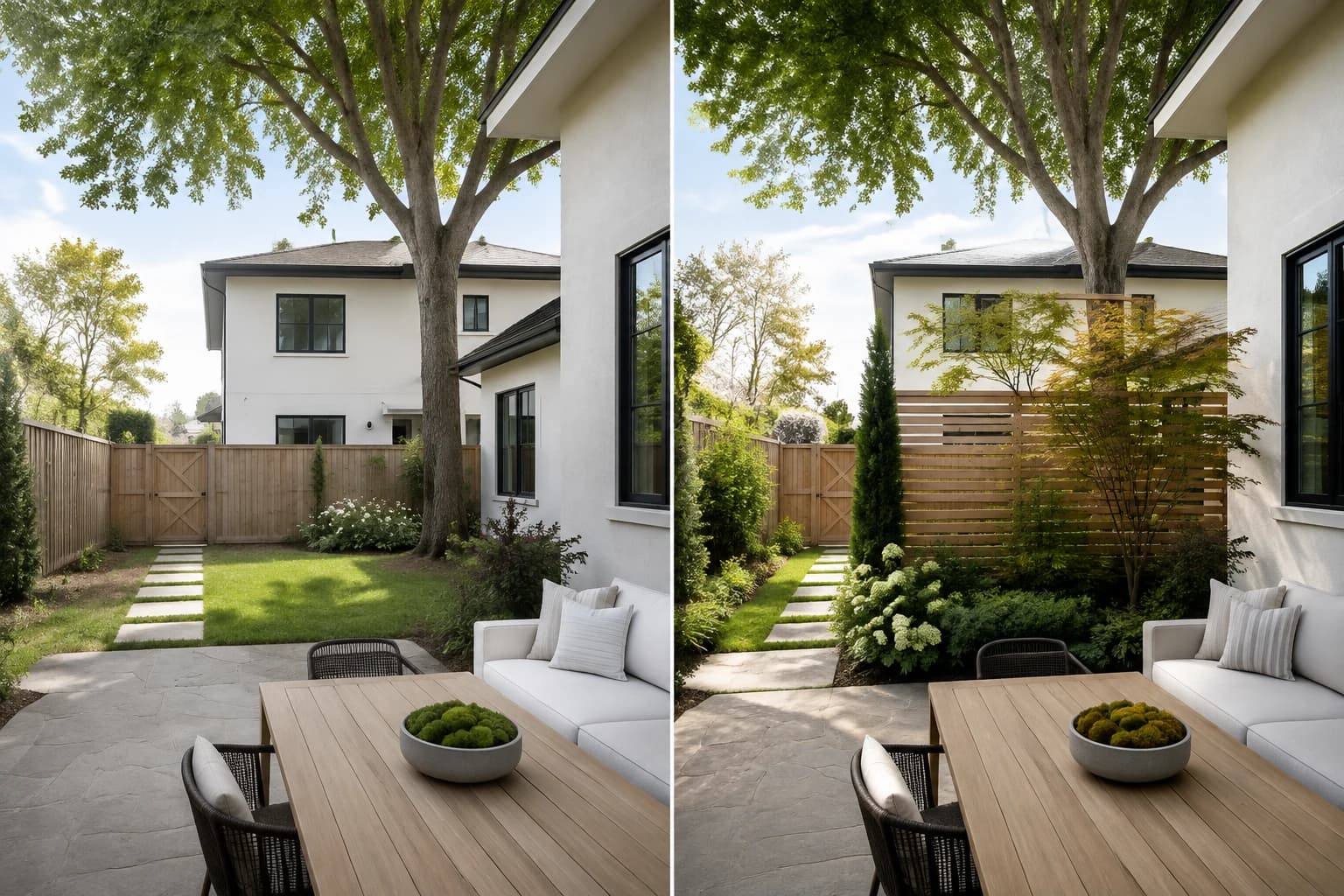
Privacy works best when it blocks one unwanted view while preserving light, air, access, and the parts of the yard you like.
Ideas and practical guides
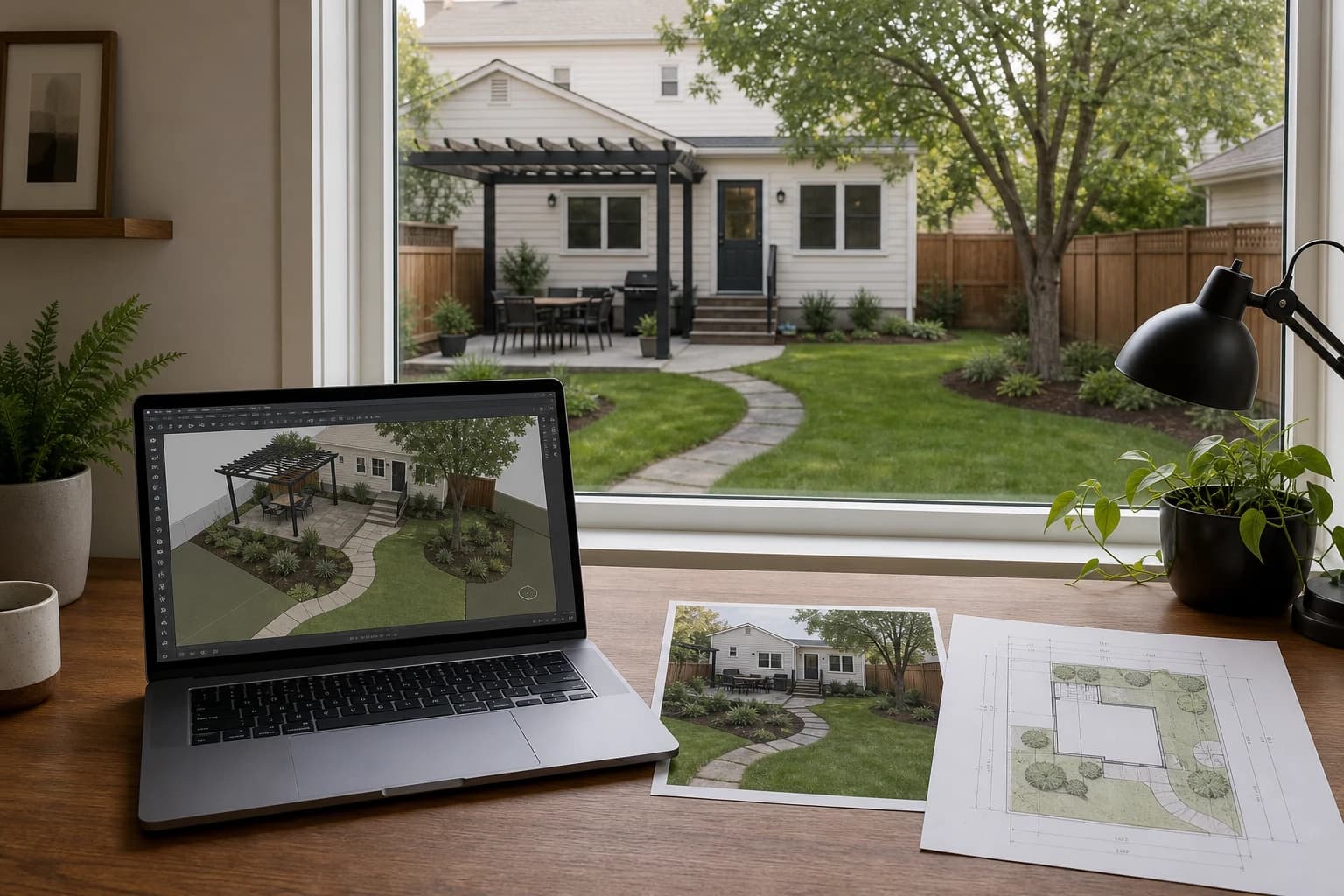
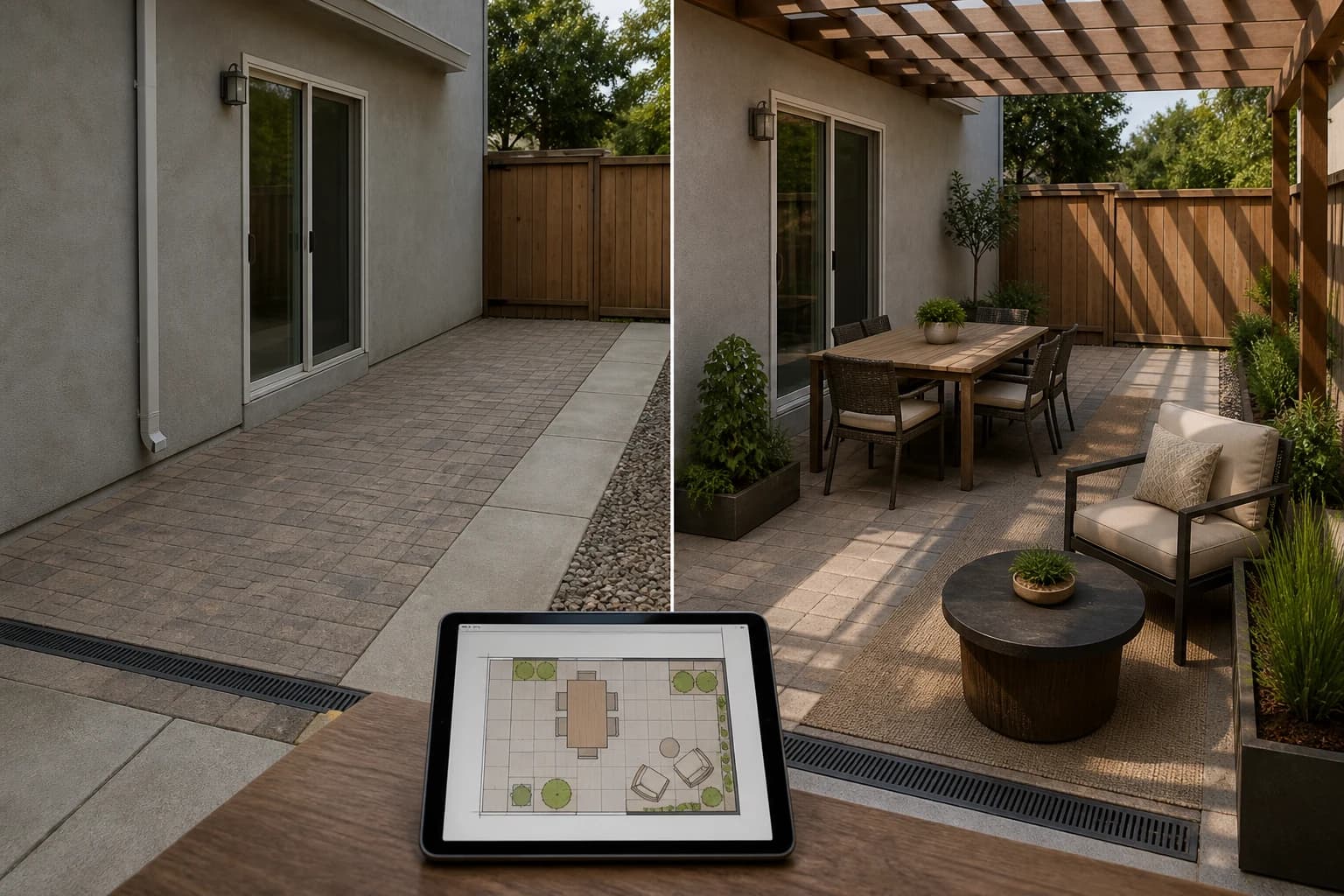
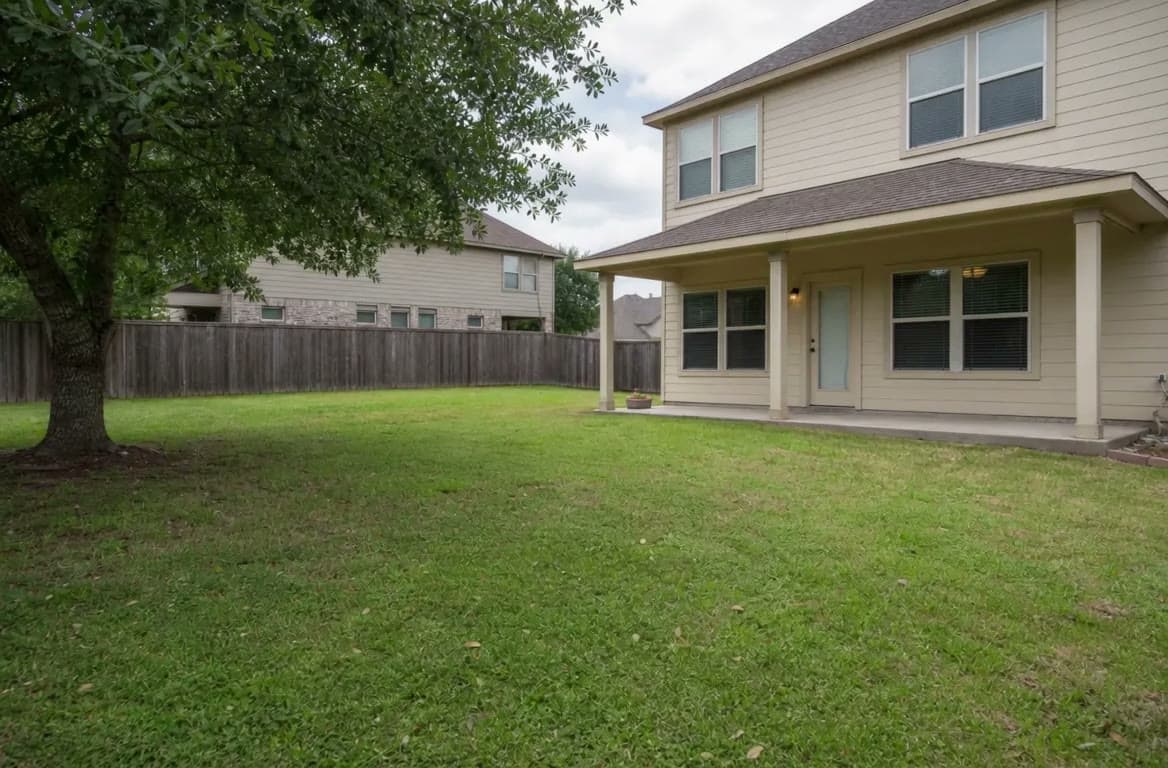
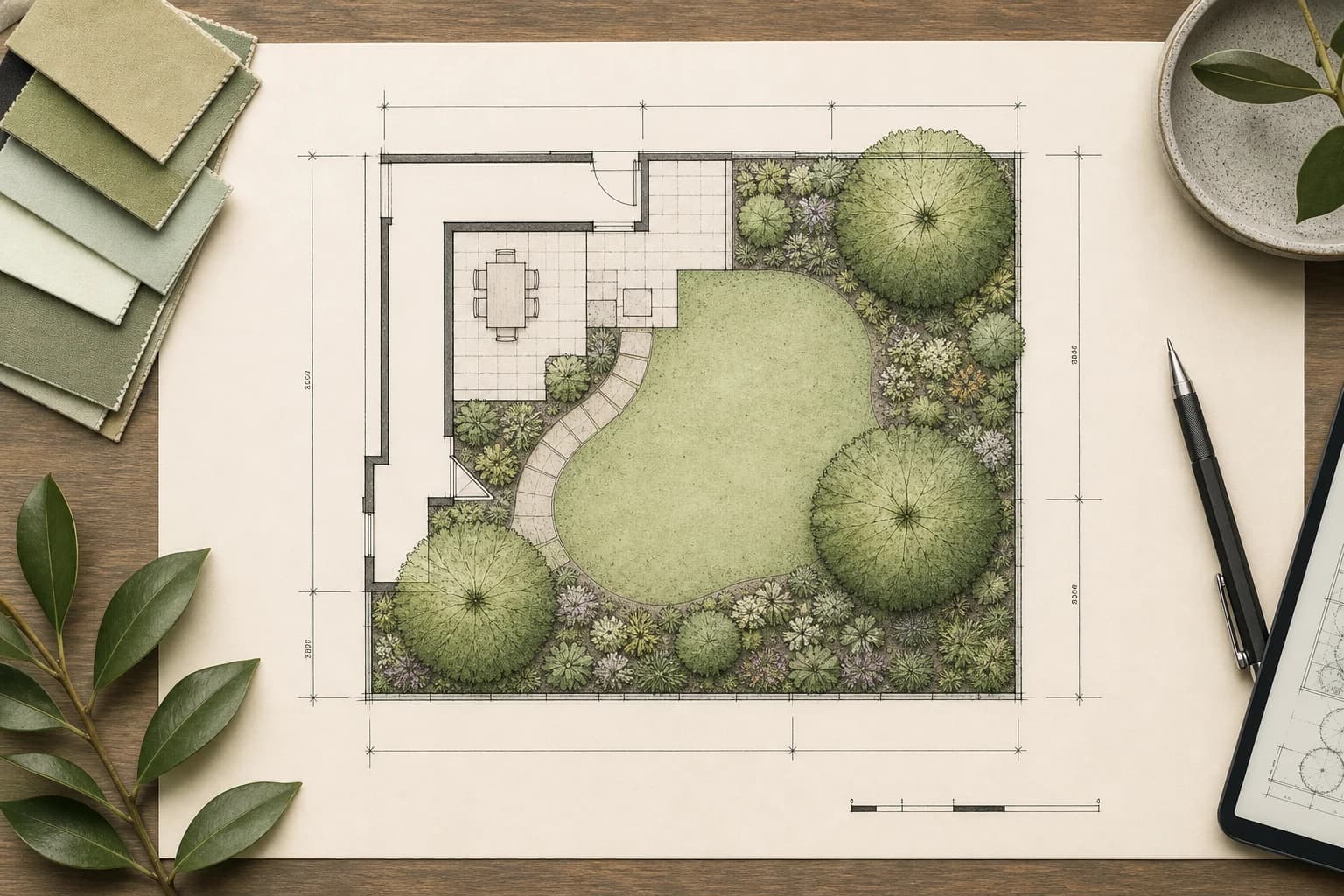
Plan yards, balconies, and gardens with clearer steps that start from real photos.
28 articles
Privacy works best when it blocks one unwanted view while preserving light, air, access, and the parts of the yard you like.
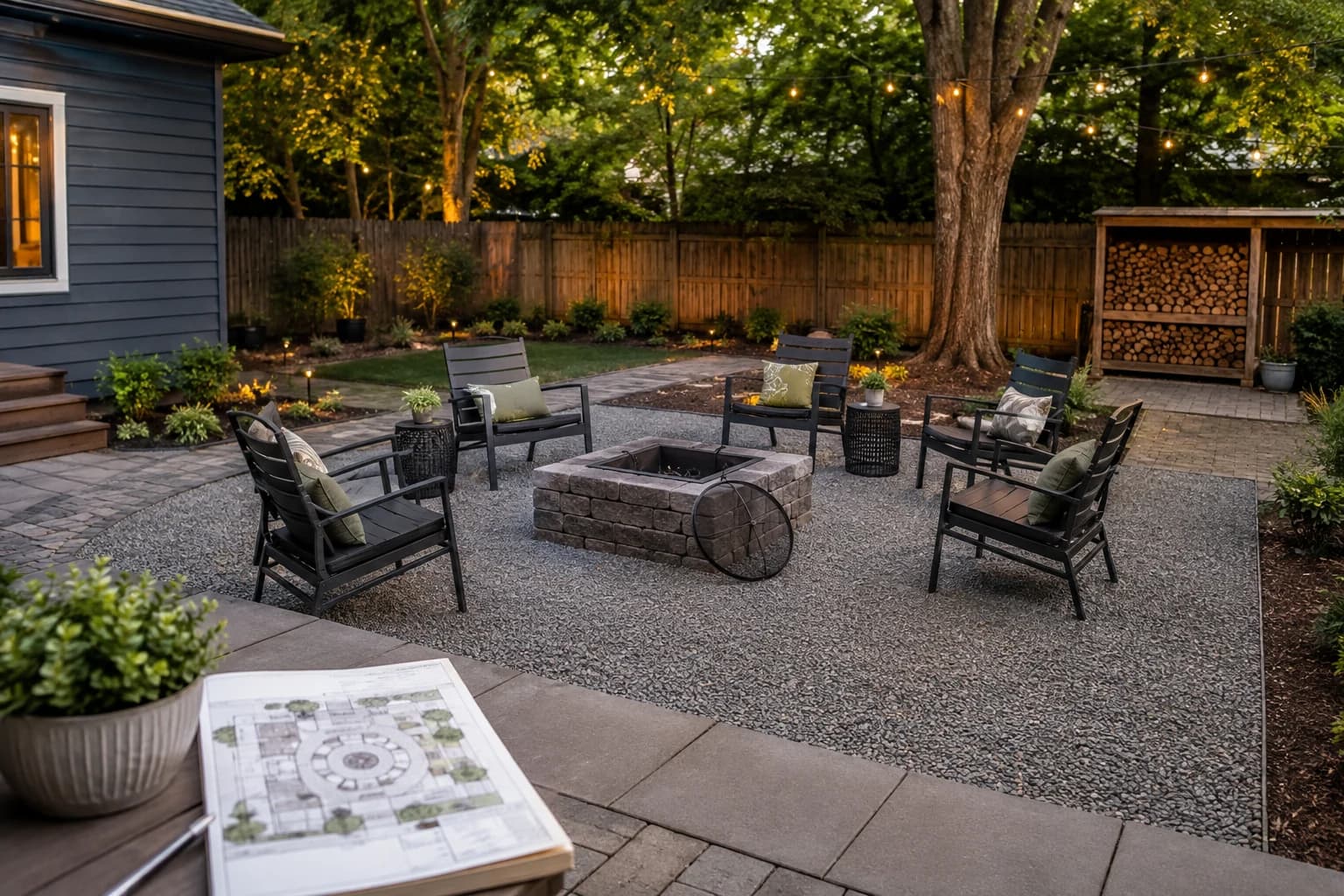
A fire pit works when the surface, chairs, route, smoke, storage, and extinguishing access form one coherent outdoor room.
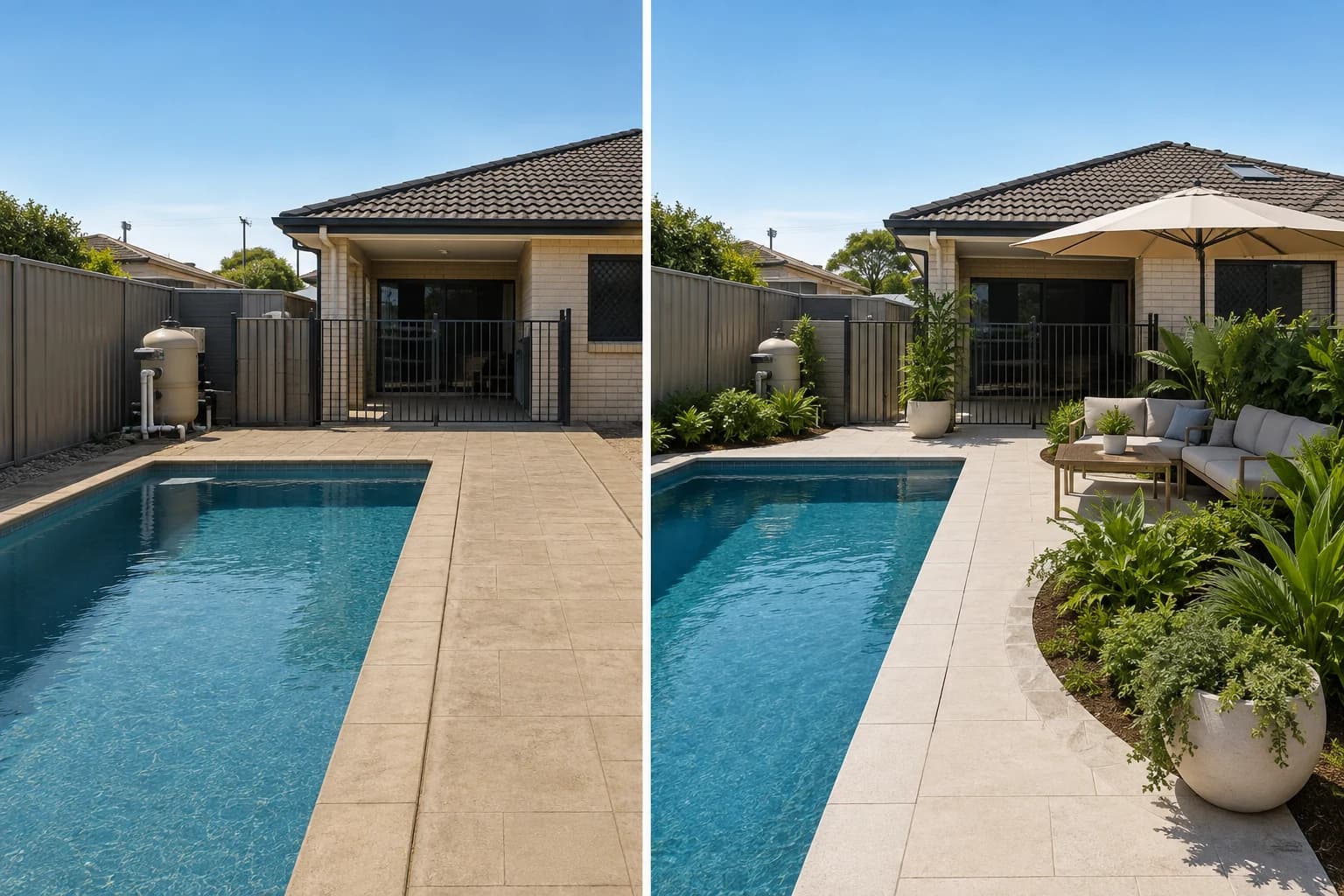
The best pool landscape protects access and supervision first, then reduces glare, debris, heat, clutter, and maintenance around the water.
Some apps make one polished image, some place plants, and others handle dimensions or proposals. Choose the job before uploading your yard.
Low maintenance is not paving everything. It means making every recurring job smaller, closer, and easier.
3D earns its keep when height, slope, occlusion, or sightlines change the decision—not merely when the image looks more polished.
Decide whether you need to preview a direction on your patio photo, fit furniture to scale, or prepare a professional proposal. Each job needs a different tool.
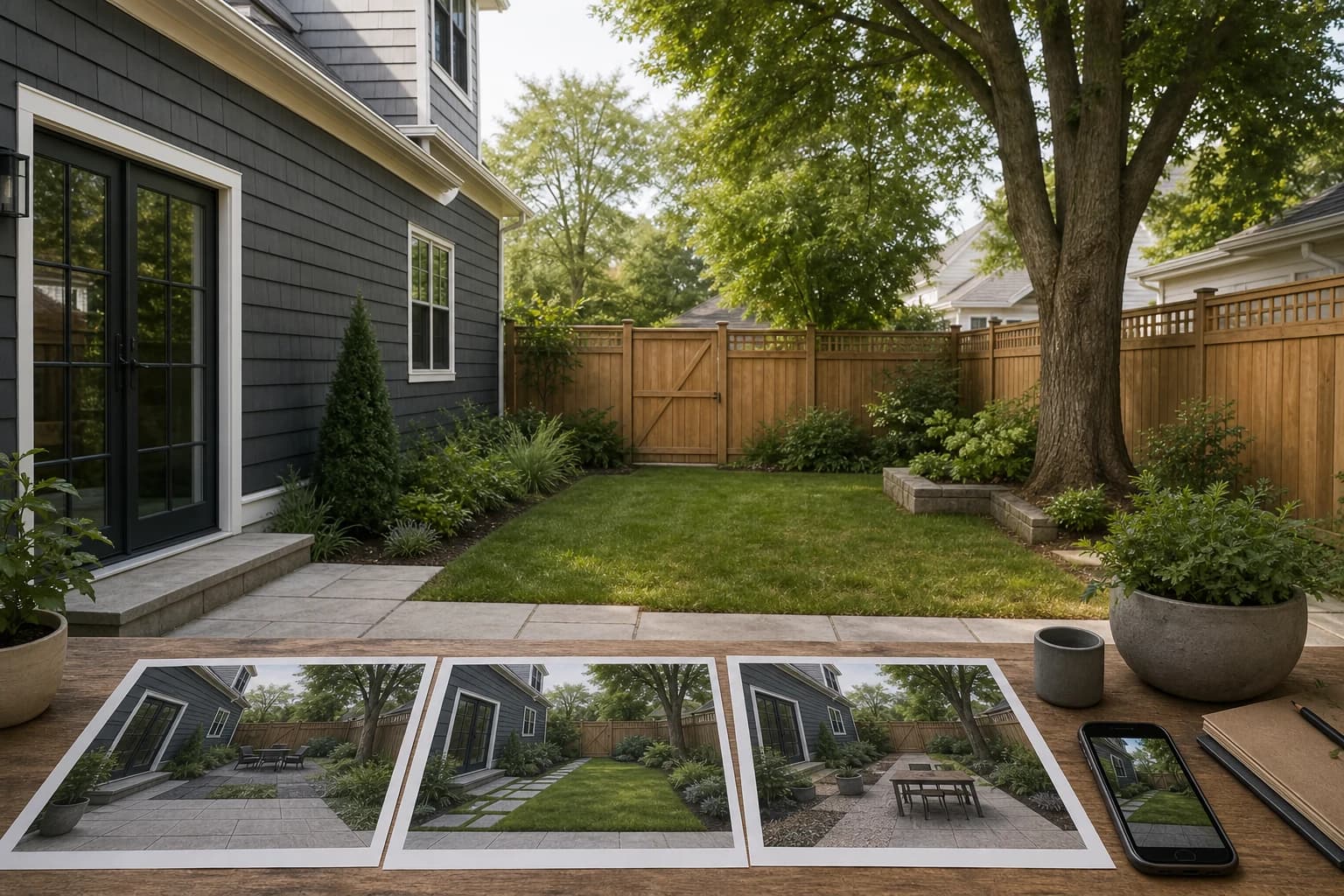
If a tool does not preserve your house, fence, steps, and walkway, the result is inspiration—not a plan. Start by checking how it uses your real photo.
A polished top view is not necessarily a handoff-ready plan. Check scale, dimensions, layers, and export before choosing a 2D landscape tool.
Open source does not mean landscape-specific or beginner-friendly. Choose by the output you need: a measured plan, a 3D object, site analysis, or a photo concept.
Professional landscape software is more than dragging plants onto a canvas. Choose by the deliverable: a measured plan, site analysis, 3D model, or client-ready concept.
A lot of landscape CAD starts with Windows. On a Mac, first decide whether you need a native app, a browser tool, or a Windows-only workflow.
About GardenGPT Common questions on our garden design guides
The blog explains how to shoot, choose, and preserve. The workspace lets you upload photos and compare styles right away.
No. A wide phone shot plus entry, corner, and detail photos is usually enough to start.
Yes. Guides cover yards, balconies, and keep-what-works renovations so the advice matches the scale of your space.