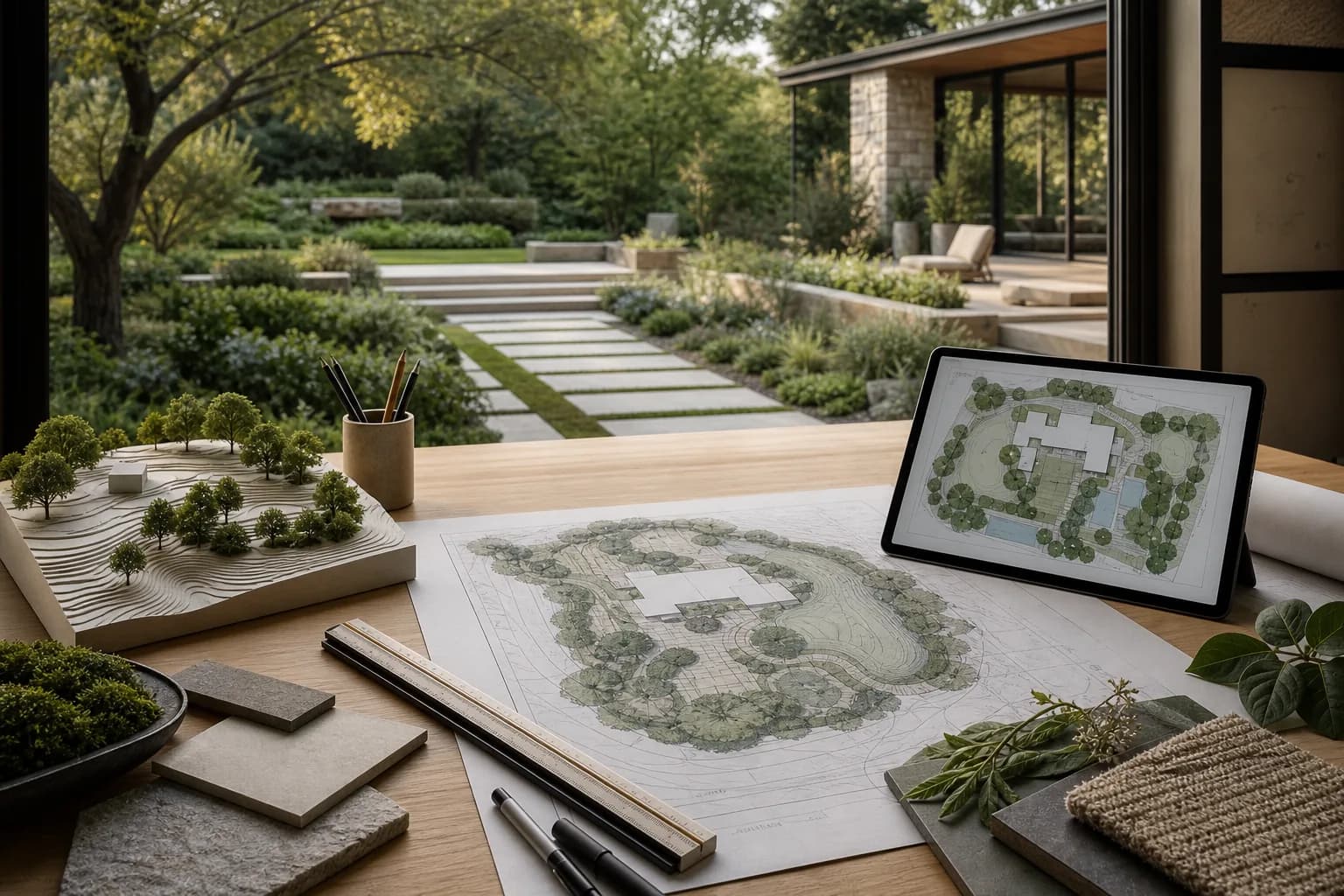
Professional Landscape Design Software: 7 Free and Low-Cost Tools (2026)
Professional landscape software is more than dragging plants onto a canvas. Choose by the deliverable: a measured plan, site analysis, 3D model, or client-ready concept.
Ideas and practical guides
Plan yards, balconies, and gardens with clearer steps that start from real photos.
47 articles
Professional landscape software is more than dragging plants onto a canvas. Choose by the deliverable: a measured plan, site analysis, 3D model, or client-ready concept.
A lot of landscape CAD starts with Windows. On a Mac, first decide whether you need a native app, a browser tool, or a Windows-only workflow.
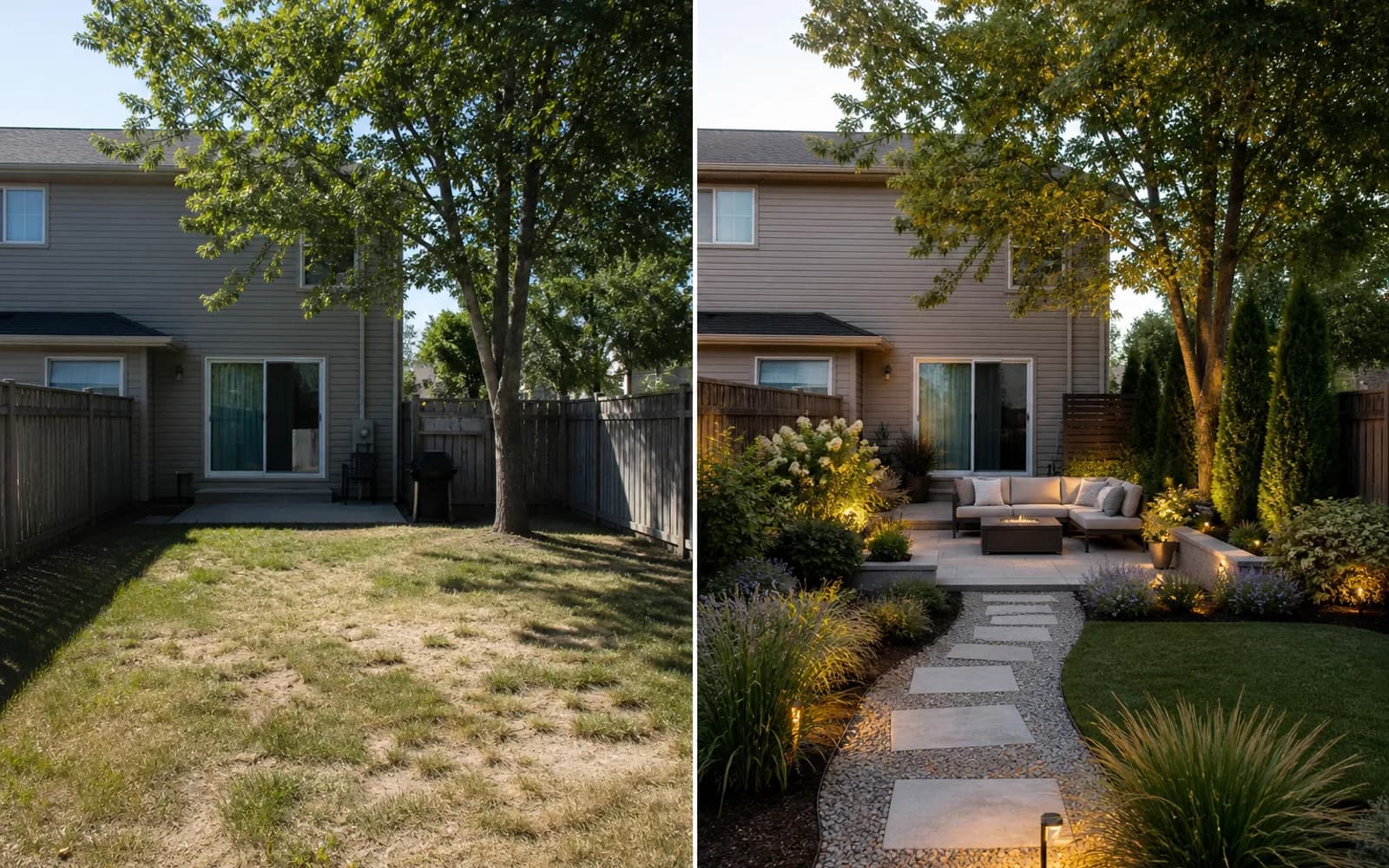
AI photo tools help you compare visual directions; 2D/3D planners help you place measured objects. Here is where each fits—and where neither replaces site work.
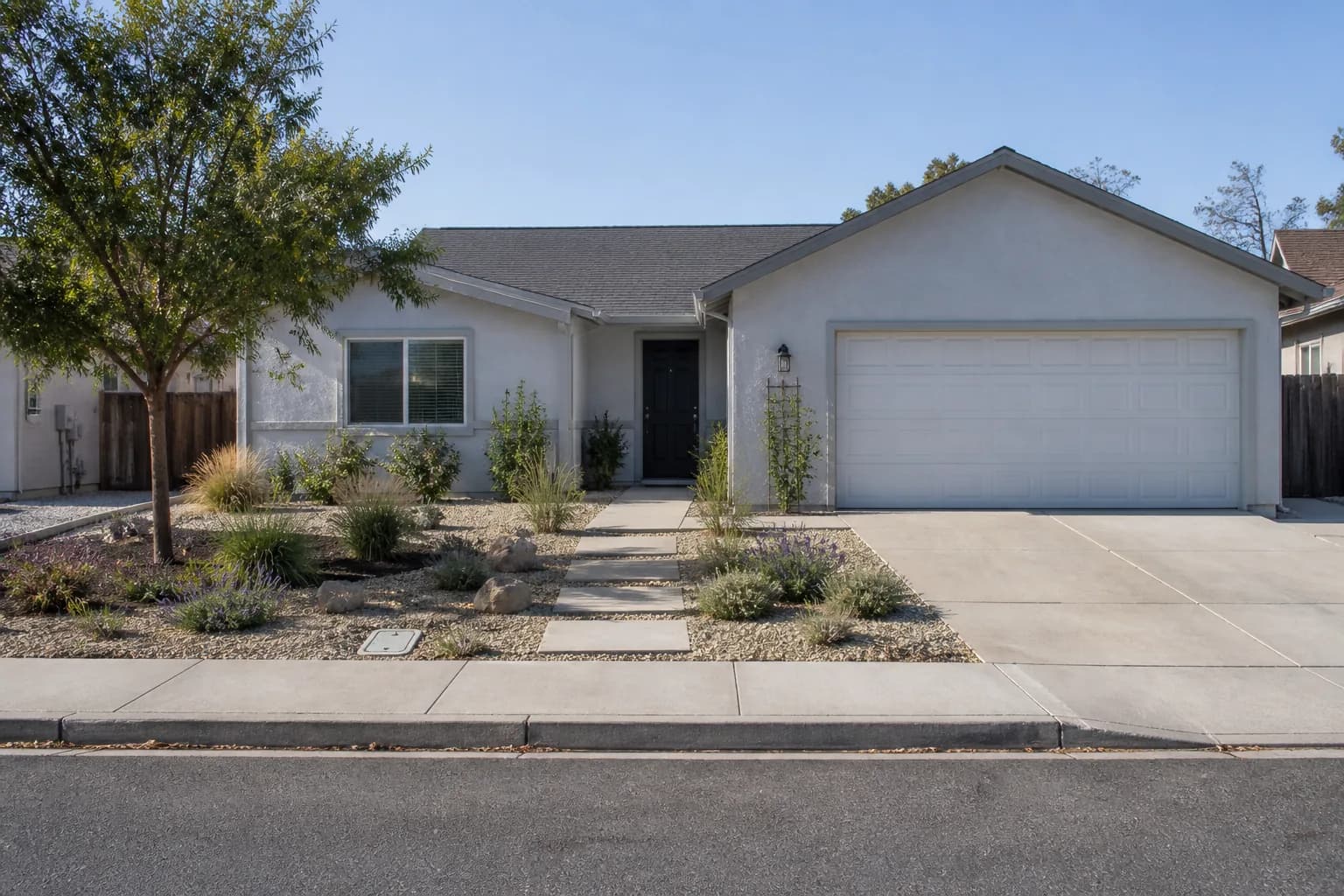
No lawn does not mean no maintenance. Compare 15 practical front-yard directions, what each one requires, and the site checks to complete before building.
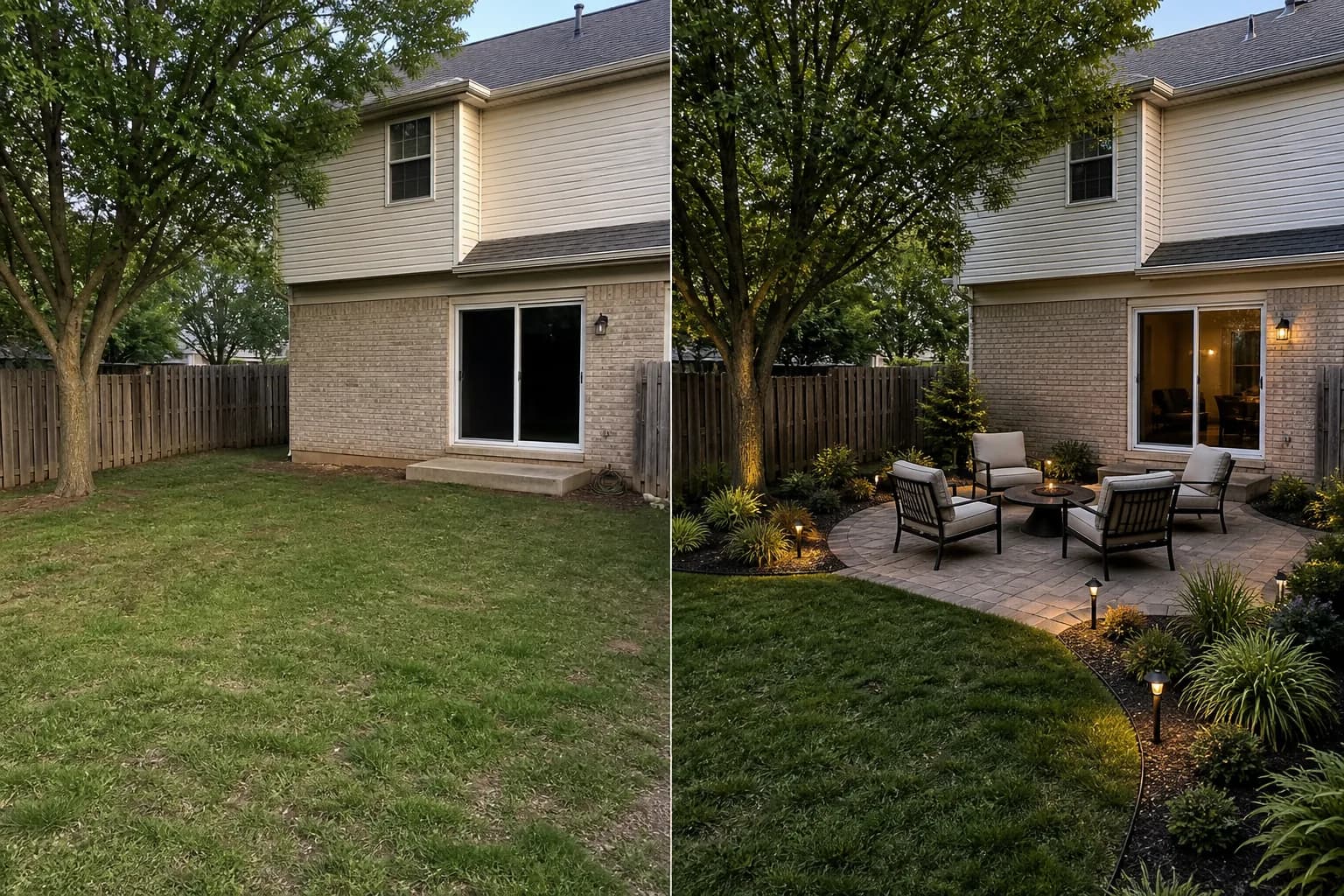
We applied one keep-list and evaluation rubric to eight residential-yard directions, then separated a strong visual response from the dimensions and site facts an image cannot prove.
Turn “make my backyard modern” into a useful brief with site facts, a keep list, one job, design direction, constraints, and a defined output.
About GardenGPT Common questions on our garden design guides
The blog explains how to shoot, choose, and preserve. The workspace lets you upload photos and compare styles right away.
No. A wide phone shot plus entry, corner, and detail photos is usually enough to start.
Yes. Guides cover yards, balconies, and keep-what-works renovations so the advice matches the scale of your space.