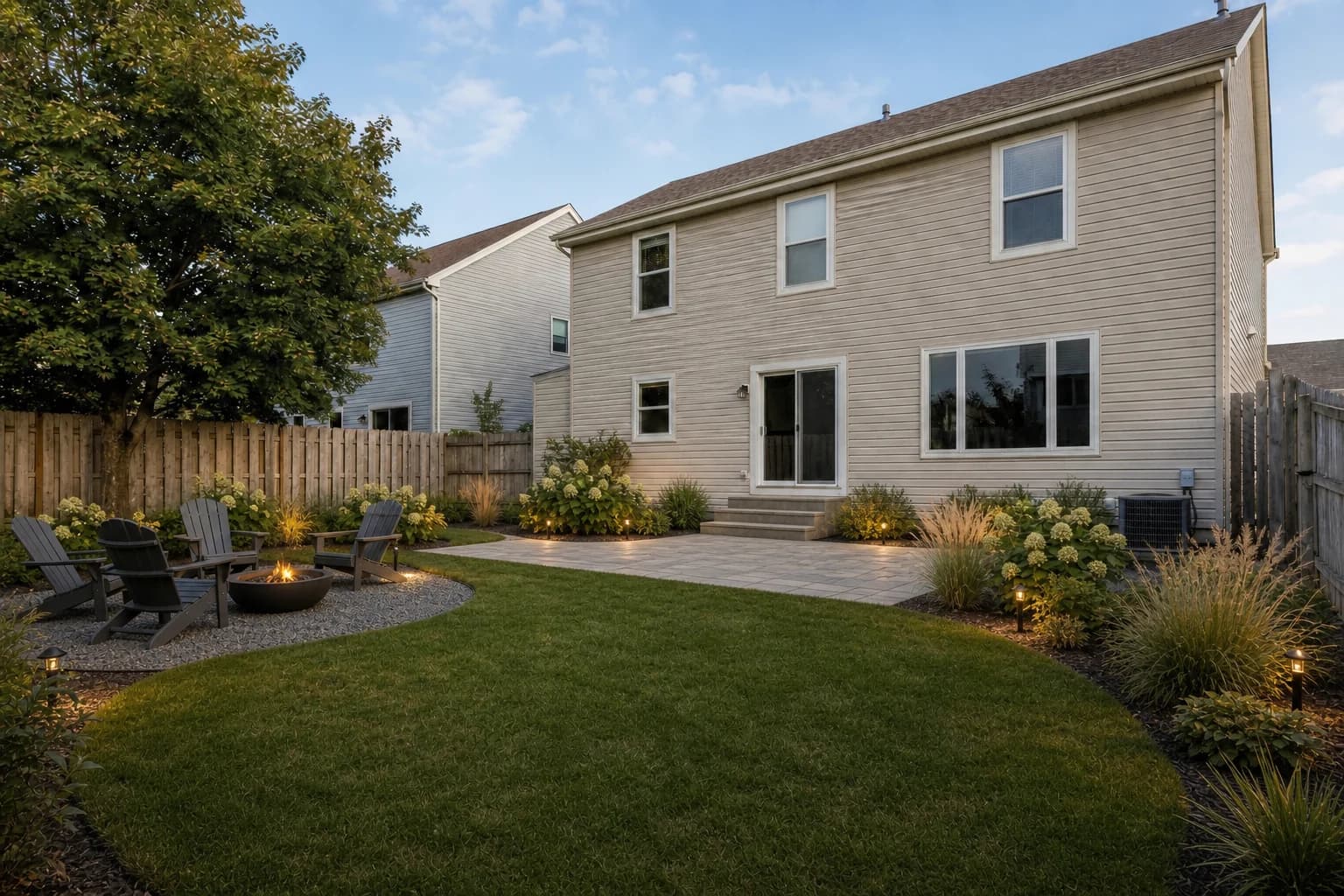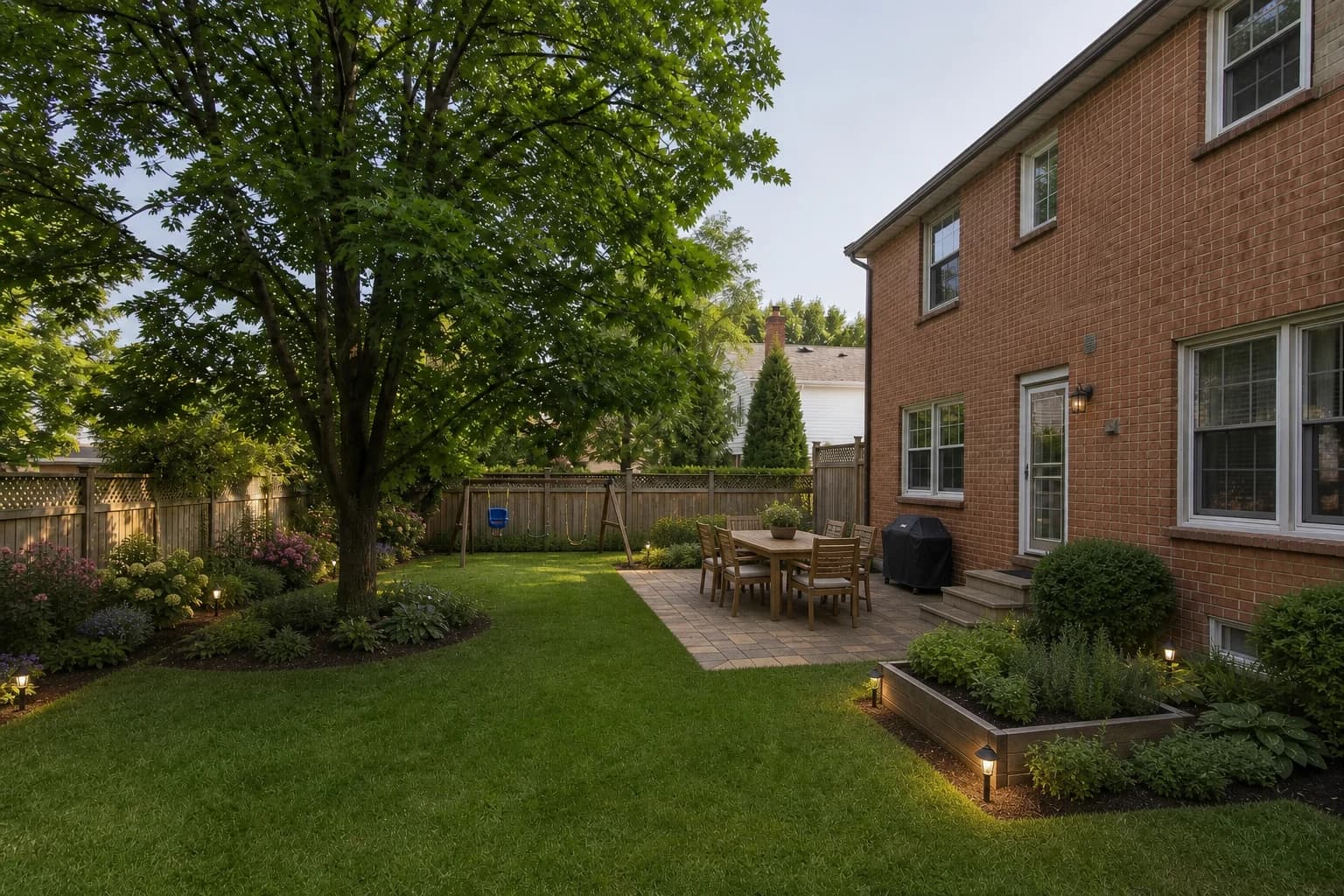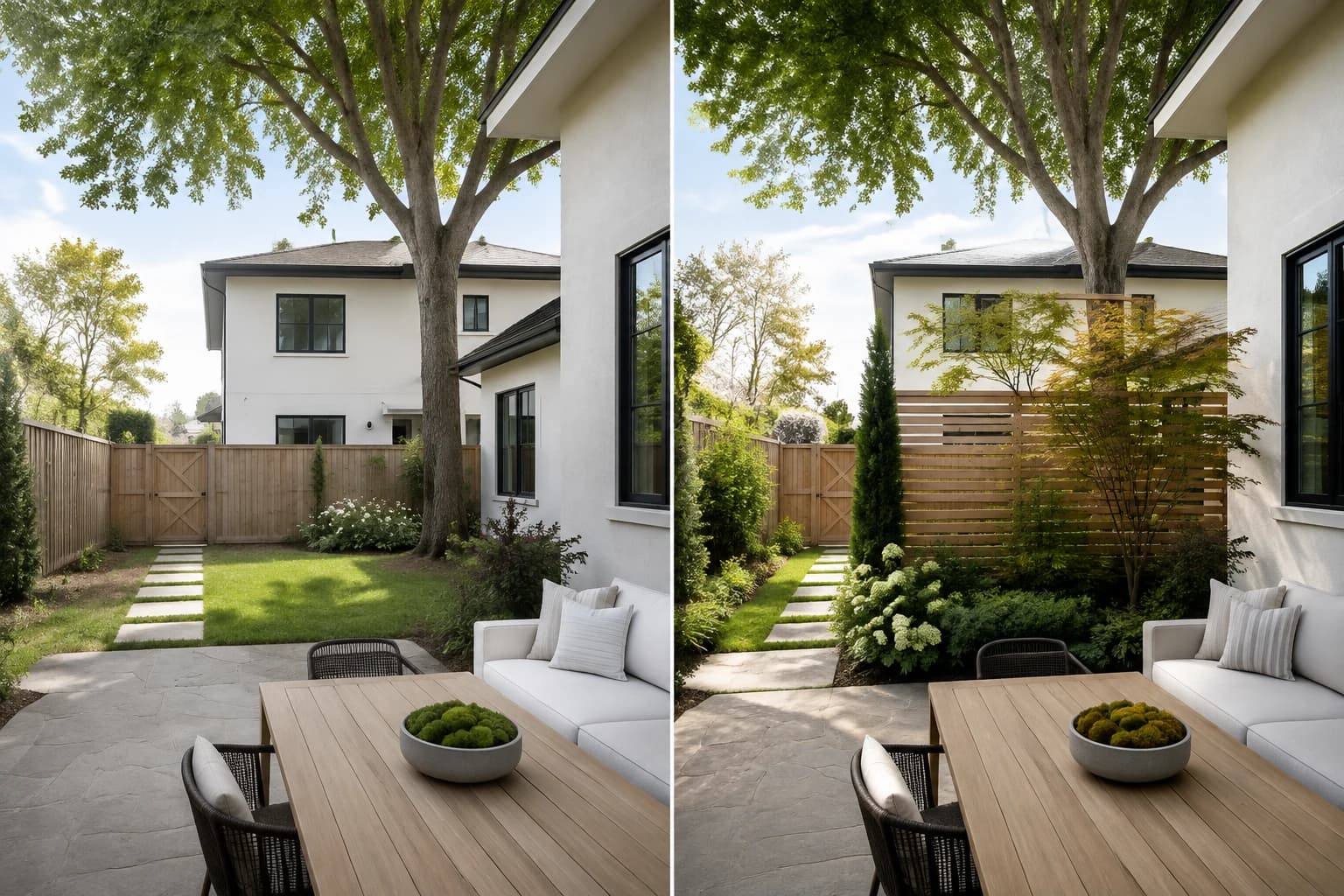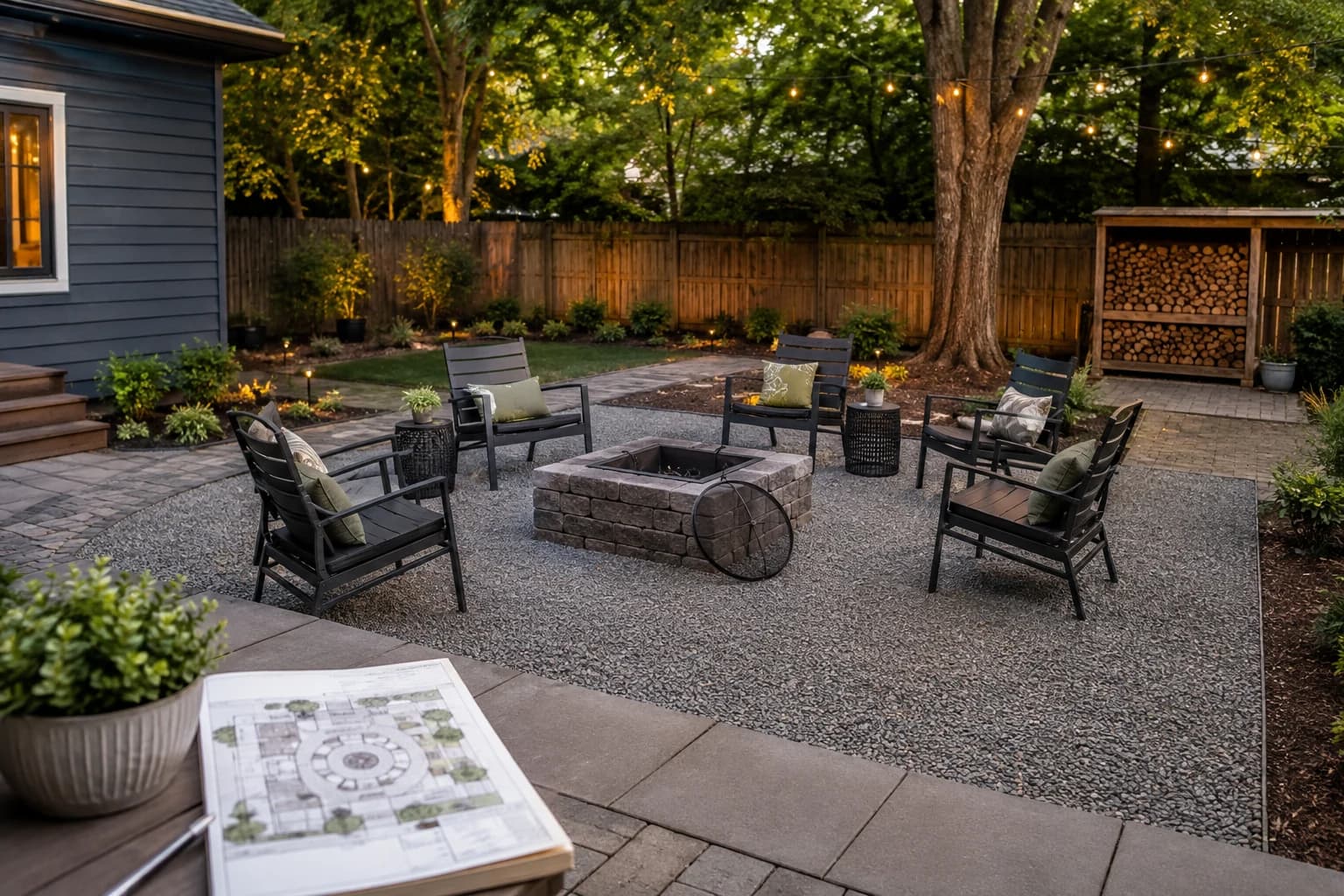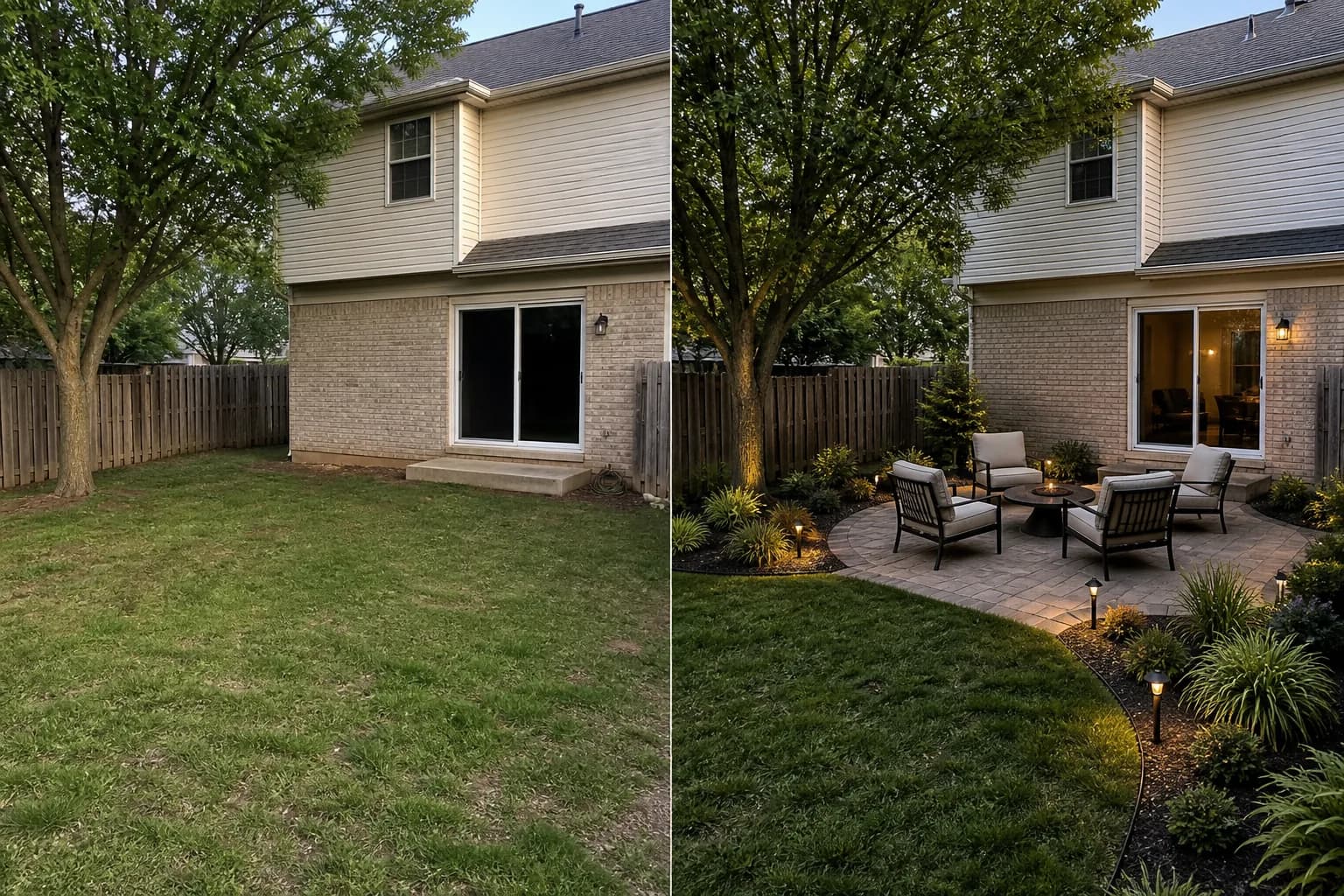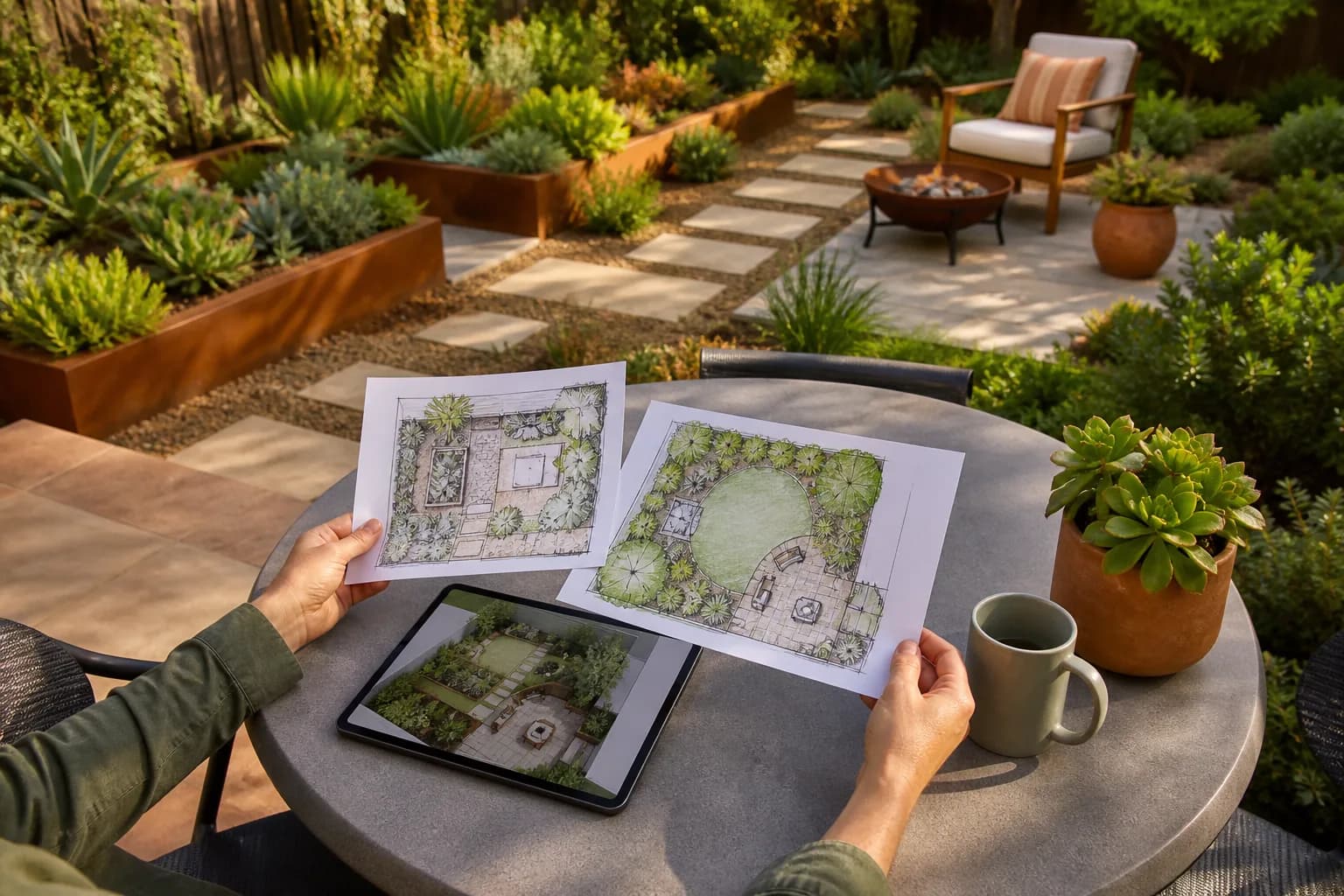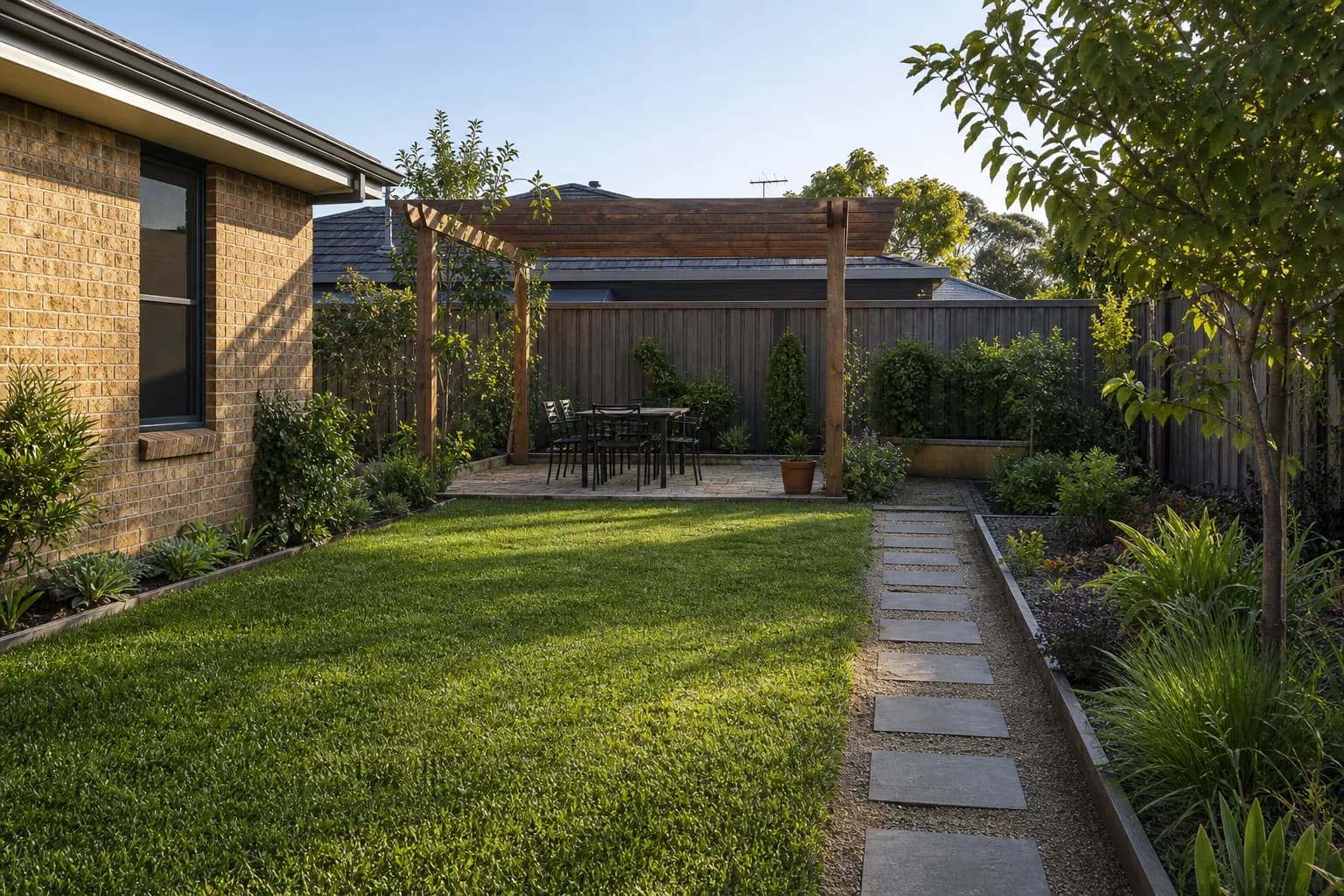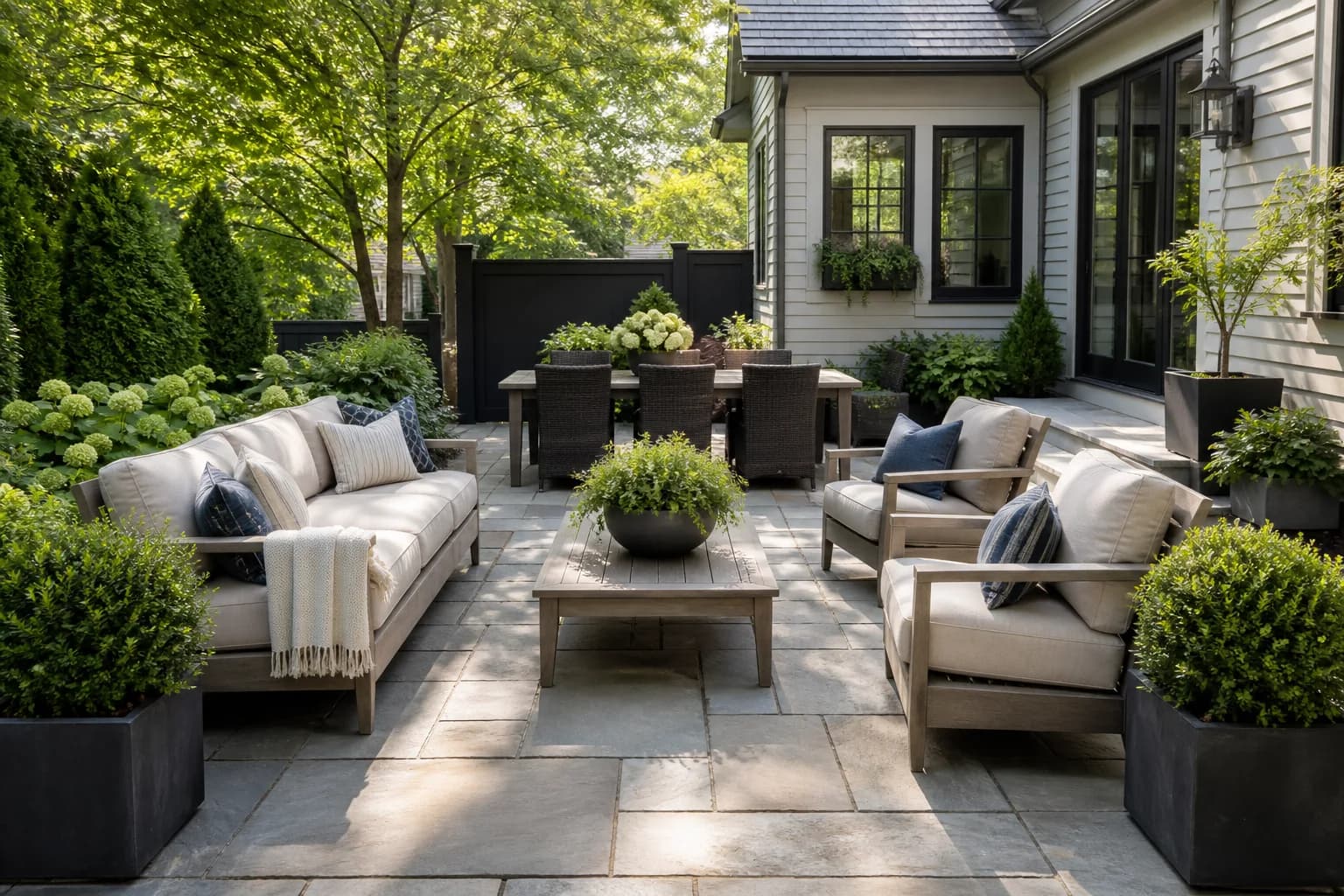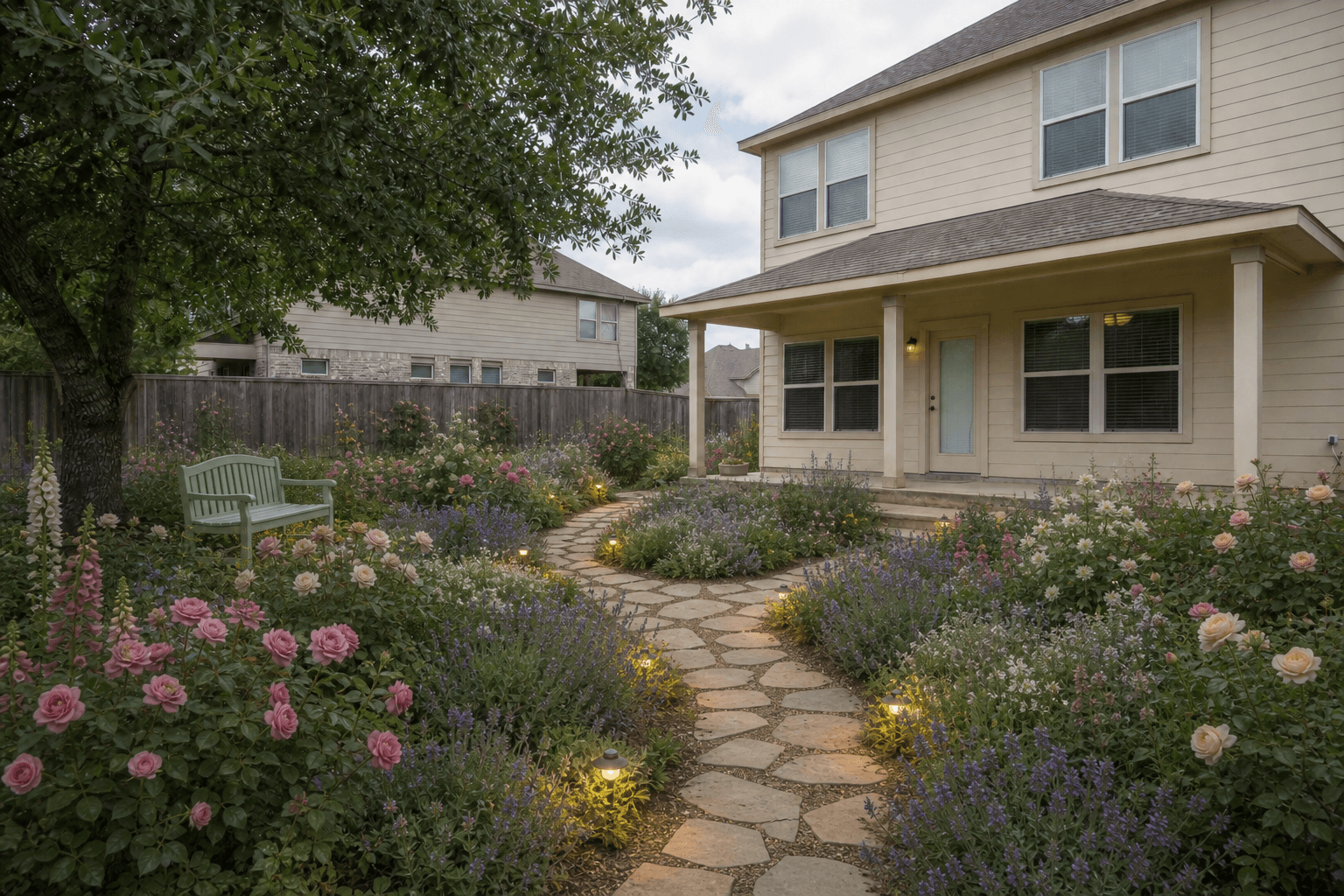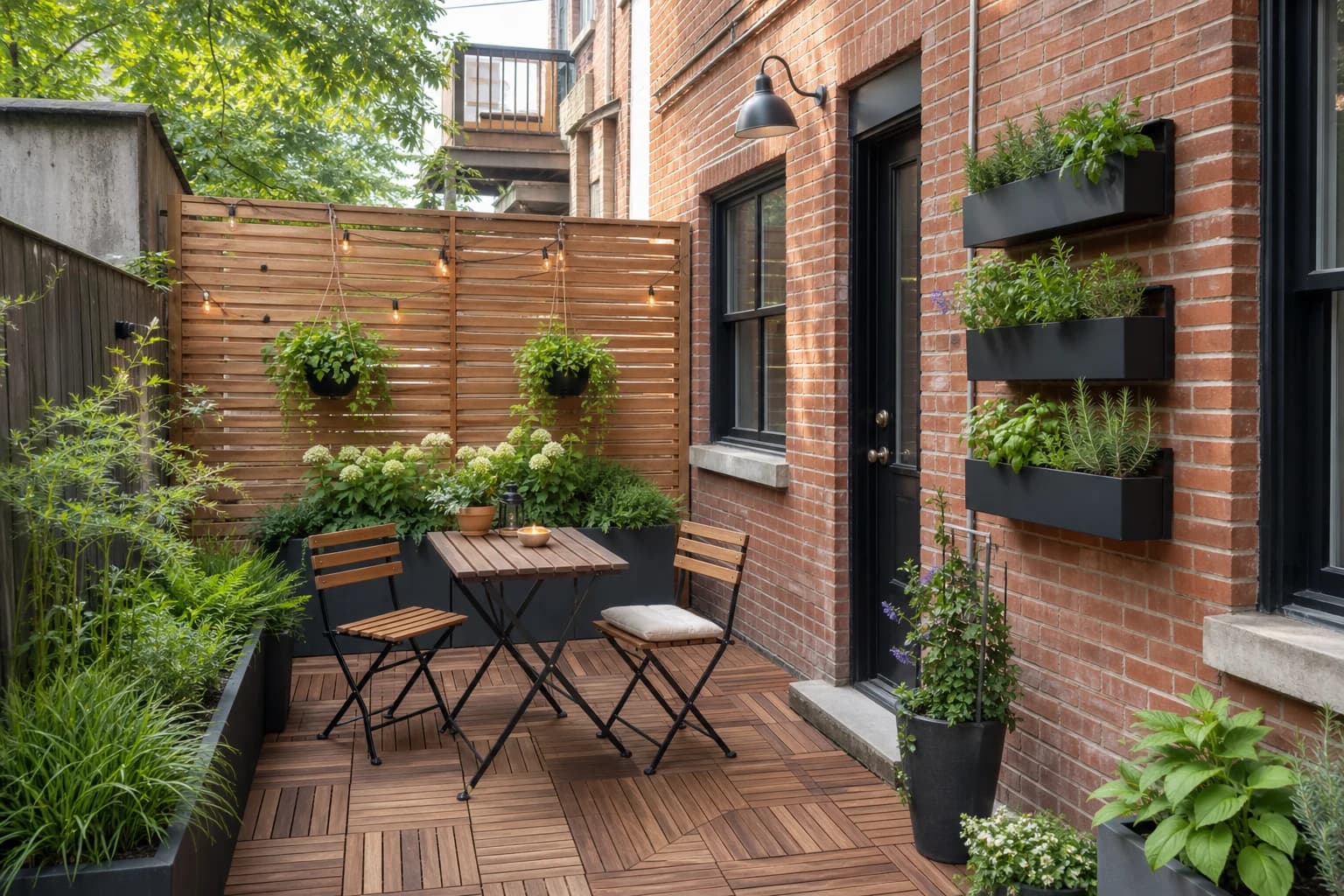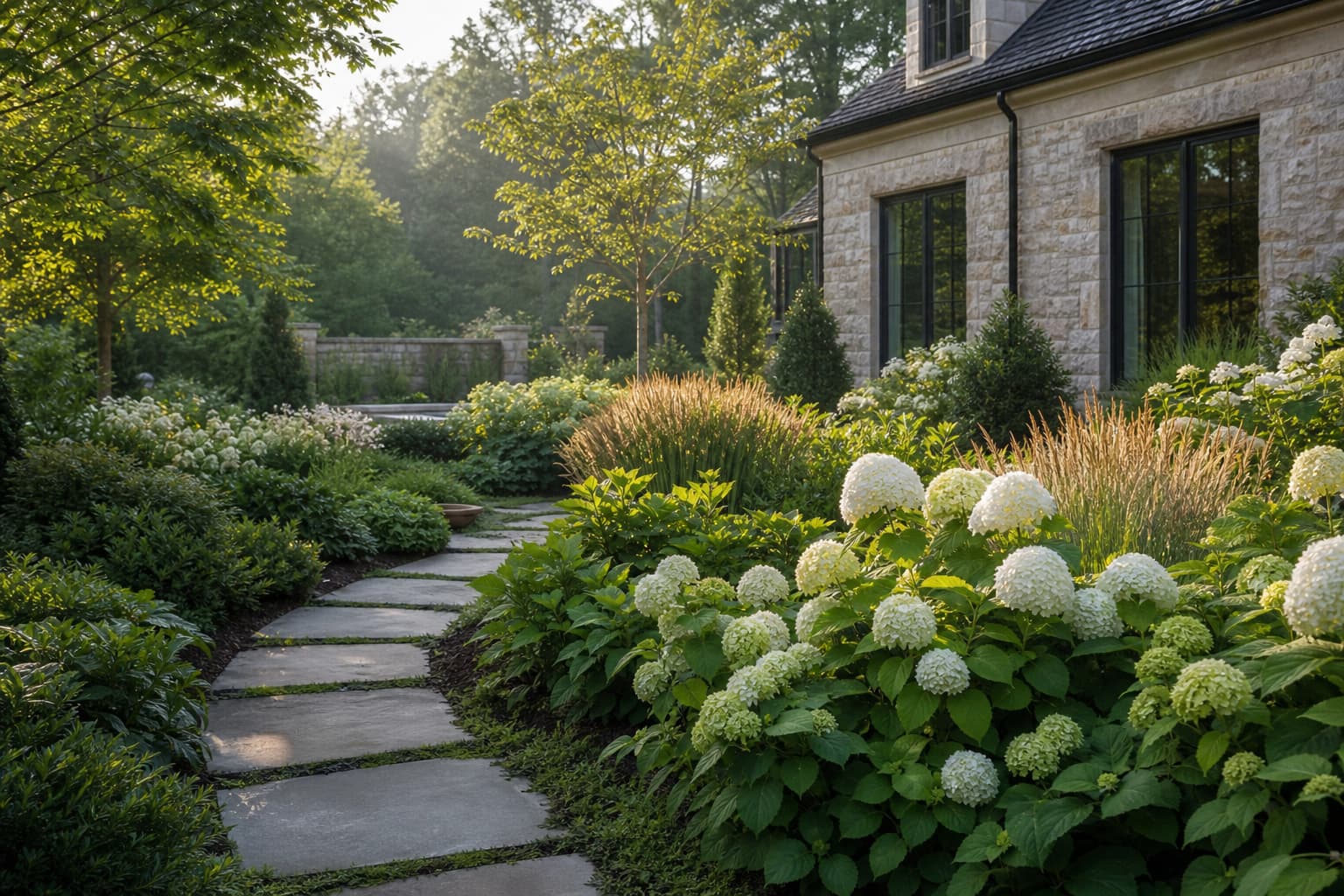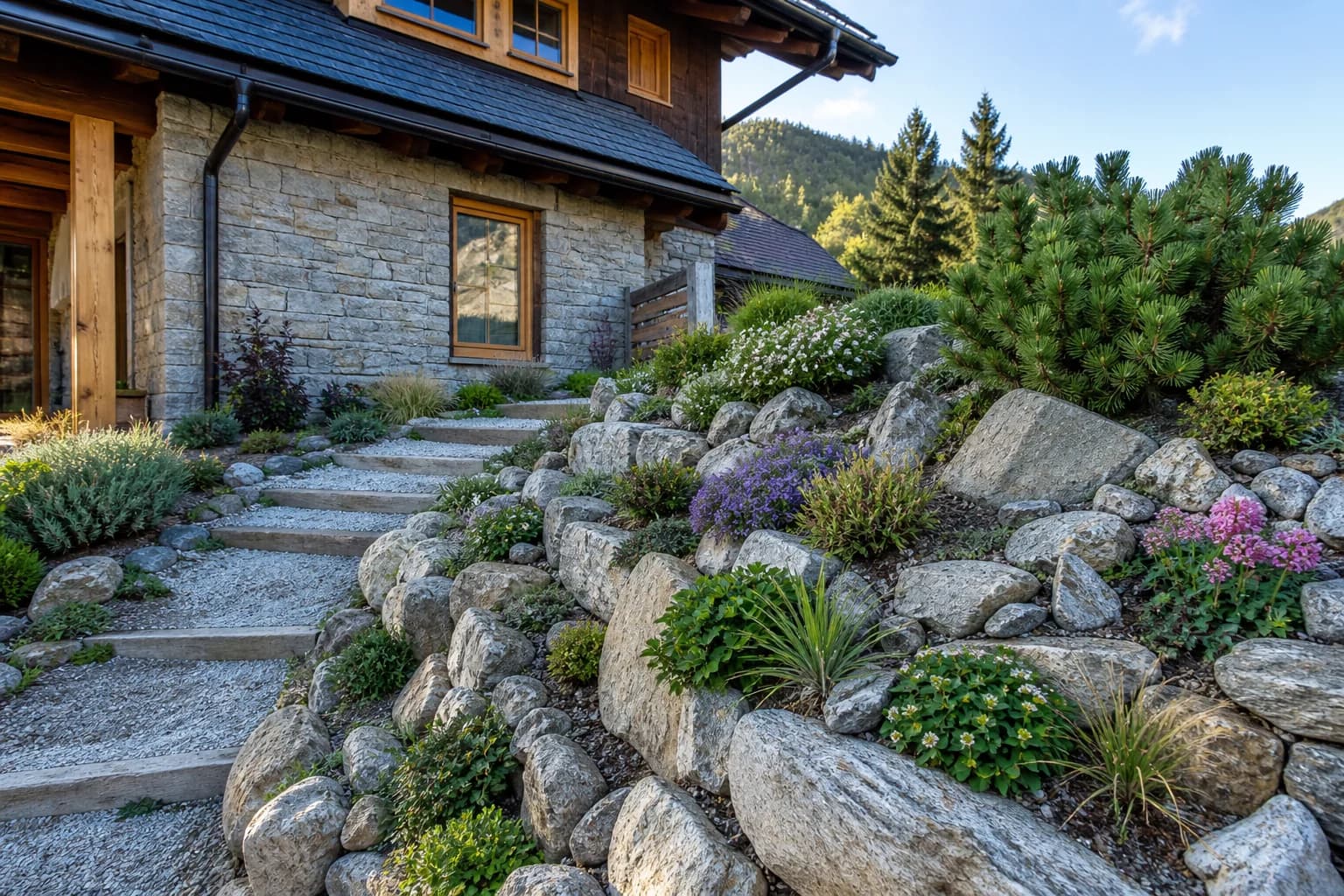
20 Small Backyard Landscaping Ideas for Privacy and Low Maintenance
Start with privacy, seating, and upkeep, then choose among 20 practical ideas for families, pets, shade, growing food, and sloped sites.
Ideas and practical guides
Plan yards, balconies, and gardens with clearer steps that start from real photos.
Start with privacy, seating, and upkeep, then choose among 20 practical ideas for families, pets, shade, growing food, and sloped sites.
42 articles
Privacy works best when it blocks one unwanted view while preserving light, air, access, and the parts of the yard you like.
A fire pit works when the surface, chairs, route, smoke, storage, and extinguishing access form one coherent outdoor room.
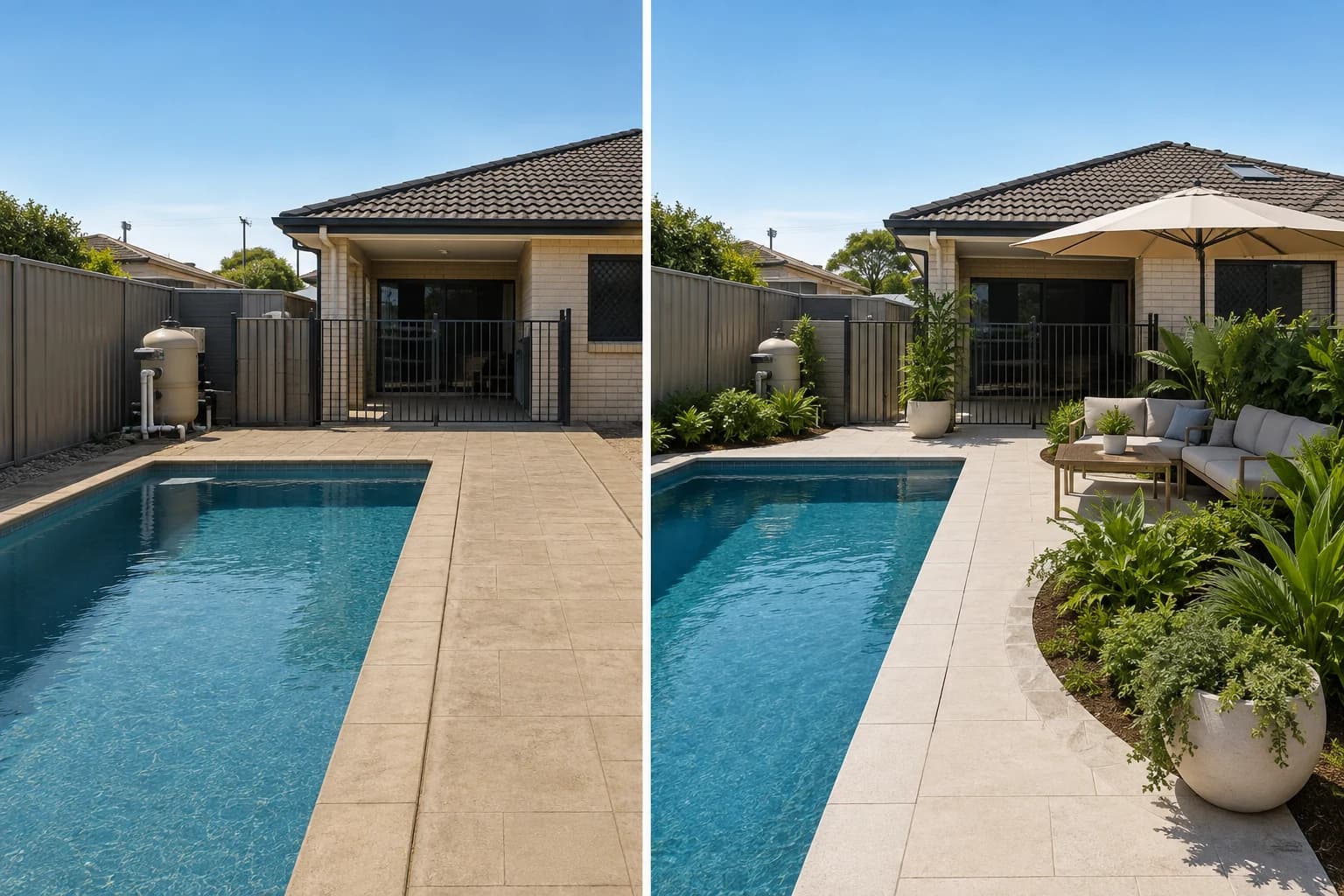
The best pool landscape protects access and supervision first, then reduces glare, debris, heat, clutter, and maintenance around the water.
Some apps make one polished image, some place plants, and others handle dimensions or proposals. Choose the job before uploading your yard.
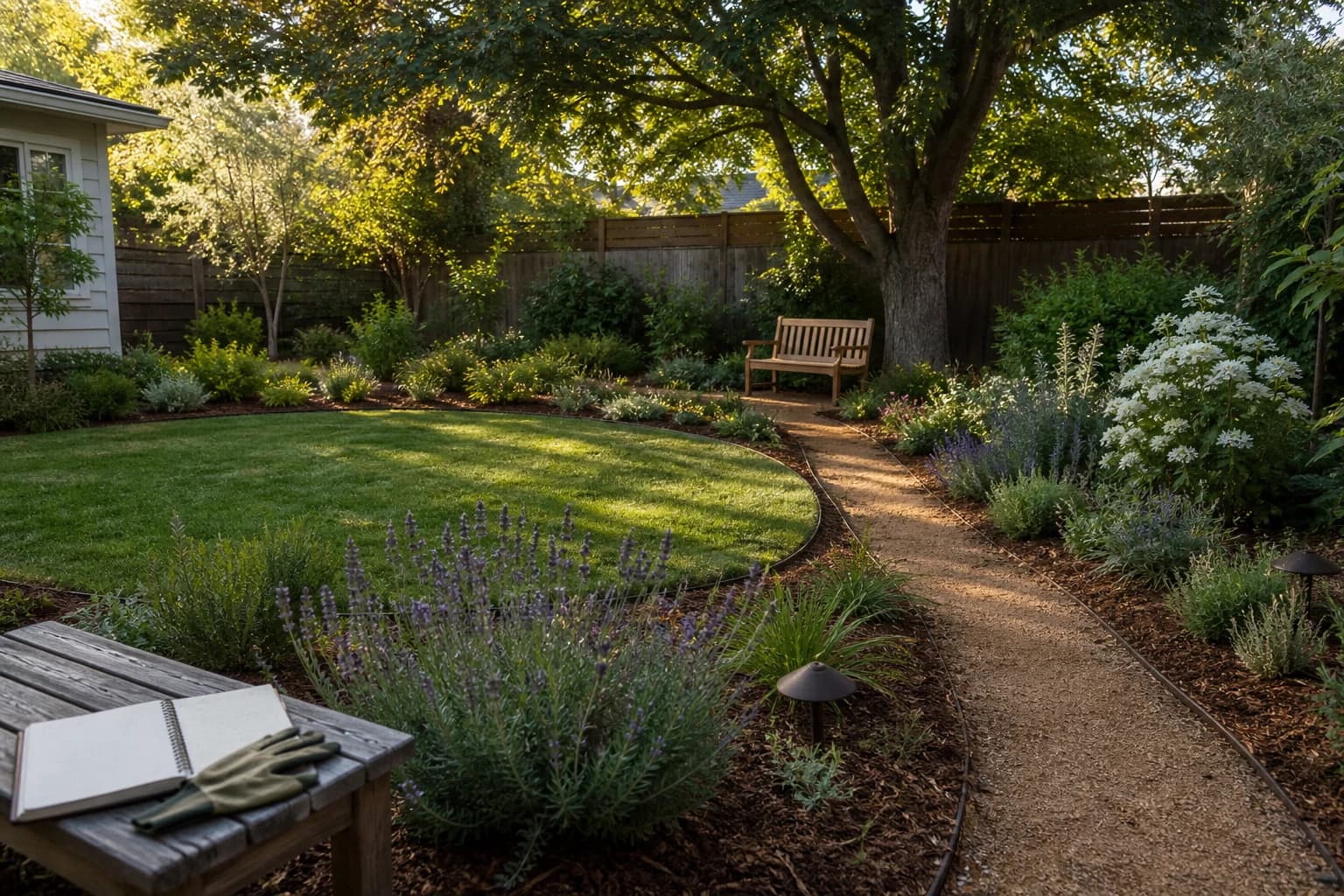
Low maintenance is not paving everything. It means making every recurring job smaller, closer, and easier.
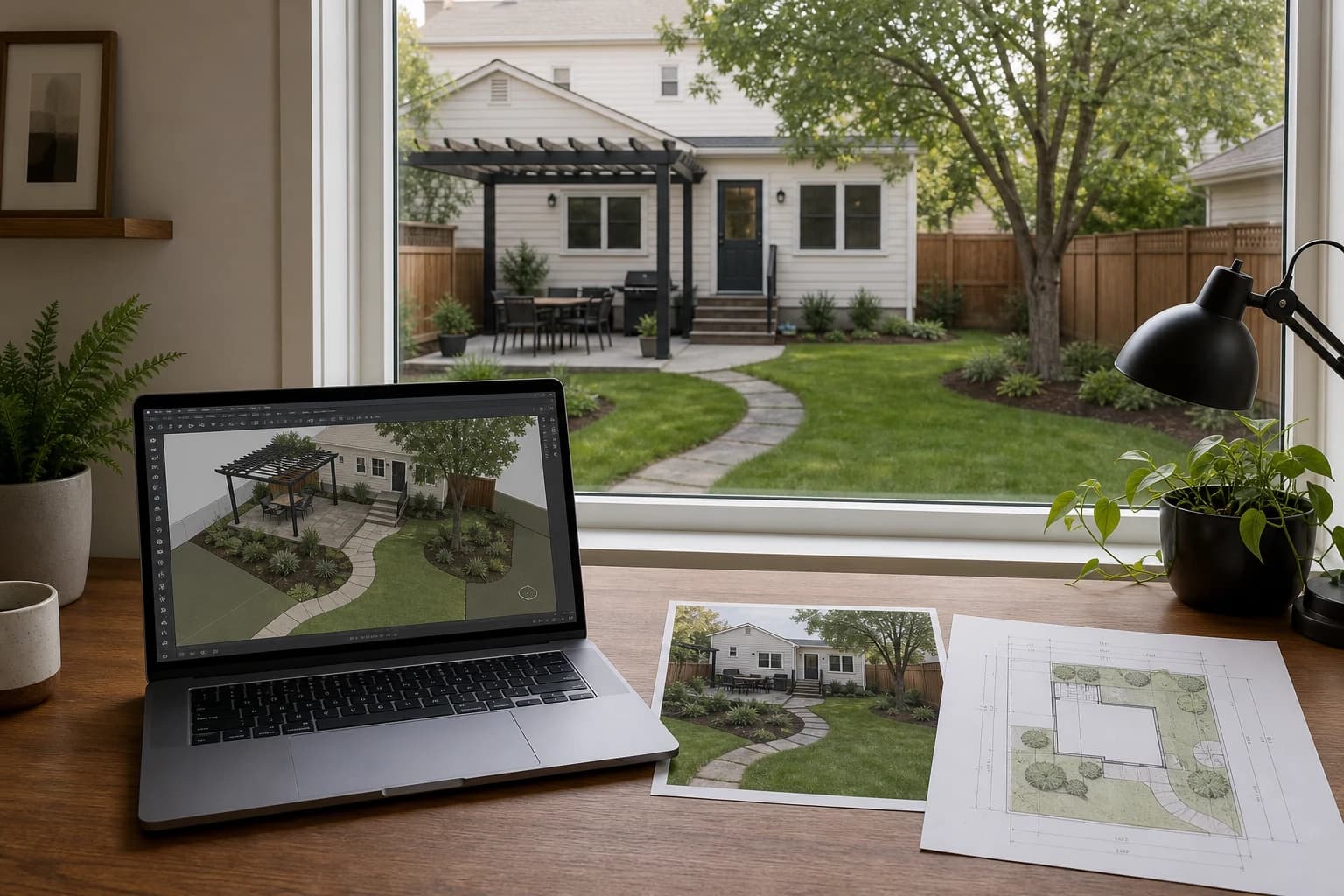
3D earns its keep when height, slope, occlusion, or sightlines change the decision—not merely when the image looks more polished.
Decide whether you need to preview a direction on your patio photo, fit furniture to scale, or prepare a professional proposal. Each job needs a different tool.
If a tool does not preserve your house, fence, steps, and walkway, the result is inspiration—not a plan. Start by checking how it uses your real photo.
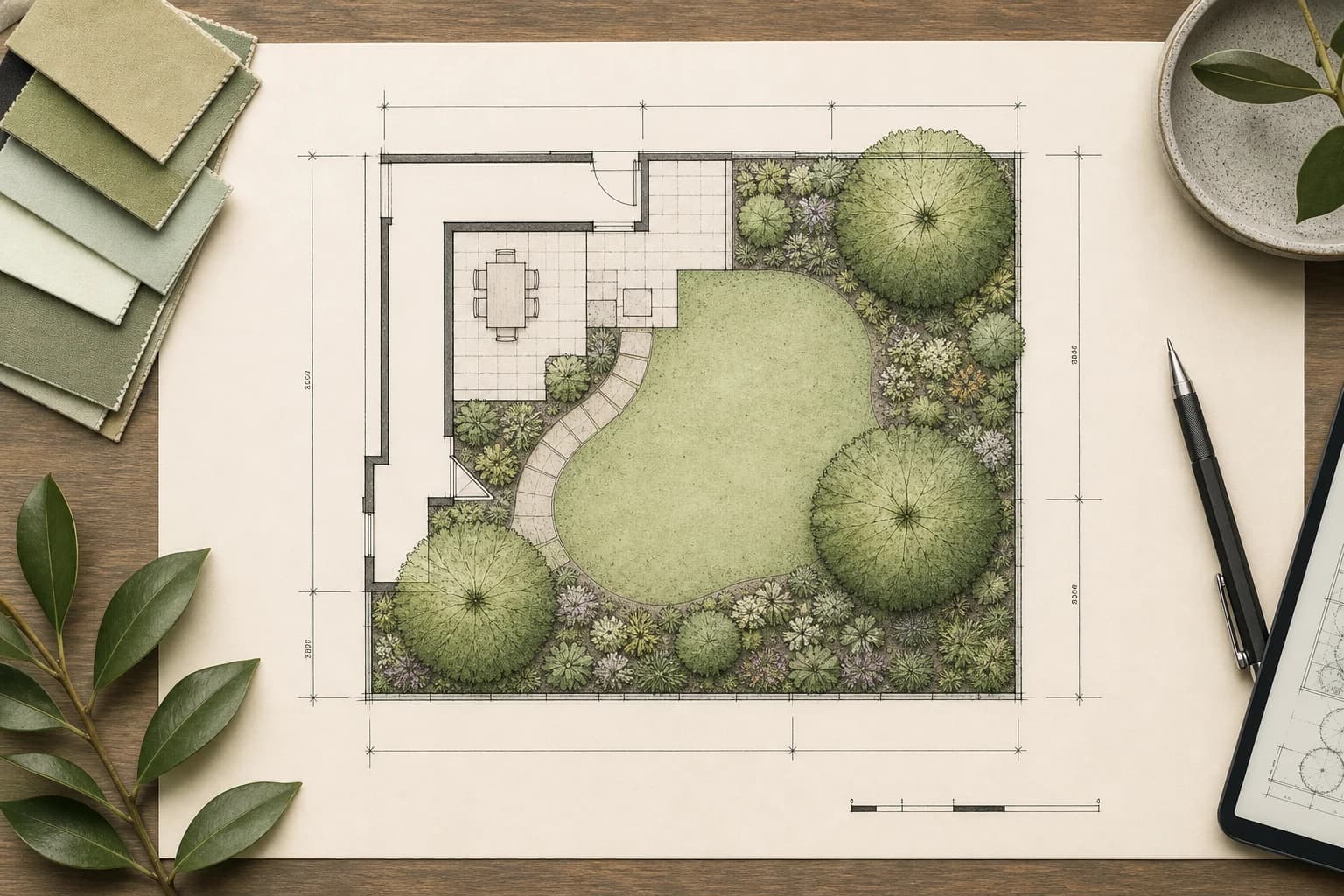
A polished top view is not necessarily a handoff-ready plan. Check scale, dimensions, layers, and export before choosing a 2D landscape tool.
Open source does not mean landscape-specific or beginner-friendly. Choose by the output you need: a measured plan, a 3D object, site analysis, or a photo concept.
Professional landscape software is more than dragging plants onto a canvas. Choose by the deliverable: a measured plan, site analysis, 3D model, or client-ready concept.
A lot of landscape CAD starts with Windows. On a Mac, first decide whether you need a native app, a browser tool, or a Windows-only workflow.
AI photo tools help you compare visual directions; 2D/3D planners help you place measured objects. Here is where each fits—and where neither replaces site work.
No lawn does not mean no maintenance. Compare 15 practical front-yard directions, what each one requires, and the site checks to complete before building.
We applied one keep-list and evaluation rubric to eight residential-yard directions, then separated a strong visual response from the dimensions and site facts an image cannot prove.
Turn “make my backyard modern” into a useful brief with site facts, a keep list, one job, design direction, constraints, and a defined output.
AI can help choose a direction, but doors, dimensions, drainage, plants, and costs can all look plausible while being wrong.
“Free” may mean open source, personal noncommercial use, a capped starter plan, or expiring welcome credits. Choose by job, then inspect the limit.
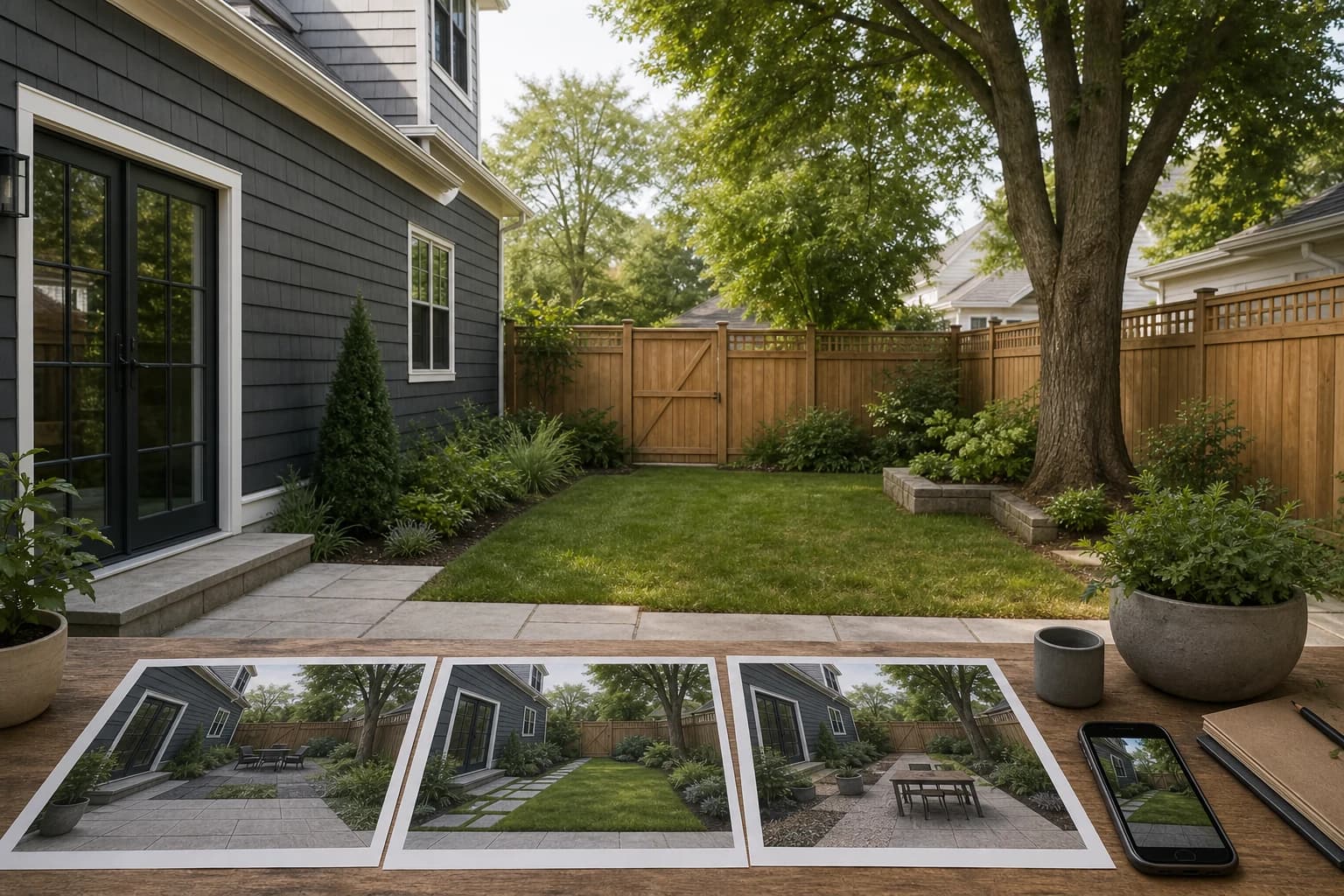
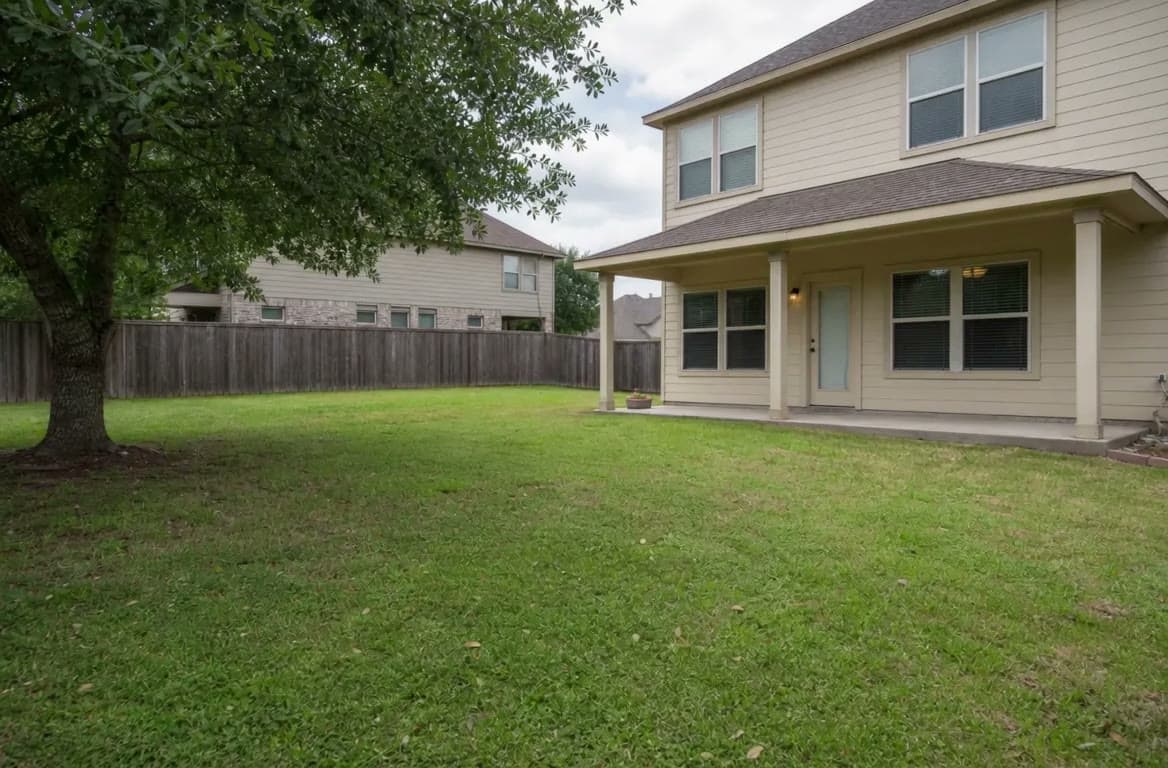
Most yard makeovers stall because the photos are incomplete. Capture four key angles first, then choose style and budget with fewer surprises.
Balcony projects often overspend on furniture. Start with flooring, vertical greenery, and lighting—the three high-impact moves that improve daily comfort fastest.
Mature trees, stable edges, and working hardscape are often worth more than a brand-new concept. Decide what to keep first, then redesign around it.
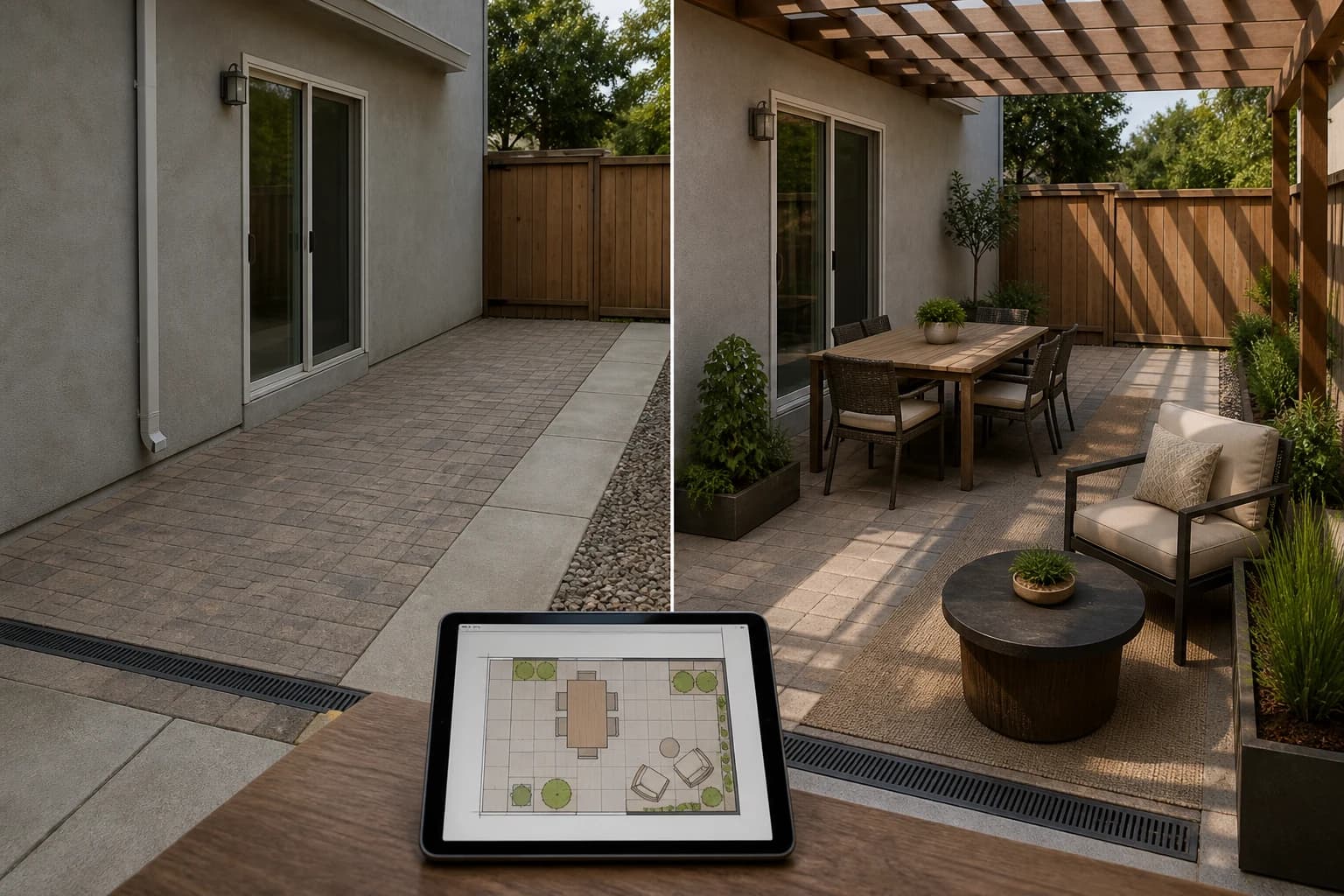
A small patio works when every chair earns its footprint and the route from the house stays clear. These 17 directions start with use—not accessories.
A side yard is often a working corridor before it is a garden. These 15 ideas begin with gates, bins, HVAC, downspouts, shade, and carrying width—then add beauty around them.
A slope is not empty space waiting to be flattened. These 15 directions show how to work visually with the grade while separating inspiration from retaining-wall, drainage, and structural decisions.
About GardenGPT Common questions on our garden design guides
The blog explains how to shoot, choose, and preserve. The workspace lets you upload photos and compare styles right away.
No. A wide phone shot plus entry, corner, and detail photos is usually enough to start.
Yes. Guides cover yards, balconies, and keep-what-works renovations so the advice matches the scale of your space.